Camtasia vs Microsoft Clipchamp
Two video editors tools side by side: pricing, free plans, features and who each one suits.

#49 in Video editors
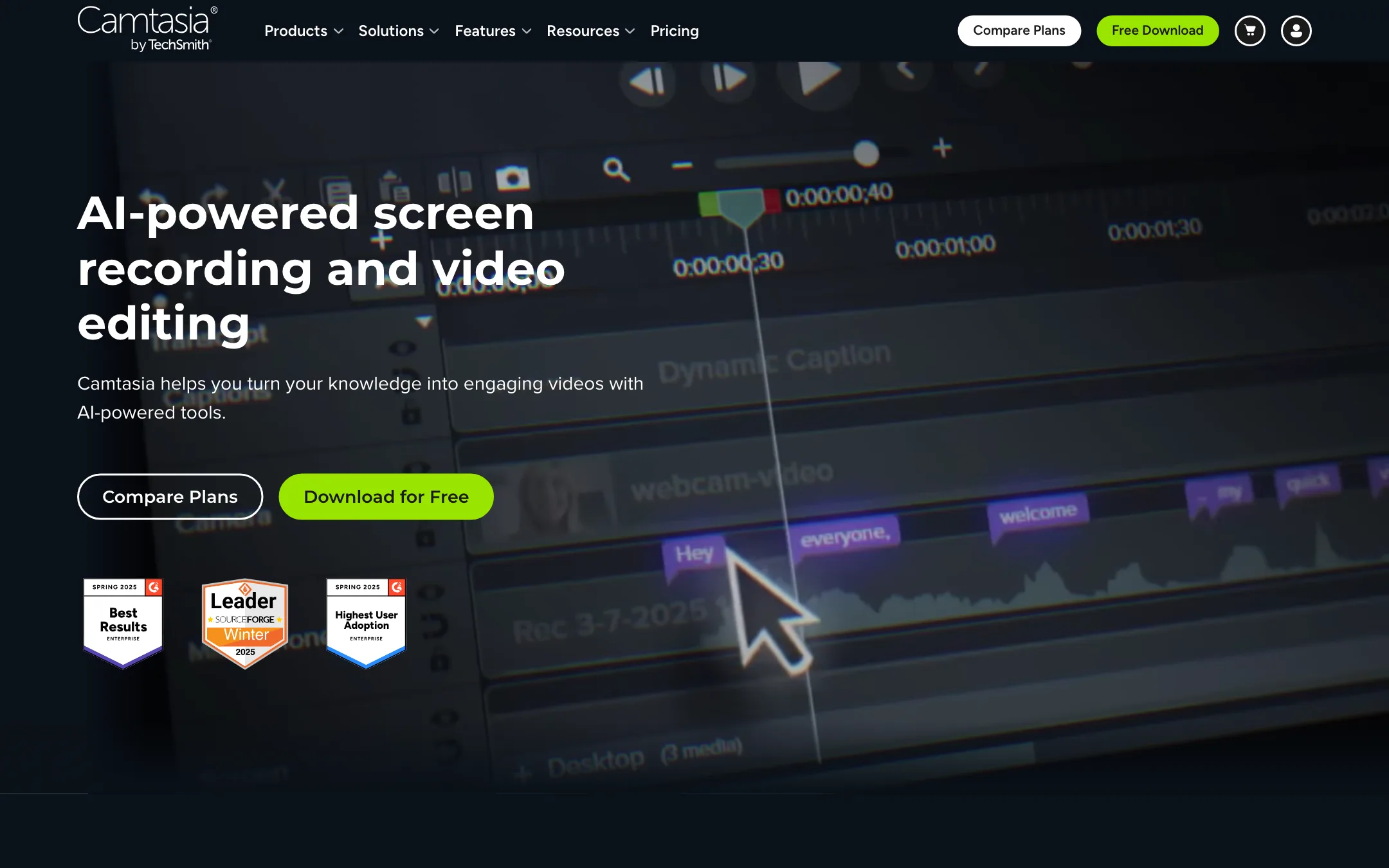
TechSmith's screen recorder and video editor for tutorials and training, now bundled with Audiate for text-based editing, AI scripts, voiceovers, avatars and dubbing
Best for: Trainers, educators, support teams and YouTube tutorial makers who record their screen and want polished, editable how-to videos with captions and AI narration.
#17 in Video editors
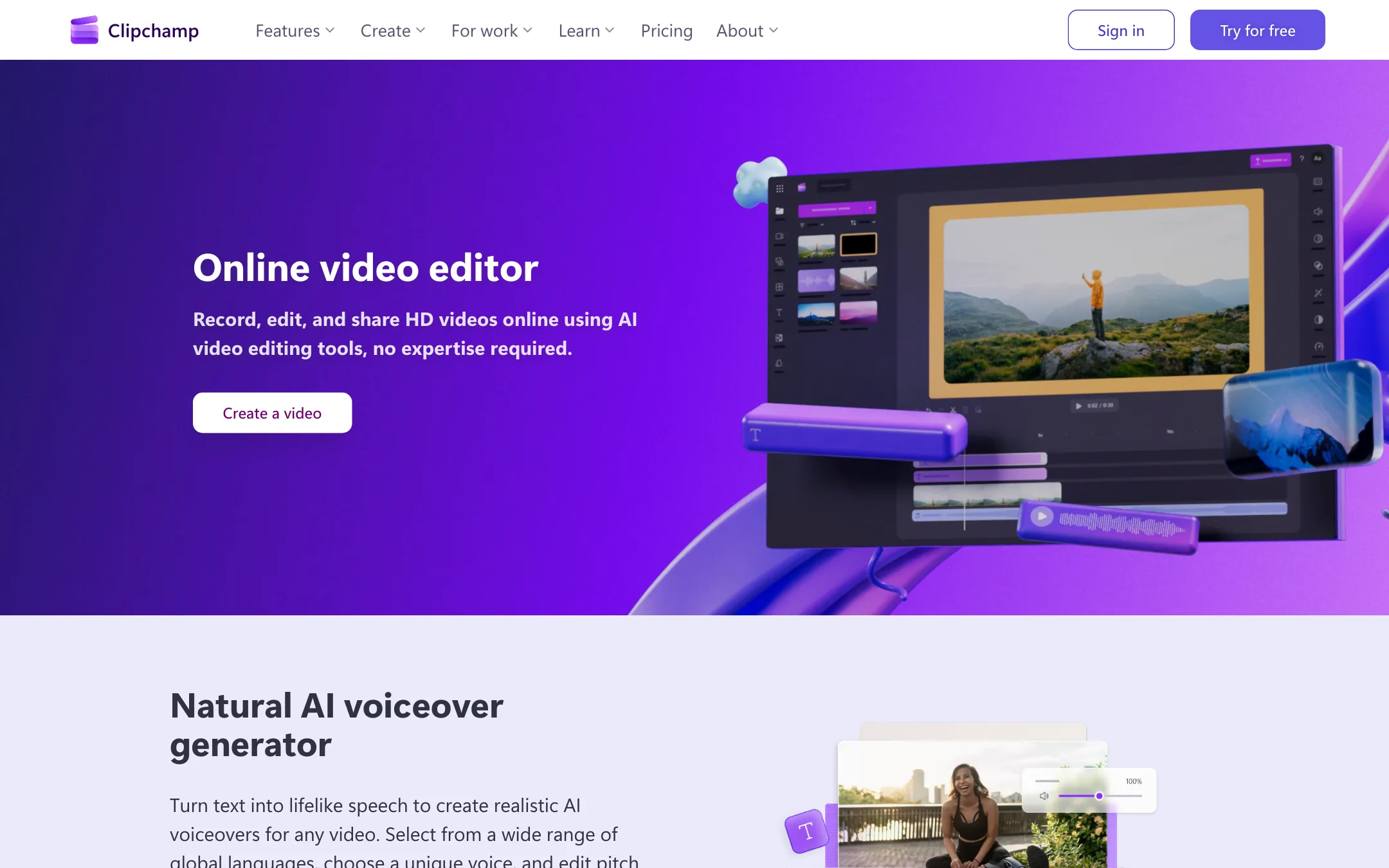
Microsoft's free browser and Windows video editor with AI captions in 80+ languages, text to speech, silence removal and watermark-free 1080p exports
Best for: Beginners, students, small businesses and Windows users who want a free, no-watermark editor for simple social, tutorial and screen-recording videos.
Camtasia or Microsoft Clipchamp?
Camtasia is a paid tool for people whose job is screen-based training. Clipchamp is a free general editor that happens to include a recorder. If you make the odd tutorial or social clip, start with Clipchamp. If you build courses every week, Camtasia’s recording and LMS tools earn their price.
What each one is built for
Camtasia records your screen, webcam, mic and system audio as separate layers and keeps the cursor as its own data. That means you can tidy up a shaky mouse path or enlarge the pointer after the fact, which Clipchamp cannot do. Add text-based editing through Audiate, quizzes and SCORM export, and it fits trainers who publish to a learning platform. It runs offline on Windows and Mac.
Clipchamp is a plain timeline in the browser or the Windows 11 app. AI captions, text to speech and silence removal all come free, and exports have no watermark. Its recorder handles a basic screen and webcam capture. Mac users get the browser version only.
What it costs at typical use
Take a solo trainer making four narrated, captioned tutorials a month.
- Clipchamp: $0. The free plan already covers 1080p exports, captions and AI voiceover. If you want 4K or a brand kit, Microsoft 365 Personal is $99.99 a year, and you get Office and OneDrive with it.
- Camtasia: Essentials at $179.88 a year removes the watermark and adds captions, but AI voices need Create at $249 a year. Avatars and dubbing push you to Pro at $599 a year.
Over three years that is $747 for Camtasia Create against $0 to about $300 for Clipchamp. Camtasia only bills yearly for individuals, though it offers a 14-day refund. Both let you try the full editor free; Camtasia just watermarks every free export.
The gap closes if you need SCORM, quizzes or cursor edits. Clipchamp has none of those at any price.
Which to pick
- Pick Camtasia if you sell or deliver training, publish to an LMS, or record software demos where clean cursor work matters. See the Camtasia review.
- Pick Clipchamp if you want a free editor with no watermark for occasional tutorials, school projects or social posts, and 1080p is enough. See the Clipchamp review.
Specs side by side
| Camtasia | Microsoft Clipchamp | |
|---|---|---|
| Starting price | From $14.99/mo | From $8.33/mo |
| Free tier | ||
| Pricing | Free Camtasia Editor download with watermarked exports. Full editing from $179.88/yr (Essentials); AI voices from $249/yr, avatars and dubbing at $599/yr. | Free with a personal Microsoft account, no watermark, exports up to 1080p. Premium (4K, premium stock, brand kit) comes with Microsoft 365 Personal from $99.99/yr. |
| Platforms | Windows, Mac, Web | Web, Windows |
| Best for | Trainers, educators, support teams and YouTube tutorial makers who record their screen and want polished, editable how-to videos with captions and AI narration. | Beginners, students, small businesses and Windows users who want a free, no-watermark editor for simple social, tutorial and screen-recording videos. |
| Last checked | 2026-10-21 | 2026-10-21 |
Pricing
Camtasia
Free Camtasia Editor download with watermarked exports. Full editing from $179.88/yr (Essentials); AI voices from $249/yr, avatars and dubbing at $599/yr.
- Free downloadFree
- Starter$39/yr
- Essentials$179.88/yr
- Create$249/yr
- Pro$599/yr
- Teams and educationContact sales
Microsoft Clipchamp
Free with a personal Microsoft account, no watermark, exports up to 1080p. Premium (4K, premium stock, brand kit) comes with Microsoft 365 Personal from $99.99/yr.
- FreeFree
- Microsoft 365 Personal$99.99/yr · $9.99 monthly
- Microsoft 365 Family$129.99/yr · $12.99 monthly
- Microsoft 365 Premium$199.99/yr · $19.99 monthly
- Work and schoolVaries
Key features
Camtasia
- Multitrack recording of screen, camera, microphone and system audio as separate layers, up to 4K at 60fps
- Cursor data captured separately so you can smooth, enlarge or re-path the cursor after recording
- Drag-and-drop timeline with zooms, callouts, annotations, transitions and themes
- Text-based editing through Audiate, where deleting a word cuts the video
- Automatic filler word and hesitation removal
- Captions, closed captions and subtitle export
- AI script writing, 200+ AI voices and voice mood, speed and accent controls on Create
- AI avatars, script translation and audio dubbing into 7 languages on Pro
- AI background removal and background noise removal
- Quizzes and SCORM export for learning platforms
- Snagit for screenshots and step-by-step guides, Screencast for hosting and review
- Camtasia Online for browser recording and simple edits at 1080p
Microsoft Clipchamp
- Browser-based timeline editor, plus a Windows app built into Windows 11
- AI autocaptions in 80+ languages with an editable transcript and SRT download
- AI text to speech with 400 voices in 80 languages, pitch and pace control
- AI audio cleanup, including noise removal, silence removal and filler-word removal
- Auto compose, which turns your photos and clips into a first-draft video
- Screen, webcam and voice recorder in the browser
- Royalty-free stock video, images, music, stickers, GIFs and sound effects
- Templates for YouTube, TikTok, Instagram Reels, slideshows and promos
- Exports at 480p, 720p, 1080p, 4K (premium), GIF or audio only
- Direct sharing to OneDrive, Google Drive, YouTube, TikTok, Dropbox and LinkedIn
Strengths and weaknesses
Camtasia
- Best-in-class screen recording with editable cursor, camera and audio tracks
- Free editor download lets you test the full workflow before paying
- Text-based editing and filler word removal save a lot of time on narrated tutorials
- TechSmith says AI generation is unlimited, with no credits to track
- Quizzes and SCORM export make it a natural fit for training teams
- Runs offline on Windows and Mac, with each license usable on two devices
- Every free export carries a watermark
- AI voices need Create, and avatars, dubbing and translation need the $599 Pro plan
- Yearly billing only for individuals, with no monthly option shown
- Unlimited AI is subject to an excessive-use clause in the terms
- ElevenLabs premium voices are only included when you buy from TechSmith's own store, not from resellers
- Not designed for cinematic, music video or short-form social editing
Microsoft Clipchamp
- Free exports have no watermark and go up to 1080p
- AI captions, AI voiceover and auto compose are free on the free plan
- Nothing to install if you have a modern browser, and it ships with Windows 11
- Clean, simple timeline that suits people who have never edited before
- Built-in screen and webcam recorder for tutorials and demos
- Premium is cheap if you already pay for Microsoft 365
- Premium is only sold inside Microsoft 365, so you pay for Office apps you may not need
- 4K export, premium stock and the brand kit are locked behind Microsoft 365
- No AI clipping of long videos into shorts, unlike dedicated clip makers
- No native Mac or mobile app; Mac users work in the browser
- Prompt-to-video creation with Copilot is for work accounts only
- Microsoft says it can limit transcription and translation to curb heavy use
- No affiliate program and no public pricing page of its own
Try Camtasia
Free Camtasia Editor download with watermarked exports. Full editing from $179.88/yr (Essentials); AI voices from $249/yr, avatars and dubbing at $599/yr.
Try Microsoft Clipchamp
Free with a personal Microsoft account, no watermark, exports up to 1080p. Premium (4K, premium stock, brand kit) comes with Microsoft 365 Personal from $99.99/yr.