AutoCut vs FireCut
Two video editors tools side by side: pricing, free plans, features and who each one suits.
#5 in Video editors
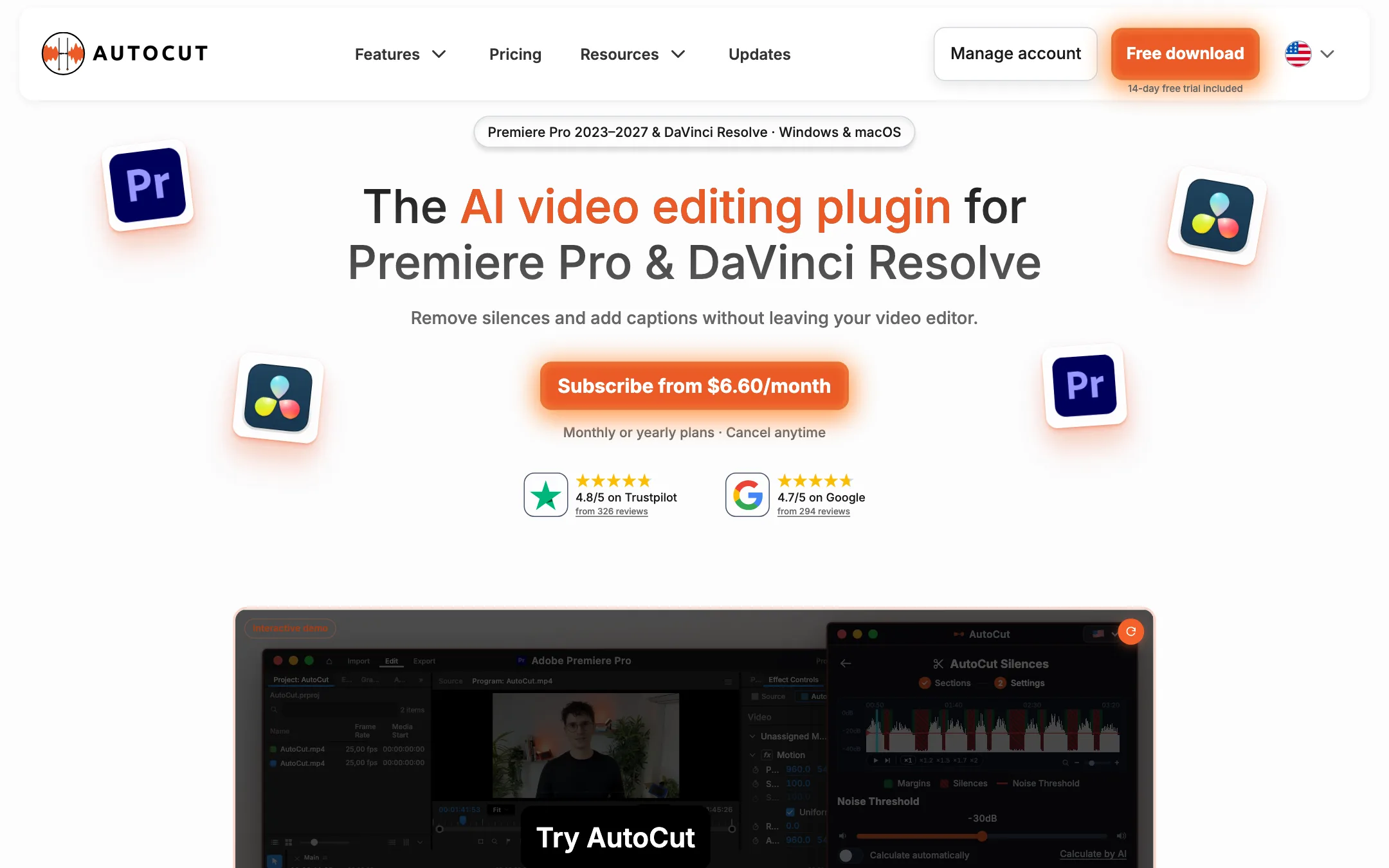
An AI editing plugin for Premiere Pro and DaVinci Resolve that cuts silences and bad takes, adds animated captions, zooms, B-roll and camera switches inside your own timeline
Best for: Editors who already work in Premiere Pro or DaVinci Resolve and want silence cuts, captions, zooms and multicam switches done automatically on their own timeline.

#12 in Video editors
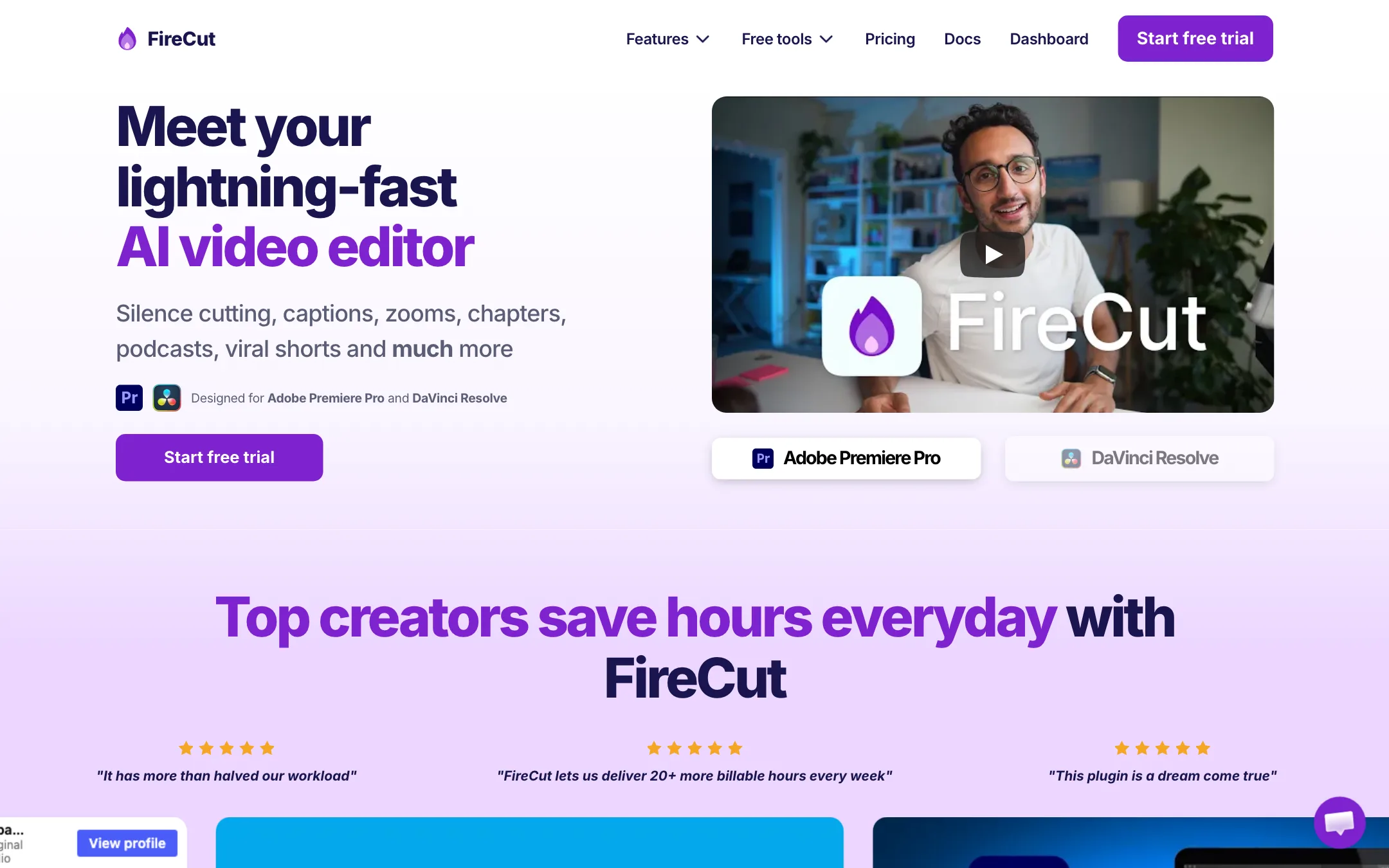
An AI editing plugin for Premiere Pro and DaVinci Resolve that cuts silences, adds captions, zooms, chapters and B-roll inside the editor you already use
Best for: Editors and YouTubers who already cut in Premiere Pro or DaVinci Resolve and want the boring first pass (silences, fillers, captions, zooms) done for them.
AutoCut or FireCut?
AutoCut and FireCut do the same job. Both live inside Premiere Pro or DaVinci Resolve and take the dull first pass off your hands. The real split is how they bill: AutoCut is a flat fee with no usage meter, while FireCut gives you a monthly budget of processing hours. If you cut a lot of long footage, AutoCut is the safer default.
What each one is built for
Both target YouTubers and podcast editors who already own an editor and know how to check an automatic cut. AutoCut puts everything on one plan: captions, multicam switching, zooms, clip scoring, chapters, B-roll and repeated-take removal. It also says every feature runs on the free version of Resolve.
FireCut has a few things AutoCut does not list. You can review each silence cut before it lands, background music comes with Pro, and Max adds AI voiceover and Magic cut for building a first edit from raw takes. FireCut Shorts, a separate browser app with a free tier, covers clips when you are away from your editor.
Both tie a license to one computer at a time.
What it costs at typical use
Assume two one-hour podcast episodes a week, so about 8 hours of footage a month, and you want captions, zooms and chapters on each.
- AutoCut: the AI Plan is $14.90 a month billed yearly or $19.80 monthly. There is no meter, so the bill stays the same if you double your output.
- FireCut: Pro is $20 a month yearly or $34 monthly with 25 hours. Every feature pass counts against the same pool, so three passes over 8 hours uses about 24 hours. That fits with almost no room. Add a third weekly episode or B-roll passes and you need Max at $34 yearly or $44 monthly.
If silence removal is all you want, AutoCut Basic ($6.60 a month yearly) also undercuts FireCut Starter ($10).
AutoCut’s trial runs 14 days with every feature and no card. FireCut’s runs 7.
Which to pick
- Pick AutoCut if you process many hours a month, want one predictable price, or edit in Resolve Free. Read the AutoCut review.
- Pick FireCut if you want to approve cuts before they apply, would use Magic cut or bundled music, or want a browser shorts tool on the side. Read the FireCut review.
Specs side by side
| AutoCut | FireCut | |
|---|---|---|
| Starting price | From $6.6/mo | From $10/mo |
| Free tier | ||
| Pricing | 14-day free trial with all features, no card. Basic (silences only) from $6.60/mo yearly; the full AI plan from $14.90/mo yearly ($19.80 monthly). | 7-day free trial on the plugin. Starter from $10/mo billed yearly ($19 monthly). Browser-based FireCut Shorts has a free plan with a watermark. |
| Platforms | Windows, macOS, Premiere Pro, DaVinci Resolve | Premiere Pro plugin, DaVinci Resolve plugin, Web (FireCut Shorts) |
| Best for | Editors who already work in Premiere Pro or DaVinci Resolve and want silence cuts, captions, zooms and multicam switches done automatically on their own timeline. | Editors and YouTubers who already cut in Premiere Pro or DaVinci Resolve and want the boring first pass (silences, fillers, captions, zooms) done for them. |
| Last checked | 2026-10-21 | 2026-10-21 |
Pricing
AutoCut
14-day free trial with all features, no card. Basic (silences only) from $6.60/mo yearly; the full AI plan from $14.90/mo yearly ($19.80 monthly).
- Free trialFree for 14 days
- Basic$6.60/mo yearly ($79) · $9.90 monthly
- AI Plan$14.90/mo yearly ($178.80) · $19.80 monthly
- Enterprise$19.90/mo per license, billed yearly
FireCut
7-day free trial on the plugin. Starter from $10/mo billed yearly ($19 monthly). Browser-based FireCut Shorts has a free plan with a watermark.
- Starter$10/mo yearly · $19 monthly
- Pro$20/mo yearly · $34 monthly
- Max$34/mo yearly · $44 monthly
- TeamFrom $34/user/mo, billed monthly
- LifetimeOn request
- FireCut Shorts FreeFree
- FireCut Shorts$9.50/mo yearly (launch discount, list $19)
Key features
AutoCut
- AutoCut Silences removes dead air with a noise threshold, pace presets and J-cut or L-cut transitions
- AutoCaptions generates animated word-by-word captions in 80+ languages, with a new Advanced Mode in beta for Premiere Pro
- AutoCut Podcast and AutoCut Angles switch camera angles automatically based on who is speaking, silences, emotion or transcript
- AutoZoom adds timed zooms to talking-head footage without manual keyframes
- AutoViral finds strong moments in a long video and scores them as short clip candidates
- AutoB-Rolls places AI images or Storyblocks stock footage on your timeline
- AutoCut Repeat detects repeated takes and keeps the best one
- AutoProfanity Filter bleeps, mutes or removes swear words
- AutoChapters writes YouTube chapters with timestamps
- AutoResize reframes sequences for vertical and square formats
FireCut
- Silence removal with a one-click Basic mode and an Advanced mode where you review each cut
- Filler word, repetition and profanity removal from the transcript
- Animated styled captions or plain caption tracks in 50+ languages, with SRT and VTT export
- Automatic zoom cuts, titles and YouTube chapter detection
- Create highlights, which marks short-form moments and reframes them to 9:16
- Multi-track podcast editing that switches camera to the loudest speaker
- Stock B-roll from Storyblocks and background music, included in Pro and Max
- Magic cut and script guidance that assemble a first edit from raw talking-head takes (Max)
- Workflows that chain several features into one click (Max)
- FireCut Shorts, a separate browser app for making clips without an editor
Strengths and weaknesses
AutoCut
- Works inside Premiere Pro and DaVinci Resolve, so there is no export and re-import
- Supports the free version of DaVinci Resolve, not just Studio
- 14-day trial includes every feature and needs no card
- Basic plan is cheap if you only need silence removal
- No video length or usage limit on normal editing, per AutoCut's FAQ
- Frequent updates, with a public changelog showing new features every few weeks
- No free plan after the trial
- You need Premiere Pro or DaVinci Resolve already, plus enough editing skill to review its cuts
- Basic covers silence removal only; captions, zooms and clips all need the AI Plan
- One license works on one computer at a time
- Captions Advanced Mode is a Premiere Pro beta, so Resolve users get the simpler caption mode for now
- Yearly savings are stated as "up to 33%" on the toggle and "up to 25%" in the FAQ; the real figure depends on the plan
FireCut
- Works inside Premiere Pro and DaVinci Resolve, so your project stays in your own timeline
- Silence cutting is unlimited on every plan
- Advanced modes let you review cuts before they are applied
- Stock B-roll and music licences are included, not an extra subscription
- Yearly billing nearly halves the monthly price
- Detailed public docs for each feature
- Useless unless you already own Premiere Pro or DaVinci Resolve (Resolve is free, Premiere is not)
- Starter is silence cutting only; captions and most AI tools start at Pro
- Processing hours are shared across all AI features, so captions and B-roll eat the same budget
- One license works on one device at a time
- Affiliate commission rate and lifetime price are not published
- Non-English captions are labelled experimental in FireCut's own docs
Try AutoCut
14-day free trial with all features, no card. Basic (silences only) from $6.60/mo yearly; the full AI plan from $14.90/mo yearly ($19.80 monthly).
Try FireCut
7-day free trial on the plugin. Starter from $10/mo billed yearly ($19 monthly). Browser-based FireCut Shorts has a free plan with a watermark.