AutoCaption vs Checksub
Two captions and subtitles tools side by side: pricing, free plans, features and who each one suits.
Some links on this page are affiliate links. If you buy through them we may earn a commission at no extra cost to you. Read our disclosure.

#3 of 81 in Captions and subtitles
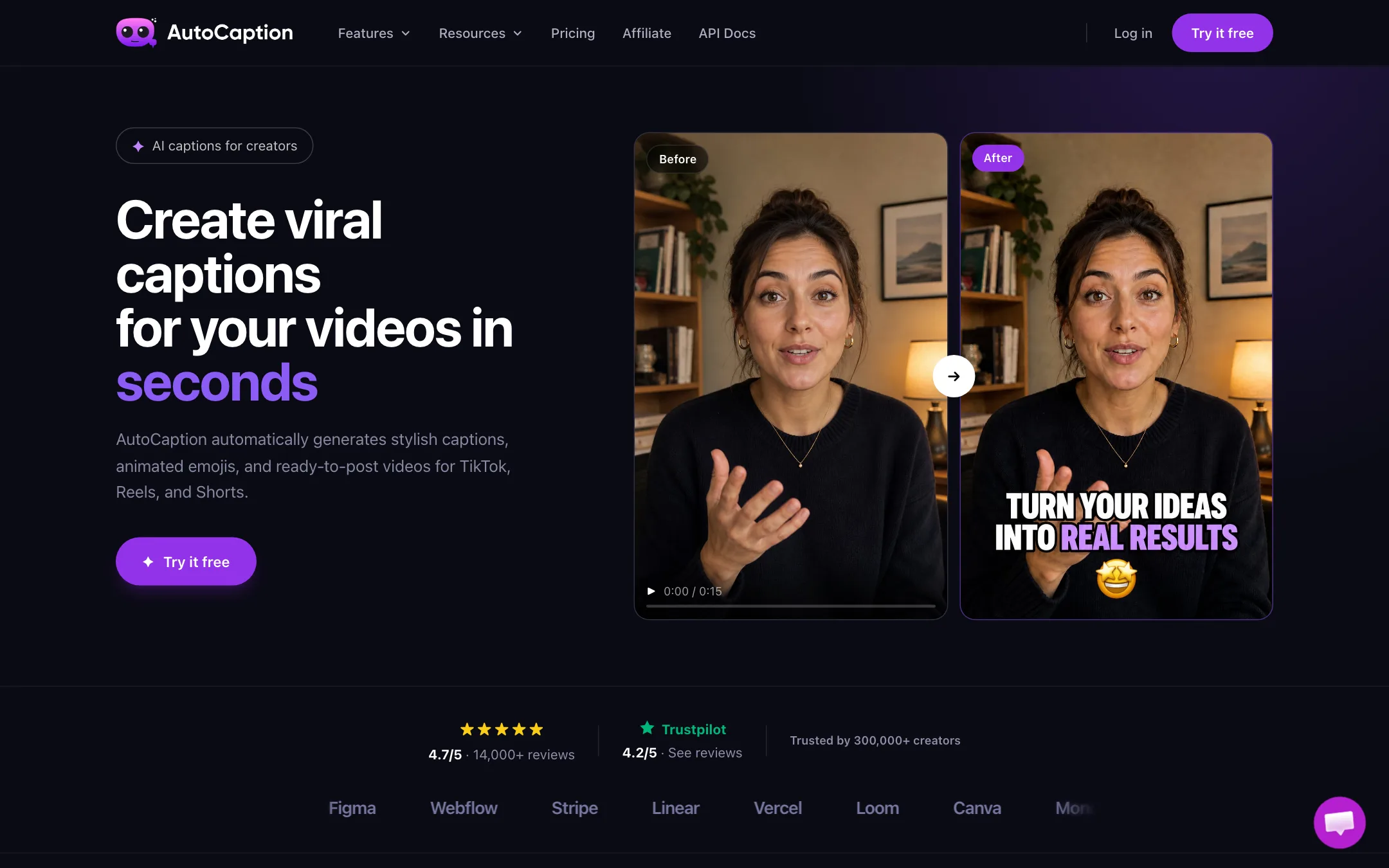
An AI caption generator for TikTok, Reels and Shorts that adds animated, styled captions and emojis to your own videos, with an AI Video tier for stories and POV ads
Best for: TikTok, Reels and Shorts creators who film their own short videos and want animated captions on them in a couple of minutes.

#8 of 81 in Captions and subtitles
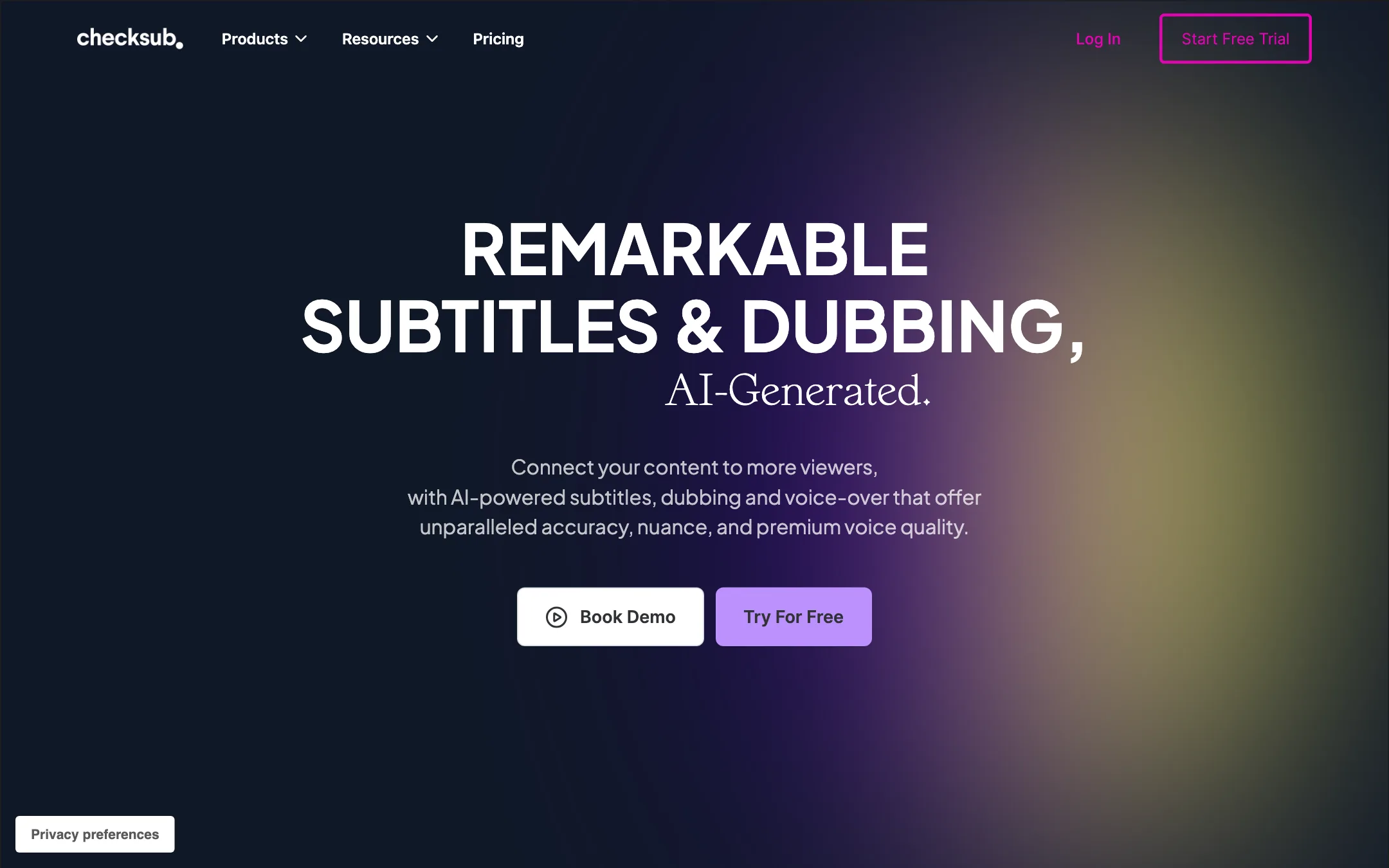
A French subtitling and AI dubbing platform that transcribes, translates, voice-clones and lip-syncs your videos, priced in minutes of credit
Best for: Course creators, training teams and YouTubers who need accurate subtitles in several languages, and later want AI dubbing in the same tool.
The short answer
More creators choose AutoCaption than Checksub, and it ranks higher in our captions and subtitles list. Pick AutoCaption if you want tiktok, reels and shorts creators who film their own short videos and want animated captions on them in a couple of minutes. Pick Checksub if you want course creators, training teams and youtubers who need accurate subtitles in several languages, and later want ai dubbing in the same tool.
AutoCaption: A focused caption tool with sensible caption-plan prices and limits stated in plain videos per month. The free tier is vague, the annual discount does not match its own label, and the big logo wall and review counts are unverified.
Checksub: A mature subtitling and translation tool with a real editor and a clear minutes-based credit system. Dubbing, voice cloning and the watermark removal all sit on the $48-a-month plan, and the site cannot agree on how many languages it supports.
Specs side by side
| AutoCaption | Checksub | |
|---|---|---|
| Starting price | From $18/mo | From $12/mo |
| Free tier | ||
| Pricing | Free tier per the FAQ, no card needed. Caption plans from $18/mo (about $14/mo billed yearly); AI Video plans from $39/mo. | Free trial with credits for about 1 hour of video. Paid plans from $12/mo billed yearly ($18 monthly); dubbing and voice cloning start at $48/mo yearly ($59 monthly). |
| Platforms | Web | Web, API |
| Best for | TikTok, Reels and Shorts creators who film their own short videos and want animated captions on them in a couple of minutes. | Course creators, training teams and YouTubers who need accurate subtitles in several languages, and later want AI dubbing in the same tool. |
| Last checked | 2026-10-21 | 2026-10-21 |
Pricing
AutoCaption
Free tier per the FAQ, no card needed. Caption plans from $18/mo (about $14/mo billed yearly); AI Video plans from $39/mo.
- FreeFree
- Starter$18/mo
- Expert$25/mo
- Pro$39/mo
- AI Video Creator$39/mo
- AI Video Power$89/mo
- AI Video Business$199/mo
Checksub
Free trial with credits for about 1 hour of video. Paid plans from $12/mo billed yearly ($18 monthly); dubbing and voice cloning start at $48/mo yearly ($59 monthly).
- Free trialFree
- Junior$12/mo yearly · $18 monthly
- Starter$48/mo yearly · $59 monthly
- EnterpriseFrom $299/mo, billed yearly
Key features
AutoCaption
- Automatic transcription and animated captions, with word emphasis and emojis
- Transcription and translation in 100+ languages, per AutoCaption
- Fonts, colors, animation, size, position and emphasis controls
- Saved caption templates with your brand fonts and colors
- Timeline editor for fixing words and timing
- One-click resize to 9:16 for TikTok, Reels and Shorts, and 1:1 or 16:9 for LinkedIn
- Direct publishing to TikTok, Reels and Shorts
- B-roll and AI tools on Expert and Pro
- AI Video plans that add AI stories and POV ads on a shared credit balance
- API access and team collaboration on the AI Video Business plan
Checksub
- Automatic subtitles from your video's audio, with an editor to fix text and timing
- Script to subtitles, which syncs a script you already have to the video
- Machine translation of subtitles, tuned for subtitle length and timing per Checksub
- AI dubbing that replaces each speaker's voice while keeping music and background sound
- Voice cloning in 30 languages, per Checksub
- Lip-sync in beta, regenerated after you change the script
- Styled and animated subtitles, including a one-click karaoke animation and templates
- Burned-in export or subtitle files (SRT, VTT, TXT)
- Publish translated versions straight to a connected YouTube channel
- API and bank-transfer billing on Enterprise
Strengths and weaknesses
AutoCaption
- Plan limits are stated in videos per month, not opaque credits
- No watermark on any paid caption plan
- Starter at $18 a month undercuts several caption rivals
- Accepts MP4, MOV, AVI, MKV and WebM, up to 4K, per the FAQ
- Saved templates keep a consistent caption look across videos
- Open affiliate program at 40% recurring, so creators can refer it freely
- Short limits on cheaper plans: 2 minutes per video on Starter, 3 on Expert
- 4K export only on the $39 Pro plan
- The free tier is promised in the FAQ but not shown on the pricing page, and the terms call it a free trial
- Annual toggle says save 30%, but the cards show about 22% savings
- No refunds, including partial months, under the terms
- Logo wall of Adobe, Stripe, Linear and others is not explained or backed by case studies
- Its API docs link returned a not-found page when we checked
Checksub
- Credit math is published and simple, measured in minutes of video
- Unused yearly credits roll over to the next year; monthly credits last six months
- Free trial covers about an hour of video and every feature
- Subtitles, translation and dubbing live in one editor
- Dubbing keeps the original music and background audio, per Checksub
- 4K export and 4GB uploads on every paid plan
- Dubbing, voice cloning and lip-sync need the $48 Starter plan or higher
- Junior allows only one translation per project, and so does Starter
- Language counts disagree across the site (80, 120, 180, 187 and 200 all appear)
- Lip-sync is still labelled beta and costs 5 minutes of credit per minute of video
- Every translation also burns credits for the source transcription
- Single user only below Enterprise
- Reviews quoted on the homepage date from 2022
Try AutoCaption
Free tier per the FAQ, no card needed. Caption plans from $18/mo (about $14/mo billed yearly); AI Video plans from $39/mo.
Try Checksub
Free trial with credits for about 1 hour of video. Paid plans from $12/mo billed yearly ($18 monthly); dubbing and voice cloning start at $48/mo yearly ($59 monthly).