
What Rotor Videos is
Rotor Videos is a video maker built for musicians. You upload a track, pick some footage and a style, and Rotor cuts a video to the music. It covers the visual formats a release needs: Spotify Canvas loops, Apple Music Album Motion, lyric videos, album artwork videos, full music videos and resized clips for social.
Rotor is owned by LyricFind, a Toronto company best known for licensing song lyrics. That link shows in the lyric video tool, which transcribes and syncs your words to the track.
It is worth being clear about what Rotor is not. It is not a generative AI video tool. Rotor’s own help center says all footage is real, either licensed from Getty Images or shot in-house. The AI is the editor. It matches clips to your song’s mood and tempo, sequences them and handles lyric timing. It does not invent scenes. That makes Rotor closer to a smart template editor than to the text-to-video generators on this site.
Who it is for
Rotor fits you if:
- You are an independent artist who releases singles often and needs visuals for each one.
- You want a Spotify Canvas or Apple Music motion cover without hiring an editor.
- You need a lyric video for YouTube on a small budget.
- You run a small label or manage several artists and want pay-as-you-go downloads.
Skip it if:
- You want original, story-driven visuals. Stock montages have a recognisable look.
- You want AI-generated footage of a specific scene or character. Try a text-to-video generator instead.
- You need a general editor for vlogs, podcasts or talking-head content. Rotor is built around a music track.
- You want to test the output without paying. You can preview, but you cannot download anything for free.
How it works
Rotor’s music video page lays out the flow in a few steps. It is the same idea for every format.
- Upload your song. The length of the audio sets the length of the video. You can use the full track or trim it to a teaser. Rotor accepts common formats including MP3, WAV, FLAC, AIFF, AAC and OGG.
- Pick your clips. Search Rotor’s stock library or upload your own footage and images. Premium clips are marked with a crown icon in the editor.
- Choose an edit style. Rotor offers more than 150 styles. It says music video directors and visual artists designed them, and many react to the audio, so cuts and effects land on the beat.
- Resize for social. Switch to vertical 9:16 or square 1:1 in one step.
- Add a filter and text. Apply a look such as VHS, glitch, gingham or retro. Add title cards, outro text or release messaging.
- Preview, then pay to download. Previews are free and unlimited. You spend credits or use your plan only when you export.
Rotor says the engine analyses your music and selected clips and produces “a custom-cut, professional-quality video in just minutes.” Its help center adds that you can come back to saved projects, edit them and export again.
The formats
Each format has its own page and its own credit price:
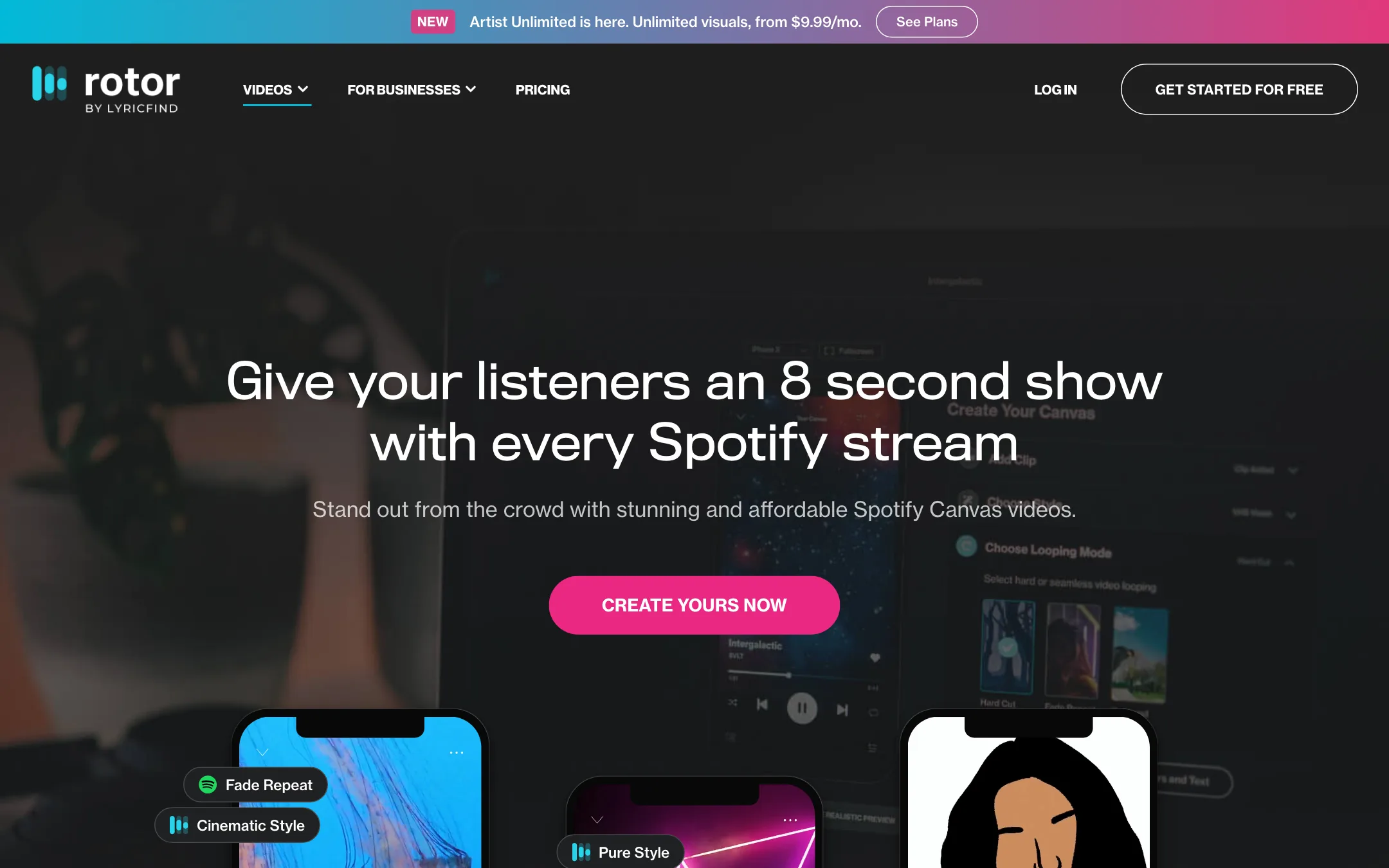
- Spotify Canvas (1 credit). An 8-second looping visual that plays behind your track on Spotify. Rotor claims its Canvas tool is the only one that turns clips into smooth, continuous loops without pro editing tools. Treat that as a vendor claim.
- Apple Music Album Motion (2 credits). Animated cover art for Apple Music.
- Album artwork videos (2 credits). Your cover brought to life for social posts.
- Music videos (3 credits). A full-length edit cut to your song.
- Lyric videos (4 credits). Transcribed and synced lyrics over footage or artwork.
Videos for socials are covered by the resizing tool rather than a separate product.
Your own footage
You are not stuck with stock. You can upload your own clips, photos and artwork and mix them with library footage. This is the best way to avoid the generic stock feel. A few seconds of real band footage, cut together with styled stock, goes a long way.
Rotor’s help center lists a few practical limits in its article titles, including why the editor may not use all of your clips or may repeat them. Upload more clips than you think you need.
Output quality
We have not made a video with Rotor, so this section is based on Rotor’s own pages and examples.
What Rotor’s approach does well:
- No AI artifacts. Because the footage is real, you do not get warped hands, melting faces or flickering backgrounds.
- Beat-matched cuts. Audio-reactive styles mean the edit follows your track. This is the main thing an artist without editing skills struggles to do by hand.
- Platform-ready files. Rotor says exports meet Spotify and Apple Music specs, which saves you a rejected upload.
Where it is weaker:
- Stock looks like stock. Getty clips of city streets, crowds and abstract light leaks are well shot, but listeners have seen a lot of them. Lean on your own footage and the stronger styles to stand out.
- Limited direction. You choose clips and styles, and the engine decides the cut. Rotor’s help center has articles on adjusting clip durations and aligning clips to the music, but you do not get a full timeline editor.
- No lip sync from scratch. If you need a performance video, you still have to shoot it.
The Spotify Canvas page quotes Spotify data on what Canvas videos do for streams, shares and playlist adds. Those numbers come from Spotify’s marketing, not from Rotor users.
Pricing
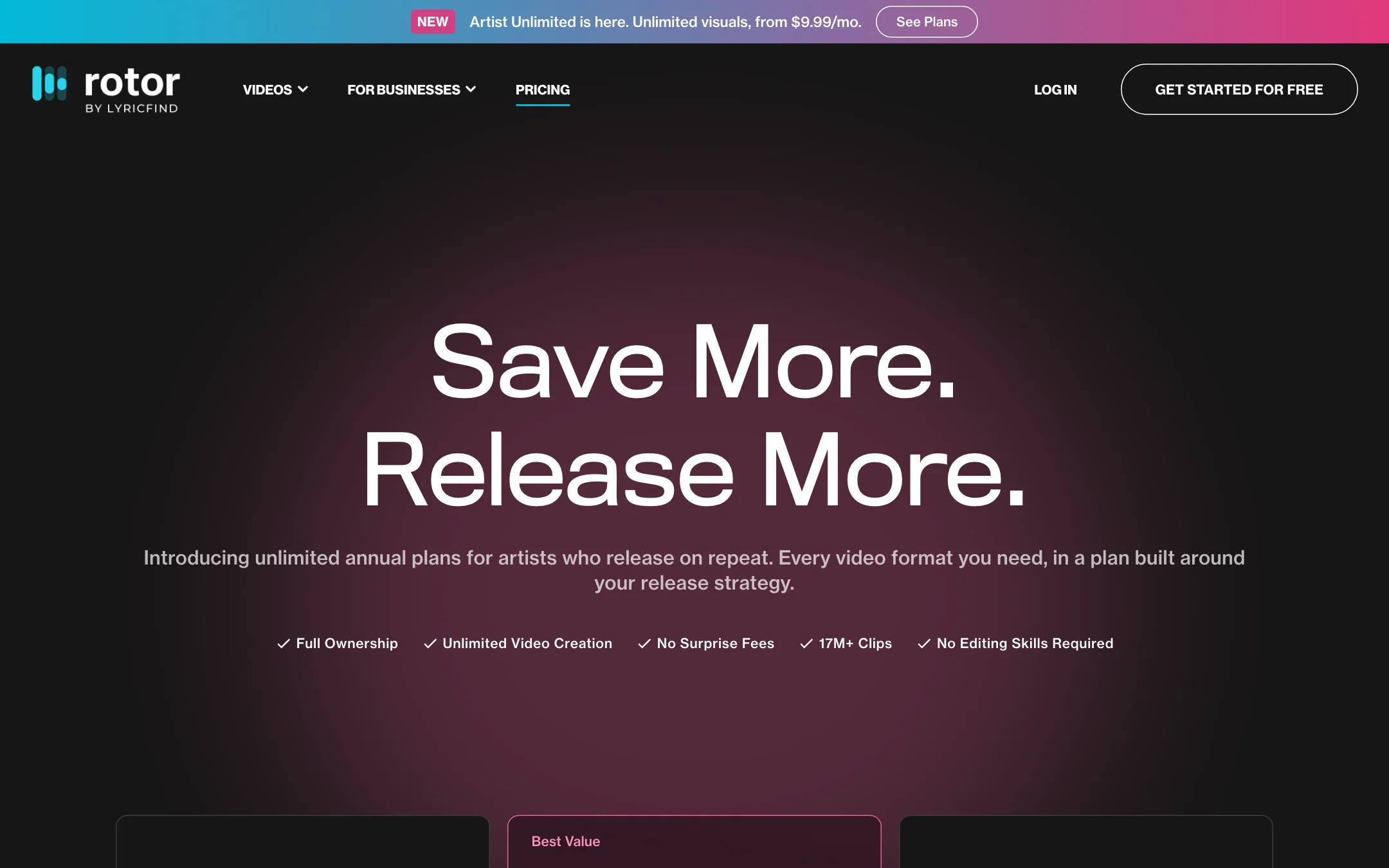
Rotor has two ways to pay: annual Artist Unlimited plans or pay-as-you-go credits.
| Option | Price | What you get |
|---|---|---|
| Preview | Free | Build and preview any video, no download |
| Artist Unlimited Streaming | $9.99/mo ($119.88 a year) | Unlimited downloads in every format for one artist |
| Artist Unlimited Video | $14.99/mo ($179.88 a year) | Same, positioned for artists who lead with video |
| Artist Unlimited Pro | $19.99/mo ($239.88 a year) | Same, positioned as the full-campaign plan |
| Credits | $9.99 for 1, $44.99 for 5, $79.99 for 10, $299.99 for 50 | Pay per download, credits never expire |
Credit costs per format: Spotify Canvas 1, Album Motion 2, artwork video 2, music video 3, lyric video 4.
A few things to know before you pay:
- The plans look identical. On the pricing page, all three Artist Unlimited tiers list the same five unlimited formats, the same social export formats and the same premium clips and styles. The only differences shown are the price and the “best for” line. Ask Rotor’s support what you get for the extra $5 or $10 a month before you pick a higher tier.
- Annual only, one artist. Each plan renews yearly and is “valid for one artist only.” If you produce for several acts, credits or an enterprise deal fit better.
- Do the credit math. One single with a music video and a Canvas costs four credits. Five credits cost $44.99. A year of Artist Unlimited Streaming costs $119.88. If you release more than two or three singles a year with full visuals, the subscription pays for itself.
- Credits carry over. Rotor’s help center says credits never expire and carry over if you later subscribe. Starting with a small credit pack is a low-risk way to try it.
- Rotor’s numbers drift. The homepage and format pages say 9 million clips. The pricing page and music video page say 17M+. Rotor also says it has over one million artists. Take the counts as rough.
Affiliate program
Rotor runs an affiliate program with a revenue share, but it is built for labels, distributors and platforms that want to offer Rotor to their members, with custom landing pages and a member discount. The rate is not published, and you apply through the sales team.
Alternatives
Rotor sits in a small niche, so the alternatives depend on what you need most.
- CapCut is free and gives you a full timeline editor with beat sync, captions and templates. It takes more work than Rotor, but you control every cut and you can shoot and edit on your phone.
- Videoleap suits artists who edit on an iPhone and want effects, layers and AI tools in one app.
- InShot is a simple mobile editor for quick resizes, trims and text over clips.
- A text-to-video generator such as PixVerse makes sense if you want original AI scenes instead of stock. Expect to spend more time and credits to get a clip that fits your song.
If your only goal is a Spotify Canvas or a lyric video, Rotor is quicker than any of these. If you want full control, use a general editor.
Verdict
Rotor Videos does one job well. If you release music and need Canvas loops, lyric videos and quick music videos for every single, it is one of the simplest ways to get them without an editor. Free previews let you see the result before you spend anything, and the annual plans are cheap for artists who release often.
Know what you are buying. Rotor edits real stock footage to your track. It does not generate original AI scenes, and a pure stock montage can look generic. Add your own footage, pick styles carefully and Rotor becomes a fast, affordable release kit.