
What ElevenLabs is
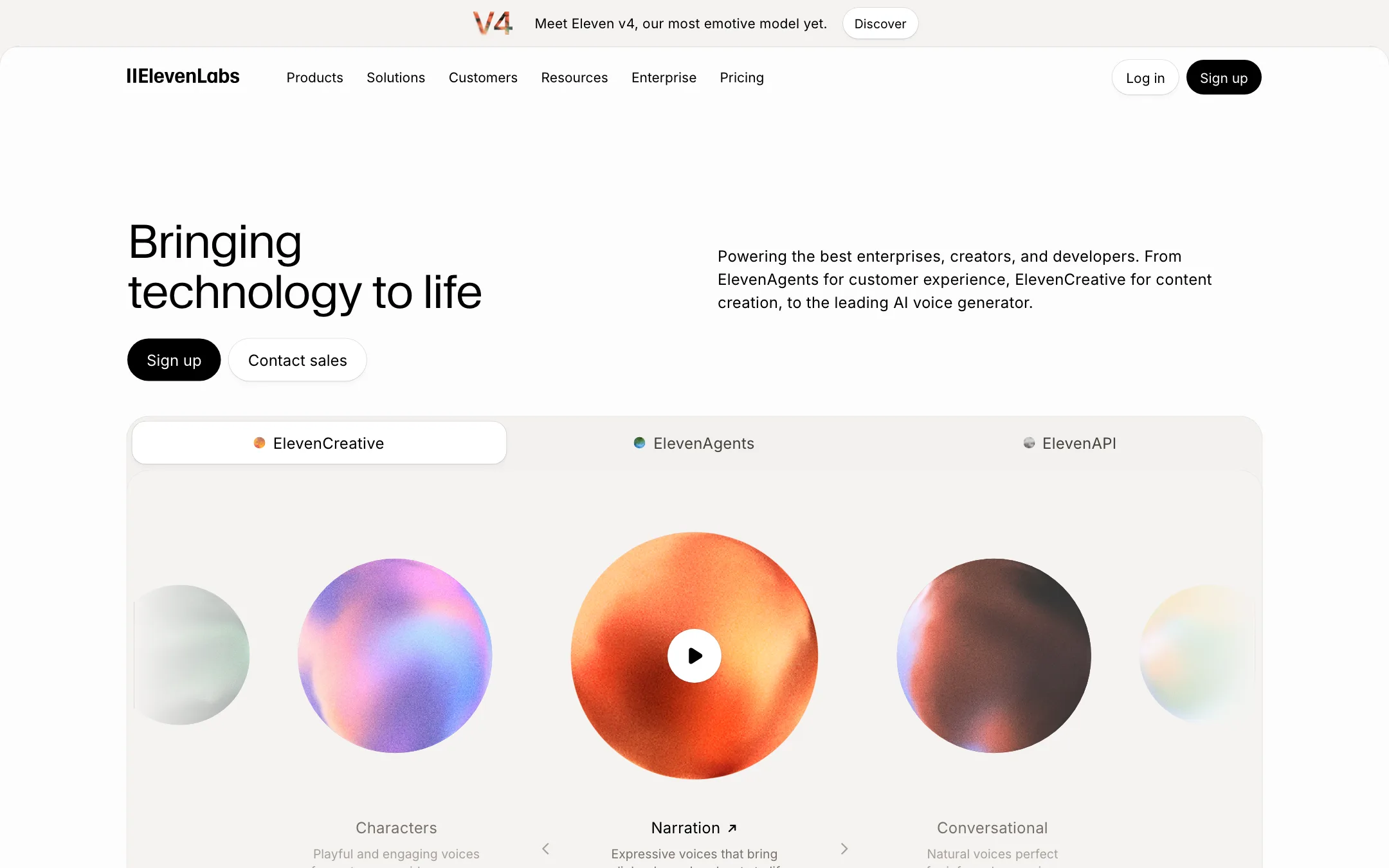
ElevenLabs is an AI audio company. It trains its own voice models and sells them through a web app and an API. For video creators, it is the tool you reach for when you need a voiceover, a cloned narrator voice or a dubbed version of a video in another language.
The product has grown a long way past text to speech. ElevenLabs now splits itself into three platforms:
- ElevenCreative for creators and marketers: speech, voice cloning, dubbing, music, sound effects, an editor called Studio, plus image and video generation.
- ElevenAgents for businesses that want AI phone and chat agents.
- ElevenAPI for developers who build voice into their own apps.
This review covers ElevenCreative, because that is the part that touches your videos. ElevenLabs’ current flagship voice model is Eleven v4, which it calls its most emotive model yet. Its dubbing model, Dubbing v2, launched in May 2026.
Who it is for
ElevenLabs fits you if:
- You run a faceless channel and need a narrator voice that does not sound robotic.
- You want to clone your own voice so you can fix a line without re-recording.
- You want to publish your videos in Spanish, Hindi or Japanese without hiring voice actors.
- You need sound effects or background music and would rather generate them than search a stock library.
Skip it if:
- You want one app that writes, edits and posts your videos. ElevenLabs handles audio first. You still need an editor or clip tool for the visuals.
- You plan to dub long videos on a small budget. Dubbing is the most credit-hungry feature, and the newest model is priced per minute.
- You want a video generator first and voice second. The video side is a resale layer over other labs’ models, and a dedicated text-to-video tool gives you more control.
How it works
Everything in ElevenCreative draws from one credit pool. You pick a tool from the sidebar, spend credits and download the result.
Text to speech
You paste a script, pick a voice and pick a model. ElevenLabs’ pricing FAQ says the Multilingual v2 model costs one credit per character, so the 10,000 free credits go about 10,000 characters. ElevenLabs’ homepage shows inline tags such as “whispers” and “sarcastically” in square brackets, which steer the delivery on its expressive models.
The voice library is large. How large depends on which ElevenLabs page you read. The homepage says 17,500+ voices in 90+ languages. The Studio page says over 10,000 voices. The video page says 5,000+ voices in 32+ languages. The plan comparison table lists 74 languages for text to speech. Treat the bigger numbers as marketing and check that your target language and accent exist before you pay.
Voice cloning and Voice Design
There are two ways to get a voice nobody else has:
- Instant Voice Cloning (Starter and up) builds a voice from a short sample of you speaking.
- Professional Voice Cloning (Creator and up) trains a higher-fidelity clone from more audio.
- Voice Design (all plans) creates a new voice from a text description.
Voice cloning is the feature most creators come for. ElevenLabs’ Studio page describes “Speech Correction”: change the words in the script and Studio regenerates that line in your cloned voice. If you record talking-head content and flub a line, that can save a reshoot.
Dubbing
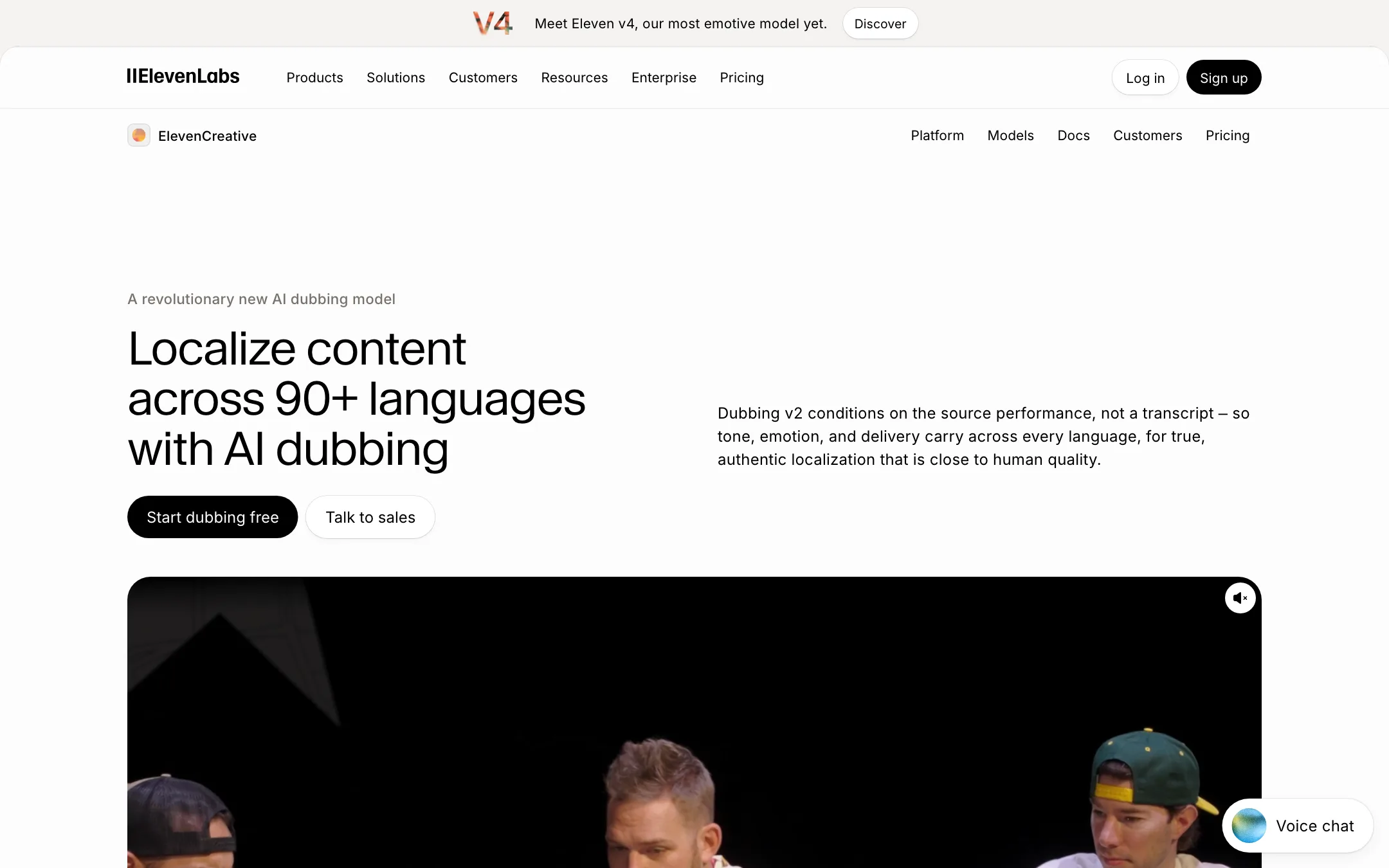
This is where ElevenLabs matters most for video. You upload a video, choose target languages and get back a dubbed version. ElevenLabs says Dubbing v2 works from the original audio rather than a transcript, so tone, emotion and timing carry across. It also says each translation is voiced in a clone of the original speaker, with no setup.
There are two routes:
- Automatic dubbing. Upload, choose languages, download. Fast, hands-off.
- Dubbing Studio (Starter and up). You see the translated transcript, edit lines, adjust timing and regenerate parts before you export.
For broadcasters there is also Productions, a managed service with human translators and voice casting, sold on Enterprise.
We have not run dubbing tests ourselves. Quality claims here are ElevenLabs’ own. The safest move is to dub one short clip on the Free plan and listen to it with a native speaker before you commit a full video.
Studio
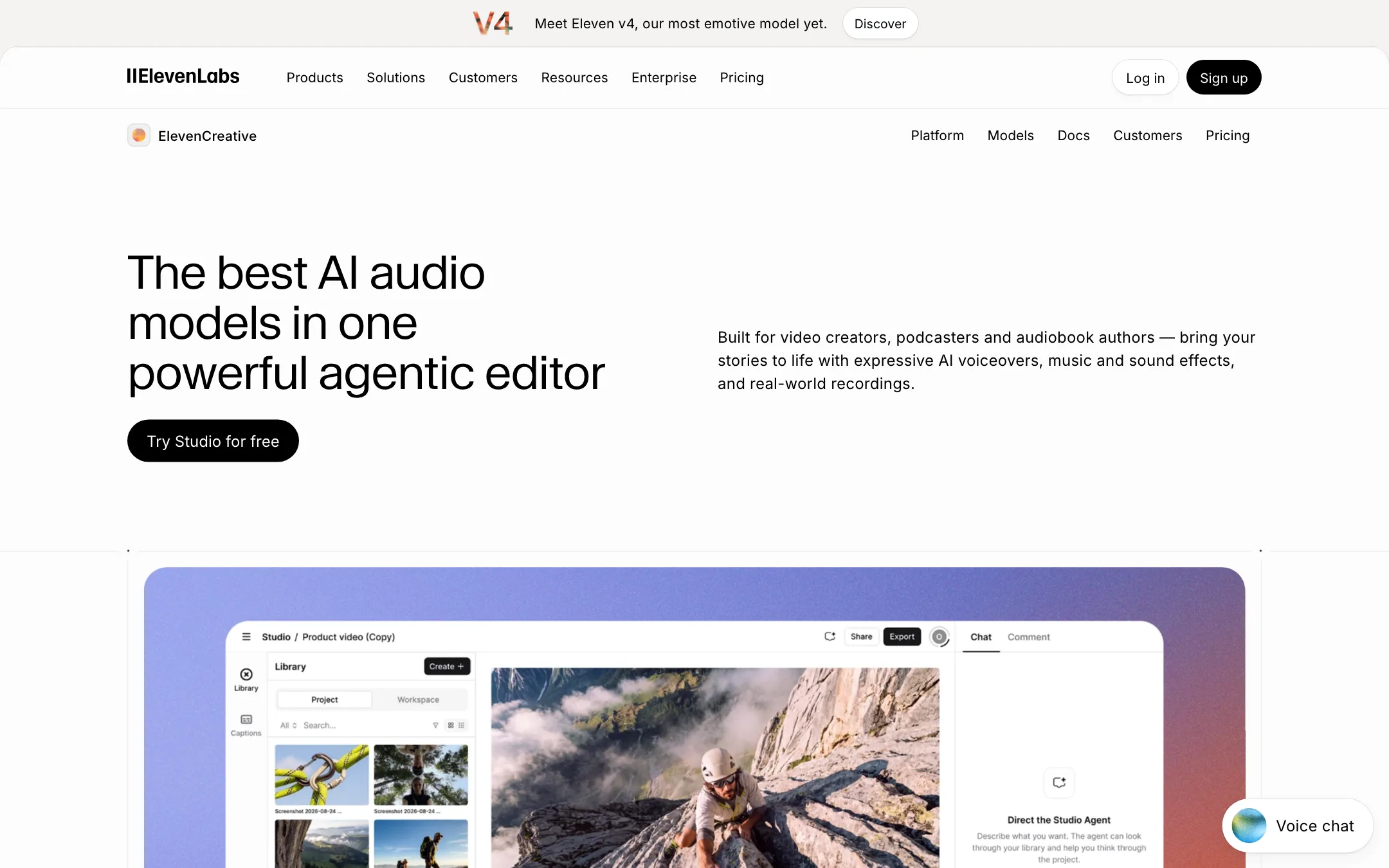
Studio is ElevenLabs’ editor. ElevenLabs calls the current version Studio 4.0 on its Studio page, while the video page still refers to Studio 3.0. You upload an MP4 or MOV, then layer AI voiceover, generated music, sound effects and auto captions on one timeline. You can share a link with a client and collect time-stamped comments.
A “Studio Agent” drafts a script, picks voices, places effects and arranges clips from a description. You can take over manually at any point.
Music and sound effects
Eleven Music generates tracks from a prompt, with or without vocals. The pricing FAQ puts it at about 900 credits per minute. Sound effects cost about 200 credits per generation. Both are useful for creators who are tired of stock libraries. Commercial music use starts on Starter.
Image and video generation
ElevenLabs also lets you generate video. It does not use its own video model here. The video page names Sora 2, Veo 3, Kling, Wan and Seedance, and offers lip-sync through Veed or OmniHuman. It is convenient if you already pay for ElevenLabs and want everything in one place.
The limits matter, though:
- Free gets up to 40 images and personal use with attribution, on the faster, lighter models at 720p.
- Starter and Creator stay on those lighter models at 720p.
- Pro unlocks all models at 1080p. Higher plans reach 4K.
If video generation is your main job, a dedicated generator will give you more settings per shot. ElevenLabs is the place to add the voice, music and effects afterwards.
Output quality
ElevenLabs is the name most creators already associate with AI voice, and its homepage lists customers such as Disney, Epic Games, Meta and Duolingo. A case study on its site describes Ramp’s creative team using ElevenLabs voices for last-minute script changes and to prototype a Super Bowl ad. That is a strong signal the voices hold up in professional work, but it is the vendor’s own story.
Where ElevenLabs aims its models:
- Narration and audiobooks. Multilingual v2 is pitched as the most consistent model. v3 and v4 are pitched as the most expressive.
- Low latency. Flash models target conversational agents at around 75 ms.
- Performance in dubbing. Dubbing v2 is pitched as carrying emotion, not just words.
Where you should still listen carefully:
- Long scripts. Expressive models can drift in pacing across long passages. Generate in sections.
- Less common languages. The language list is long, but quality varies by language and voice. Test yours.
- Lip-sync on dubbed video. Dubbing changes the audio, not the mouth. If your face is on screen, watch for mismatches.
Pricing
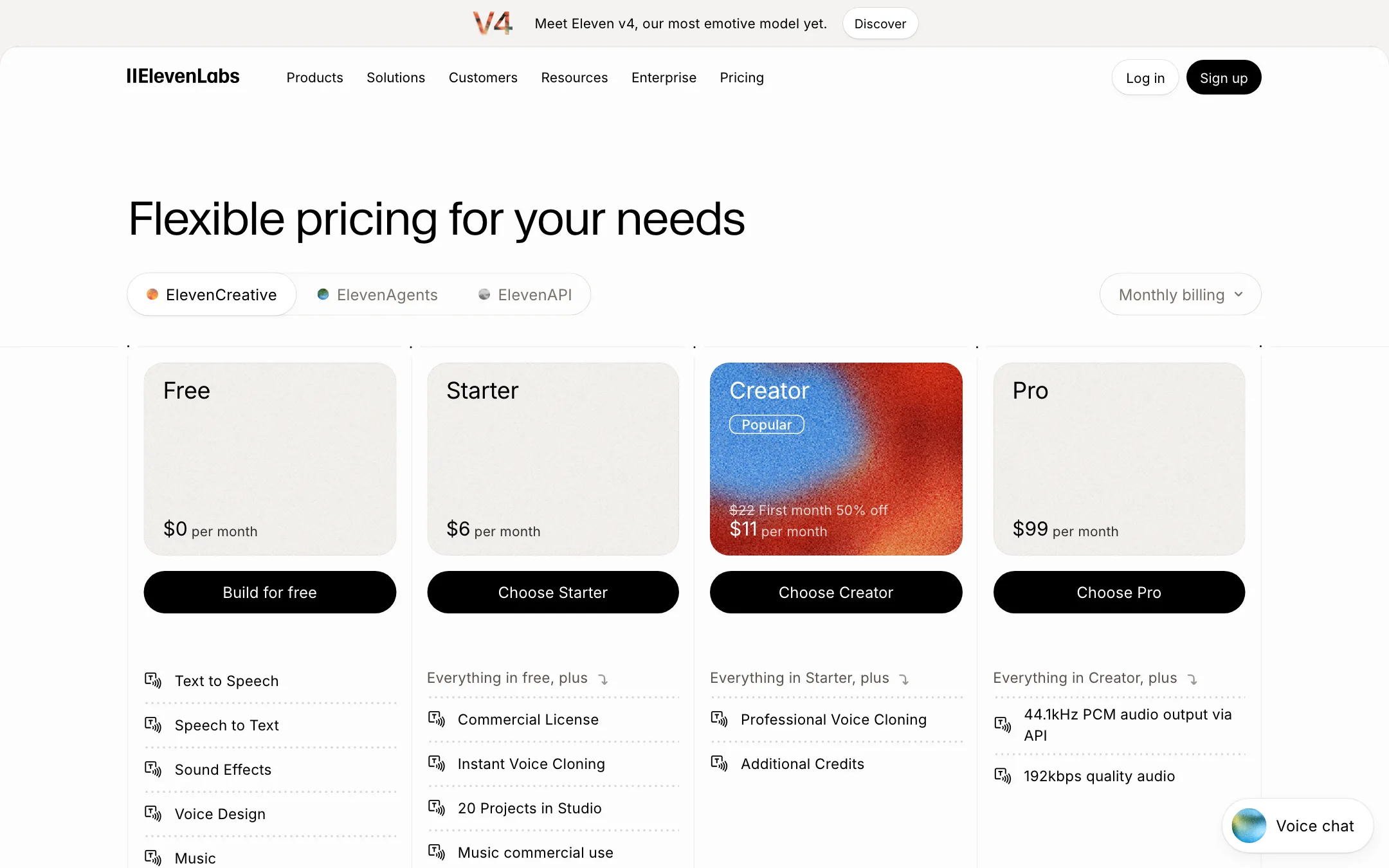
ElevenLabs runs on credits shared across every product. Yearly billing charges ten months for twelve.
| Plan | Monthly | Yearly (per month) | Credits a month |
|---|---|---|---|
| Free | $0 | $0 | 10,000 |
| Starter | $6 | $5 | 30,000 |
| Creator | $22 ($11 first month) | $18.33 | 121,000 |
| Pro | $99 | $82.50 | 600,000 |
| Scale | $299 | $249.17 | 1.8M, 3 seats |
| Business | $990 | $825 | 6M, 10 seats |
A few things the plan cards do not make obvious:
- Free has no commercial license. You can test, but you cannot monetise.
- Dubbing is expensive in credits. The pricing FAQ lists 2,000 credits per minute for automatic dubbing with a watermark and 3,000 without. Dubbing Studio costs 5,000 or 10,000 per minute. On Starter’s 30,000 credits, that is about 10 minutes of watermark-free automatic dubbing, or 3 minutes in Dubbing Studio without a watermark.
- Dubbing v2 is priced separately. The dubbing page lists about 2 included minutes on Starter, 9 on Creator and 44 on Pro, with extra minutes from $4.91 on Starter down to $2.23 on Pro.
- Creator’s $11 is a first-month price. You pay $22 from month two.
- Credits roll over, with limits. Paid plans keep unused credits for up to two months. Downgrade or cancel and they are gone.
How to make your credits go further
- Draft on a cheaper model. Use a Flash or Multilingual model to check pacing, then render the final with the expressive model.
- Split long scripts. Generate paragraph by paragraph so a bad take costs one paragraph, not the whole script.
- Check for free regenerations. ElevenLabs says some regenerations are free if the text and settings do not change, and the app shows this before you generate.
- Dub short first. Dub one minute, check it with a native speaker, then run the full video.
- Pick yearly if you are staying. Two free months beats the Creator first-month discount over a year.
Verdict
ElevenLabs is the safe default for AI voice in video work. The free tier lets you hear the voices properly, Starter at $6 adds the commercial license and voice cloning most creators need, and the same account covers dubbing, music and sound effects.
Budget carefully if dubbing is your main use. Credits go quickly, the newest dubbing model is billed by the minute, and watermark-free Dubbing Studio work costs the most. Ignore the video generator unless you value having everything in one place, because it resells other labs’ models. For voiceover, cloning and dubbing, it is the tool the rest of the category is measured against.