Wondershare Filmora vs Movavi Video Editor
Two video editors tools side by side: pricing, free plans, features and who each one suits.
#2 in Video editors

A beginner-friendly desktop video editor from Wondershare, now packed with AI tools and built-in Veo, Sora and Seedance generation
Best for: YouTubers, educators and small businesses who want a real desktop timeline that is easier than Premiere, with AI help built in.

#51 in Video editors
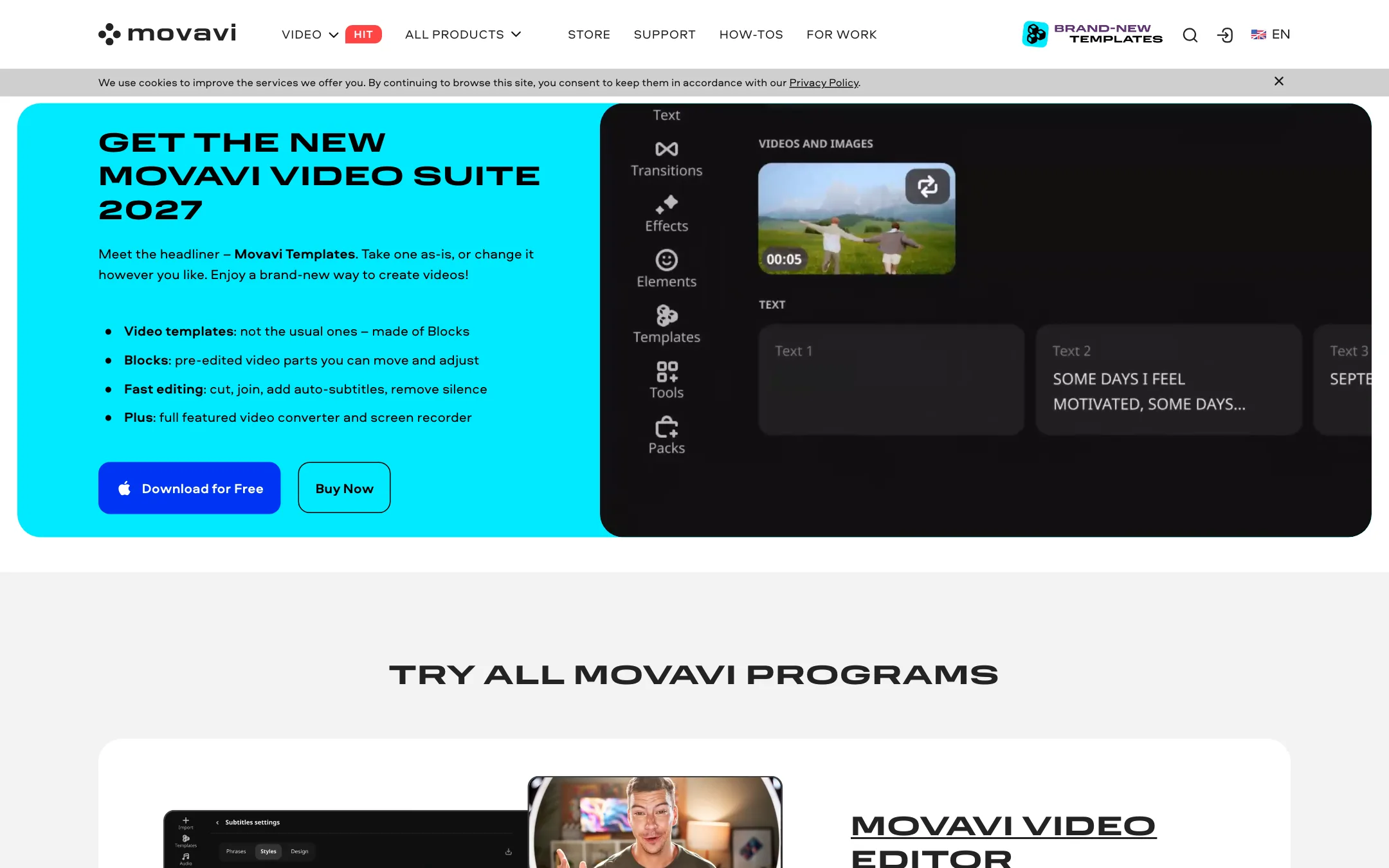
A beginner-friendly desktop video editor for Windows and Mac with one-click AI subtitles, noise and silence removal, motion tracking and new block-based templates
Best for: Beginners, hobbyists and family or vlog editors who want a simple desktop timeline with handy AI cleanup tools and a big effects library, without learning a pro editor.
Wondershare Filmora or Movavi Video Editor?
Both are beginner-friendly desktop editors for Windows and Mac, and both add one-click AI subtitles and cleanup. Filmora is cheaper, has more pro-level tools and can generate video. Movavi is simpler and its AI tools are not metered by credits, but it costs more and its trial is tighter. Most readers should start with Filmora.
What each one is built for
Filmora aims at the middle ground between phone apps and Premiere. It offers multicam, tracking, color wheels, text-based editing and a generation panel with Veo, Sora and Seedance. It also has mobile apps.
Movavi aims lower on the learning curve. Its pitch is a timeline you can learn fast, with silence removal, denoising, motion tracking and new Blocks-based templates for people who freeze at an empty project. It has no generation model and no multicam. It runs offline, and nothing in its pricing mentions AI credits.
What it costs at typical use
Assume a hobbyist editing 8 vlogs a month with auto subtitles, keeping the software for a year.
- Filmora: Advanced at $59.99 a year includes 1,000 AI credits a month for subtitles and other AI tools. Basic is $49.99 a year, but its AI features need credits you buy separately.
- Movavi: Video Editor monthly is $19.95, or $239.40 over twelve months. The cheapest yearly option that includes the editor is Video Editor + Photo Editor at $69.95. If you want the big effects library, Unlimited is $149.95 a year.
So Filmora costs about $10 to $90 less a year, depending on the Movavi bundle. Neither store is stable. Wondershare showed us two price sets in one day, and Movavi shows unlabeled second prices that look like list prices.
Testing differs too. Filmora’s free version lets you finish a full edit with a watermark. Movavi’s trial caps exports at 60 seconds. Filmora also advertises a 30-day money-back guarantee.
Which to pick
Specs side by side
| Wondershare Filmora | Movavi Video Editor | |
|---|---|---|
| Starting price | From $4.17/mo | From $19.95/mo |
| Free tier | ||
| Pricing | Free version exports with a watermark. Basic US$49.99/yr, Advanced US$59.99/yr, Perpetual license US$79.99. | Free trial with a watermark and a 60-second export limit. Video Editor from $19.95 a month; Movavi Unlimited $149.95 a year. |
| Platforms | Windows, macOS, iOS, Android, iPad | Windows, Mac, Web |
| Best for | YouTubers, educators and small businesses who want a real desktop timeline that is easier than Premiere, with AI help built in. | Beginners, hobbyists and family or vlog editors who want a simple desktop timeline with handy AI cleanup tools and a big effects library, without learning a pro editor. |
| Last checked | 2026-10-19 | 2026-10-21 |
Pricing
Wondershare Filmora
Free version exports with a watermark. Basic US$49.99/yr, Advanced US$59.99/yr, Perpetual license US$79.99.
- FreeFree
- BasicUS$49.99/yr
- AdvancedUS$59.99/yr (listed down from US$69.99)
- PerpetualUS$79.99 one-time
Movavi Video Editor
Free trial with a watermark and a 60-second export limit. Video Editor from $19.95 a month; Movavi Unlimited $149.95 a year.
- Free trialFree
- Video Editor$19.95/mo
- Video Suite$29.95/mo
- Video Editor + Effects$49.95/mo
- Video Editor + Photo Editor$69.95/yr
- Unlimited$149.95/yr
Key features
Wondershare Filmora
- Desktop timeline editor for Windows and Mac with magnetic timeline, keyframes and multicam
- AI speech-to-text subtitles with proofreading and dedicated subtitle tracks
- Text-based editing, silence detection and smart scene cut
- AI text-to-video and image-to-video with Veo 3.1, Sora 2 and Seedance 2.0
- Smart Short Clips to turn long videos into vertical clips
- AI video enhancer, object remover, smart cutout and relighting
- AI translation with voice cloning and lip-sync
- Text to speech, AI music, sound effects and vocal remover
- Screen recorder with separate tracks for screen, camera and mics
- 2.9M+ creative assets including effects, titles, music and stock media
Movavi Video Editor
- Timeline editor for Windows and Mac with cut, crop, color, speed and frame-precise cuts
- One-click automatic subtitles from speech, in many languages per Movavi
- Word-by-word subtitles, added in the 2027 release
- AI noise removal for wind, traffic and similar background sound
- Automatic silence removal with adjustable pause length and volume threshold
- AI motion tracking to pin titles, images or stickers to moving objects
- AI background removal without a green screen
- Auto-crop to reframe clips for vertical or horizontal formats
- Templates built from pre-edited Blocks you can swap and rearrange
- Beat detection, slow motion, blending modes and 10,000+ effects in the Movavi Effects library
- Free browser-based online editor for quick clip joins with transitions and music
Strengths and weaknesses
Wondershare Filmora
- Much easier to learn than Premiere Pro or DaVinci Resolve
- One subscription covers both Windows and Mac
- Perpetual license option if you hate subscriptions
- Huge AI toolbox inside a proper desktop timeline
- Large built-in library of effects, titles, music and stock
- 30-day money-back guarantee, subject to Wondershare's refund policy
- Free version watermarks every export
- Most AI features cost credits on top of the plan price
- Unused monthly credits are reclaimed when the next batch arrives
- Pricing shown to us changed between sessions on the same day
- Perpetual license covers only Filmora 16 updates and one platform
- Wondershare pushes upsells and cross-promotions for its other apps
Movavi Video Editor
- Simple interface aimed squarely at beginners
- Useful AI cleanup tools (subtitles, silence, noise) built into the timeline
- Runs offline as a desktop app on Windows and Mac
- Huge effects, titles and music library if you add Movavi Effects or Unlimited
- Frequent updates, with Movavi claiming 25+ a year
- Plenty of independent YouTube tutorials for learning it
- Trial watermarks exports and caps them at 60 seconds, so you cannot finish a real project before paying
- Pricing is split across many products, bundles and add-ons, and the store layout makes the real cost hard to read
- Homepage FAQ says the trial lasts 7 days, while the trial limitations page lists no time limit for Video Editor
- Many of the best effects sit behind a separate Movavi Effects subscription
- Not built for pro color grading, multicam or heavy collaborative workflows
- No generative text-to-video model, so it edits footage rather than creating it
Try Wondershare Filmora
Free version exports with a watermark. Basic US$49.99/yr, Advanced US$59.99/yr, Perpetual license US$79.99.
Try Movavi Video Editor
Free trial with a watermark and a 60-second export limit. Video Editor from $19.95 a month; Movavi Unlimited $149.95 a year.