Steve AI vs Runway
Two text to video tools side by side: pricing, free plans, features and who each one suits.
Some links on this page are affiliate links. If you buy through them we may earn a commission at no extra cost to you. Read our disclosure.

#4 of 77 in Text to video
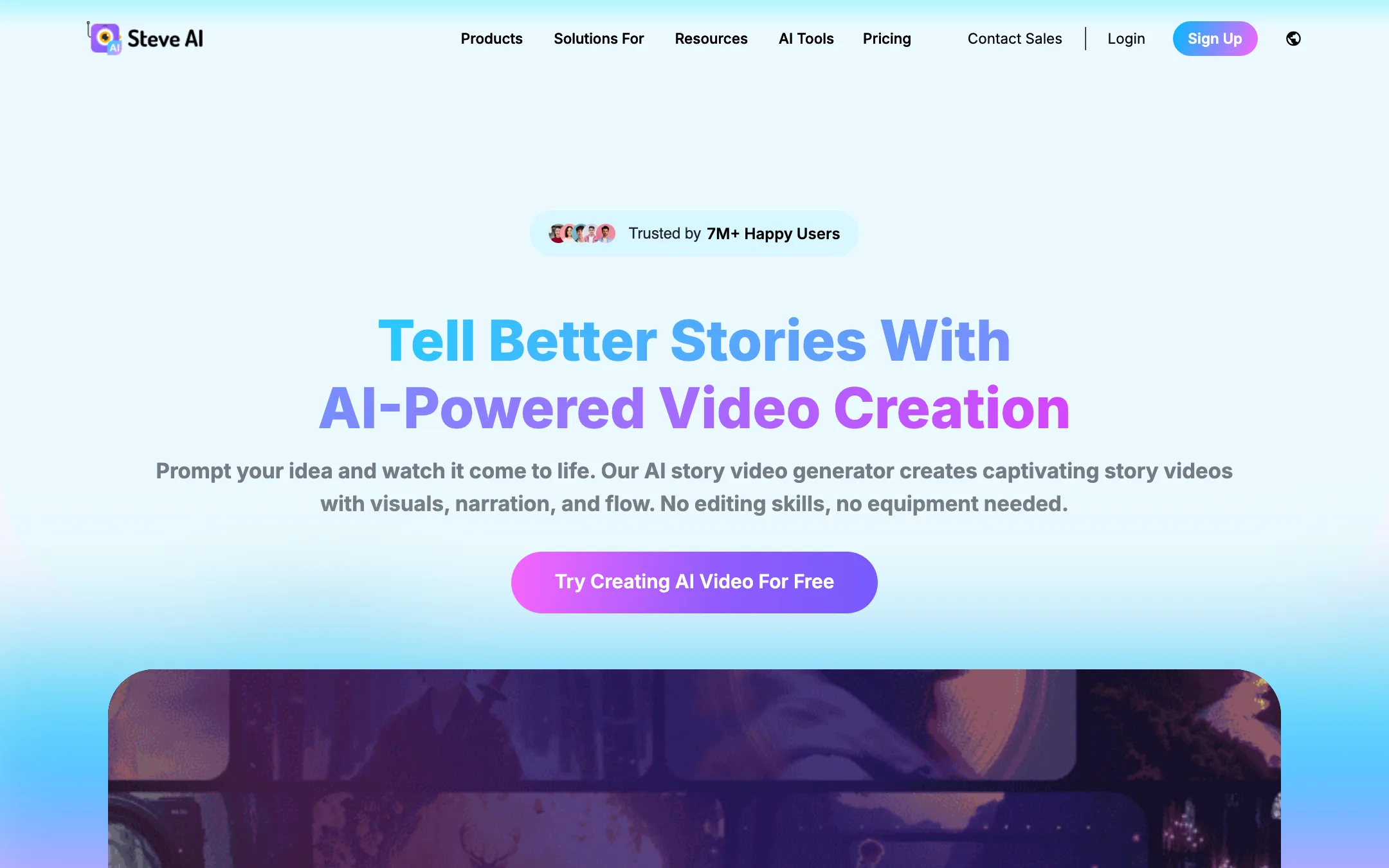
Prompt, script, blog or audio to finished video, in animated, stock or generative styles, from the makers of Animaker
Best for: Faceless YouTube channels, teachers and marketers who want a script or blog turned into a narrated, animated or stock-footage video without editing skills.

#10 of 77 in Text to video
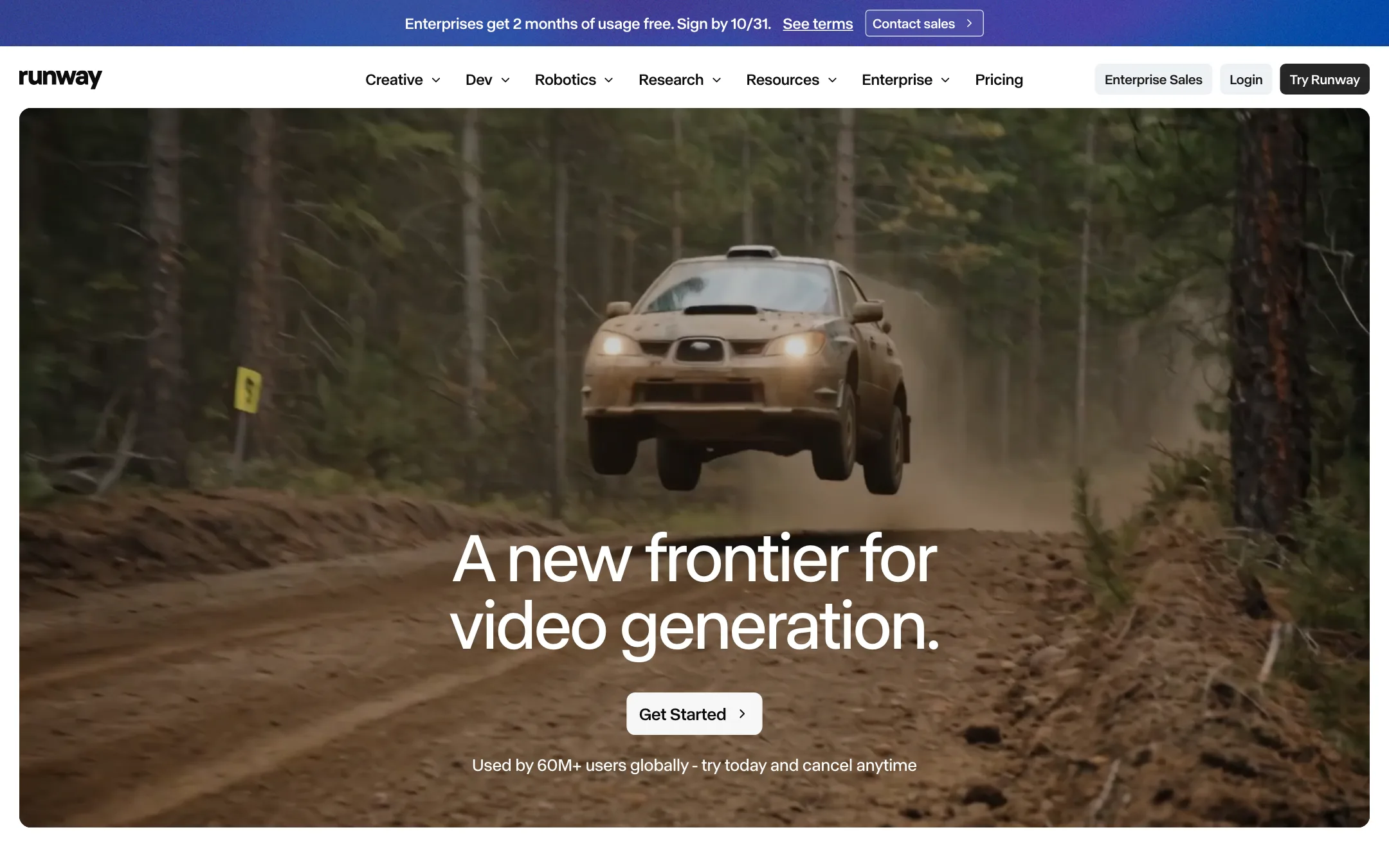
The AI video lab behind Gen-4.5 and Aleph, with a full creative suite for generating, editing and extending footage, plus Kling, Seedance and other models
Best for: Filmmakers, editors, agencies and brand teams who want frontier video models plus serious editing tools, and are willing to pay per second of footage.
The short answer
More creators choose Steve AI than Runway, and it ranks higher in our text to video list. Pick Steve AI if you want faceless youtube channels, teachers and marketers who want a script or blog turned into a narrated, animated or stock-footage video without editing skills. Pick Runway if you want filmmakers, editors, agencies and brand teams who want frontier video models plus serious editing tools, and are willing to pay per second of footage.
Steve AI: A broad, beginner-friendly script-to-video studio with lots of styles and generous video minutes for the price. The catch is that "minutes of AI video" and "generative credits" are different things, and true generative AI footage is limited to 2 minutes a month until the $99 plan.
Runway: One of the few companies that builds its own frontier video models, wrapped in a deep creative suite with editing, plugins and team tools. It is a professional tool priced like one, and the cheapest plan buys under a minute of Gen-4.5 footage a month.
Specs side by side
| Steve AI | Runway | |
|---|---|---|
| Starting price | From $19/mo | From $12/mo |
| Free tier | ||
| Pricing | Free plan with 1,200 seconds of AI video. Paid plans from $19/mo billed yearly ($29 monthly). | Free plan with 125 one-time credits. Paid plans from $12/mo billed yearly ($15 monthly). |
| Platforms | Web, iOS, Android | Web, iOS, Android, API |
| Best for | Faceless YouTube channels, teachers and marketers who want a script or blog turned into a narrated, animated or stock-footage video without editing skills. | Filmmakers, editors, agencies and brand teams who want frontier video models plus serious editing tools, and are willing to pay per second of footage. |
| Last checked | 2026-10-19 | 2026-10-21 |
Pricing
Steve AI
Free plan with 1,200 seconds of AI video. Paid plans from $19/mo billed yearly ($29 monthly).
- Free$0
- Starter$19/mo yearly · $29 monthly
- Pro$39/mo yearly · $59 monthly
- Generative AI$99/mo yearly · $129 monthly
- EnterpriseCustom
Runway
Free plan with 125 one-time credits. Paid plans from $12/mo billed yearly ($15 monthly).
- FreeFree
- Standard$12/mo yearly · $15 monthly
- Pro$28/mo yearly · $35 monthly
- Max$76/mo yearly · $95 monthly
- Team$55/seat/mo yearly · $69 monthly
- EnterpriseCustom
Key features
Steve AI
- Prompt, script, blog/URL, audio and image to video
- Seven-plus output styles including animation, stock live action and generative AI
- 300+ 2D animated characters and talking-head avatars
- Multi-voice AI narration for dialogue-style videos
- Scene-level editing with swaps and reordering before render
- 140M+ Getty stock assets according to Steve AI
- AI motion effects, camera moves and kinetic text
- ClipMaker for short animated clips from a tweet, image or blog
- Video translator for 10+ languages
- Access to third-party generative models such as Veo and Kling through generative credits
Runway
- Gen-4.5, Runway's own text-to-video and image-to-video model
- Aleph 2.0 and Edit Studio, which apply an edit made on one frame to the rest of the video
- Third-party models in the same app, including Kling 3.0, Seedance 2.0 and 2.5, Nano Banana Pro, Wan and FLUX
- Runway Agent for building end-to-end videos through conversation
- Apps for removing objects, relighting, changing backdrops or time of day, adding dialogue and upscaling
- Node-based Workflows that chain models and steps
- Act-Two and Add Performance for mapping your voice and expressions onto a character
- Plugins for Premiere Pro, After Effects and DaVinci Resolve
- Music, voice and sound effects generation
- Runway MCP, a ChatGPT plugin and a developer API
- iOS and Android apps
Strengths and weaknesses
Steve AI
- Real free plan to try the whole flow
- Many inputs, from prompt and script to blog link, audio or image
- Animated, stock and generative styles in one tool
- Generous video minutes on the paid plans
- Built by Animaker, a long-running video company
- Web plus iOS and Android apps
- Generative AI footage is capped at 120 seconds a month on Starter and Pro
- Plan names and allowances (minutes, credits, power-ups, FlexiCredits) are confusing
- The homepage and pricing page disagree on Pro's voice tier
- Animated and stock styles look template-driven rather than custom
- Monthly billing costs about 50% more than yearly
Runway
- Runs its own frontier models, not only resold ones
- Video editing tools go well beyond generation, from object removal to relighting
- Premiere Pro, After Effects and Resolve plugins fit real post-production
- Public per-model credit costs make budgeting predictable
- Every paid plan gets all video and image models and no watermark
- Team plan with pooled credits and frame-accurate comments
- Standard's 625 credits buy only about 52 seconds of Gen-4.5 a month
- Free credits are one-time, roughly 10 seconds of Gen-4.5
- Credits do not roll over on Standard or Pro
- Pricing page labels yearly billing both "2 months free" and "20% off"; the actual saving is 20%
- Studio-grade output such as HDR and ProRes is Max-only
- The breadth of tools and models has a learning curve for casual creators
Try Steve AI
Free plan with 1,200 seconds of AI video. Paid plans from $19/mo billed yearly ($29 monthly).
Try Runway
Free plan with 125 one-time credits. Paid plans from $12/mo billed yearly ($15 monthly).