SendShort vs vidIQ
Two short-form clips tools, side by side. Same test criteria, same honesty about what breaks.
Some links on this page are affiliate links. If you buy through them we may earn a commission at no extra cost to you. It never changes how we rank tools. Read our disclosure.

#9 of 11 in Short-form clips
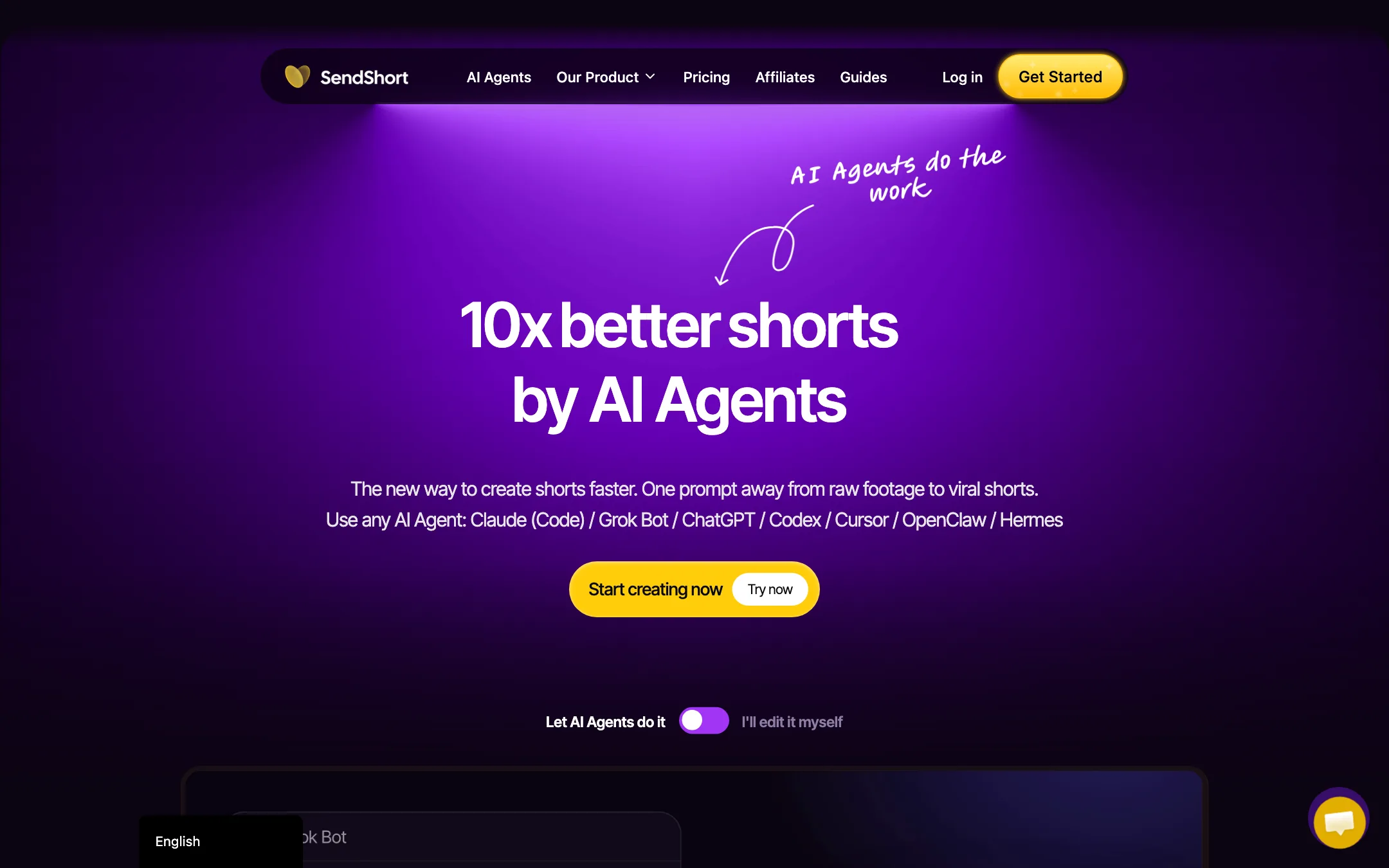
A long-video-to-shorts clipper with animated captions, a full editor, a TikTok and YouTube scheduler, and an MCP connector for AI agents
Best for: Podcasters, coaches and agencies who want long recordings cut into captioned shorts and posted to TikTok and YouTube from one place, optionally driven from an AI assistant.

#10 of 11 in Short-form clips
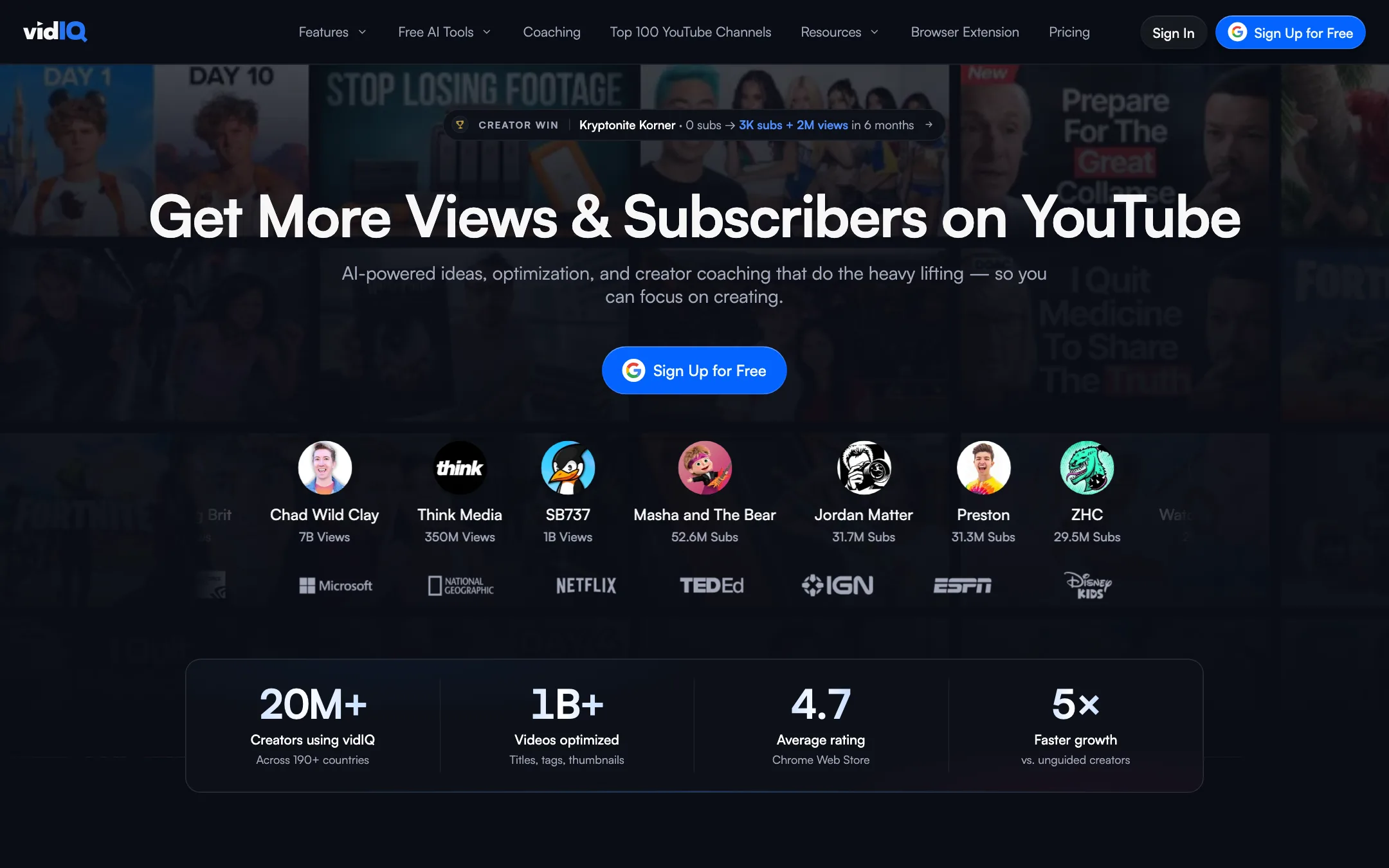
A YouTube growth toolkit for keywords, ideas and optimization, with an AI clipper that turns long videos into Shorts
Best for: YouTube creators who want keyword research, video ideas and upload optimization in one place, and would like to cut Shorts from their long videos without a second subscription.
The short answer
More creators choose SendShort than vidIQ, and it ranks higher in our short-form clips list. Pick SendShort if you want podcasters, coaches and agencies who want long recordings cut into captioned shorts and posted to tiktok and youtube from one place, optionally driven from an ai assistant. Pick vidIQ if you want youtube creators who want keyword research, video ideas and upload optimization in one place, and would like to cut shorts from their long videos without a second subscription.
SendShort: A broad, reasonably priced shorts workspace that now leans hard on AI-agent control. The catch is that the cheapest plan cannot clip long videos at all, so Professional is the real starting point for most people, and there is no free plan to test on.
vidIQ: The best-known YouTube growth toolkit, now with a built-in Shorts clipper. Buy it for the research and optimization tools. If clipping is your main job, a dedicated clip maker gives you more control, and vidIQ only publishes a clipping allowance for its top Max plan.
Specs side by side
| SendShort | vidIQ | |
|---|---|---|
| Starting price | From $15/mo | From $16.58/mo |
| Free tier | ||
| Pricing | No free plan or trial. Paid plans from $15/mo billed yearly ($19 monthly), with a 24-hour refund window. | Free plan with 150 AI credits a month. Boost from $16.58/mo billed yearly ($19 monthly), Max from $39/mo yearly ($49 monthly). |
| Platforms | Web, API, MCP connector | Web, Chrome extension, iOS, Android |
| Best for | Podcasters, coaches and agencies who want long recordings cut into captioned shorts and posted to TikTok and YouTube from one place, optionally driven from an AI assistant. | YouTube creators who want keyword research, video ideas and upload optimization in one place, and would like to cut Shorts from their long videos without a second subscription. |
| Last checked | 2026-10-19 | 2026-10-19 |
Pricing
SendShort
No free plan or trial. Paid plans from $15/mo billed yearly ($19 monthly), with a 24-hour refund window.
- Starter$15/mo yearly · $19 monthly
- Professional$23/mo yearly · $29 monthly
- Business$47/mo yearly · $59 monthly
vidIQ
Free plan with 150 AI credits a month. Boost from $16.58/mo billed yearly ($19 monthly), Max from $39/mo yearly ($49 monthly).
- Free$0
- Boost$16.58/mo yearly · $19 monthly
- Max$39/mo yearly · $49 monthly
- EnterpriseCustom
- 1-on-1 CoachingNot listed
Key features
SendShort
- Long video to shorts, with AI picking the moments it scores highest for retention (Professional and up)
- Animated captions in 100+ languages, with caption themes and brand kits
- Caption translation and SRT export on Professional and up
- Auto B-roll, zooms, sound effects and AI hook titles
- Silence cutting and noise reduction
- Faceless videos from a prompt, TikTok slideshows, music videos, AI avatar and photo-to-video clips
- Timeline editor with your own fonts, B-roll, music and images
- Scheduler and content calendar for TikTok and YouTube, unlimited social accounts
- MCP connector for Claude, ChatGPT, Grok, Cursor and other assistants, plus a REST API
- Automated series that produce new clips on a schedule
vidIQ
- AI Shorts clipping from long YouTube videos, with auto-crop and captions
- Keyword research and competitor analysis
- Daily video ideas, outliers and trend alerts
- AI title, description and tag suggestions
- Thumbnail maker
- AI Coach for personalized growth advice
- Browser extension with SEO scores on every YouTube video page
- Best-time-to-post recommendations
- vidIQ MCP to use vidIQ data inside Claude, ChatGPT and other AI tools
- Instagram Reel ideas and scoring (newer)
Strengths and weaknesses
SendShort
- One tool covers clipping, captions, light editing and scheduling
- Yearly billing cuts every plan by 20% or more
- Caption translation and SRT export are included from Professional
- MCP connector and API let you script clipping into your own workflow
- Unlimited social accounts on every plan
- Clear limits table on the pricing page
- No free plan and no free trial, only a 24-hour refund window
- Starter does not include long-video-to-shorts, the feature most people buy a clipper for
- Unused shorts do not roll over, and weekly limits reset every week
- The scheduler only posts to TikTok and YouTube
- Marketing copy and pricing disagree in places, such as the homepage calling it "100% free" and listing the API as Business-only
- Business is only "unlimited" up to 100+ shorts a month under fair use
vidIQ
- Free plan and free browser extension with real value
- Combines research, optimization and clipping in one subscription
- Clipper is tied to your YouTube channel, so no uploads or downloads
- Extension puts data right on YouTube pages
- MCP access included on every plan, even Free
- Low price for Boost compared with buying separate tools
- Not a video generator or editor, so it cannot make videos from scratch
- The pricing page only gives a clipping allowance ("up to 11 hours") for Max
- Credits are shared across AI features, so heavy clipping competes with other tools
- Clip editing controls are thin next to dedicated clip makers, based on what vidIQ shows
- Built around YouTube; TikTok and Reels clips are an export target, not a focus
- Growth claims in testimonials are anecdotes, not guarantees
Try SendShort
No free plan or trial. Paid plans from $15/mo billed yearly ($19 monthly), with a 24-hour refund window.
Try vidIQ
Free plan with 150 AI credits a month. Boost from $16.58/mo billed yearly ($19 monthly), Max from $39/mo yearly ($49 monthly).