invideo AI vs Pictory
Two AI video tools side by side: pricing, free plans, features and who each one suits.
#7 in Video editors
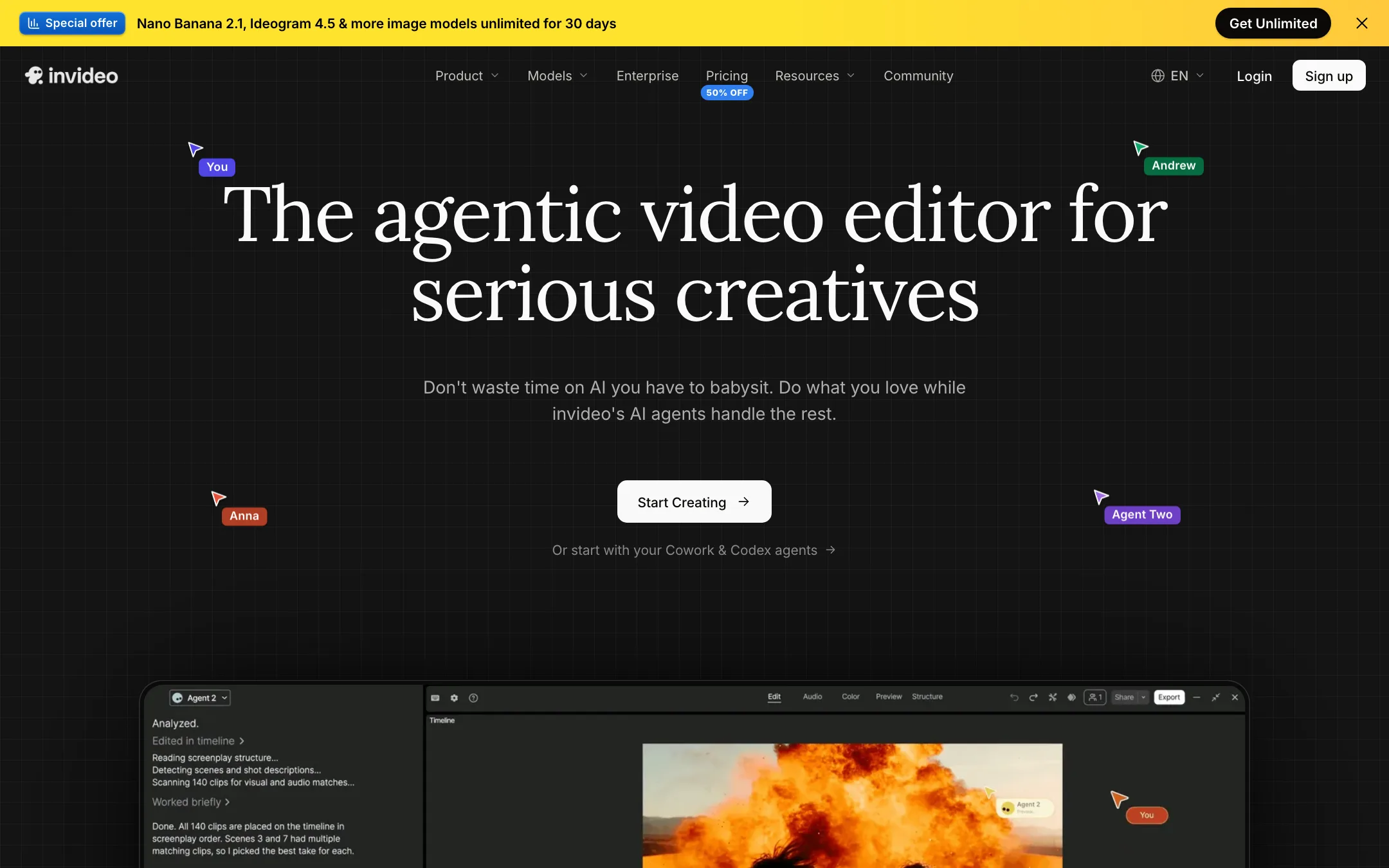
An agent-driven video editor with a real multitrack timeline, built-in access to Seedance, Veo, Kling and other models, and plain-language editing
Best for: Marketers, YouTubers and small teams who want an AI agent to do the rough cut, b-roll and captions while keeping a real timeline to finish by hand.

#26 in Text to video
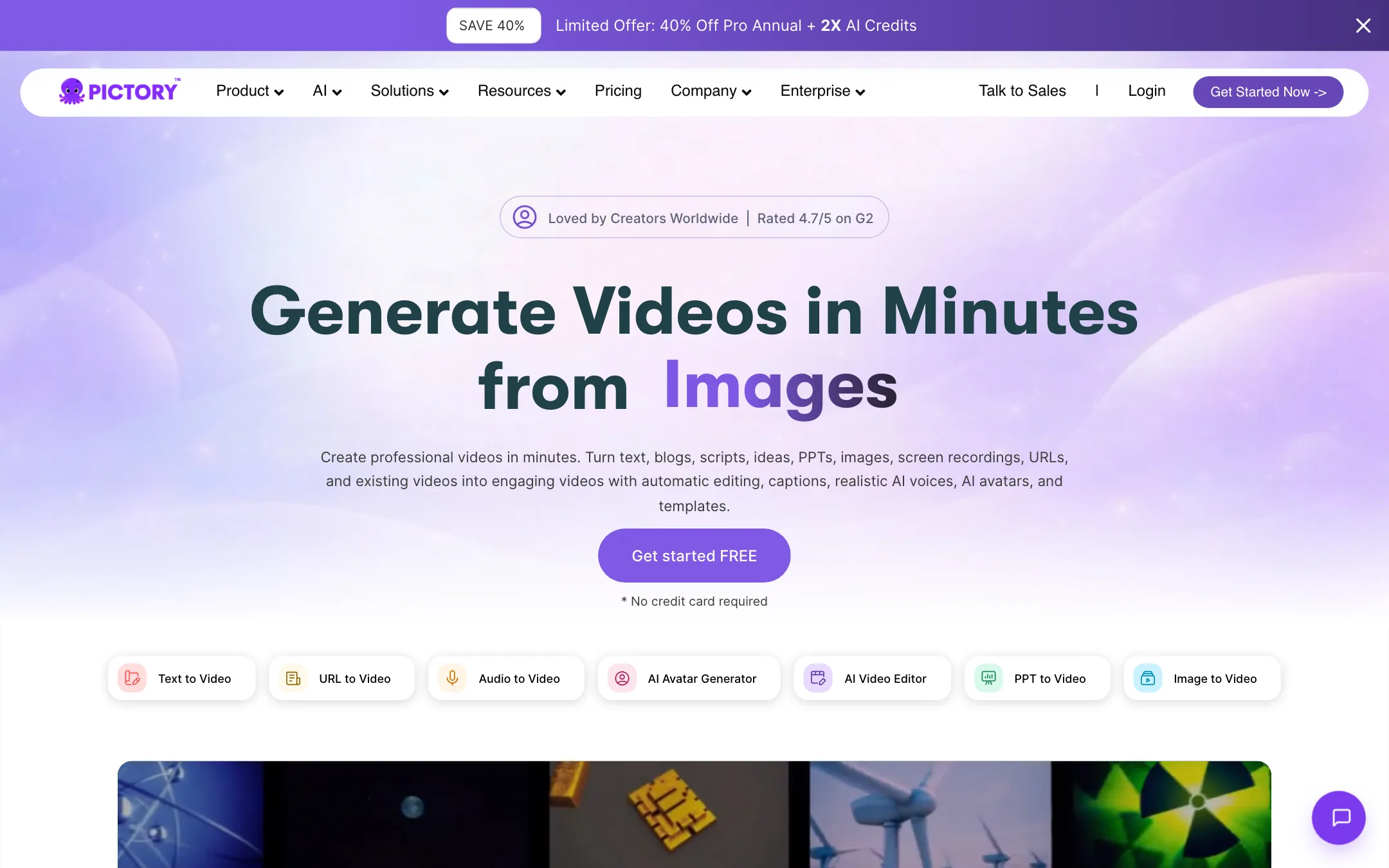
A browser video maker that turns scripts, blog posts, URLs and slides into stock-footage videos with AI voices, and edits recordings through their transcript
Best for: Bloggers, marketers, course creators and training teams who want to turn existing text, slides or recordings into narrated stock-footage videos without a timeline.
invideo AI or Pictory?
Both tools can turn a script into a finished video. Pictory does it with licensed stock footage and ElevenLabs voices, billed in export minutes. invideo AI does it with an editing agent, a real timeline and generative models, billed in credits. If you want to repurpose blog posts or webinars into faceless videos, pick Pictory. If you want to edit and generate footage, pick invideo.
What each one is built for
Pictory is a repurposing machine. Feed it a post, URL, deck or recording and it matches scenes to Getty and Storyblocks clips. Its transcript editor is good for trimming talks and podcasts. Note that its text-to-video works in English only, per Pictory.
invideo started in the same place and moved on. It still writes a script and adds visuals, voiceover and music from a prompt, but its main pitch is an agent you direct in plain words, plus a multitrack timeline you can finish by hand. It bundles models like Seedance, Veo 3.1 and Kling and says its voiceovers cover 50+ languages.
What it costs at typical use
Assume a blogger turning 8 posts a month into 4-minute videos, so 32 minutes of export.
- Pictory Starter: $25 a month billed yearly for 2,400 export minutes a year. That is far more than 32 a month, and previews and edits cost nothing. AI-generated clips draw on a separate, much smaller credit balance.
- invideo Starter: $10 a month yearly or $20 monthly for 400 credits. Timeline edits are free, but our review gives no credit cost for a stock-based prompt video, only for model clips. Test your exact workflow on the free plan first.
On cancellation, both bite. Pictory deletes your projects and offers no refunds. invideo voids unused credits, including paid top-ups, and reviews refunds case by case.
Free access differs too. Pictory gives a 14-day trial with 15 minutes at 720p. invideo has an ongoing free plan with weekly limits that its pricing page leaves out.
Which to pick
- Pick invideo if you want a timeline, generative footage from major models, or videos in languages other than English. See the invideo AI review.
- Pick Pictory if you publish in English, have text or recordings to recycle, and want predictable minutes with licensed stock. See the Pictory review.
Specs side by side
| invideo AI | Pictory | |
|---|---|---|
| Starting price | From $10/mo | From $25/mo |
| Free tier | ||
| Pricing | Free plan with weekly limits. Paid plans from $10 per seat a month billed yearly ($20 monthly). | 14-day free trial with 15 video minutes at 720p. Paid plans from $25/mo billed yearly; Professional $35/mo yearly ($59 monthly). |
| Platforms | Web, iOS, Android, MCP | Web, API, Chrome extension |
| Best for | Marketers, YouTubers and small teams who want an AI agent to do the rough cut, b-roll and captions while keeping a real timeline to finish by hand. | Bloggers, marketers, course creators and training teams who want to turn existing text, slides or recordings into narrated stock-footage videos without a timeline. |
| Last checked | 2026-10-19 | 2026-10-21 |
Pricing
invideo AI
Free plan with weekly limits. Paid plans from $10 per seat a month billed yearly ($20 monthly).
- Free$0
- Starter$10/seat/mo yearly · $20 monthly
- Plus$30/seat/mo yearly · $60 monthly
- Max$75/seat/mo yearly · $150 monthly
- Extra creditsFrom $5
- Team, Scale, EnterpriseContact sales
Pictory
14-day free trial with 15 video minutes at 720p. Paid plans from $25/mo billed yearly; Professional $35/mo yearly ($59 monthly).
- Free trialFree for 14 days
- Starter$25/mo yearly
- Professional$35/mo yearly · $59 monthly
- Team$119/mo yearly
- EnterpriseContact sales
- API Self-Serve$79/mo yearly
Key features
invideo AI
- Agent Two, an editing agent that cuts, captions, grades and mixes from plain-language instructions
- Multitrack timeline editor with color, audio and 3D tools on every plan
- Footage memory, so you can find a moment by describing it
- Prompt-to-video workflow that writes the script and adds visuals, voiceover, music and subtitles
- Built-in access to video models such as Seedance, Google Veo 3.1, Sora 2, Kling, Wan, PixVerse and Hailuo
- Image models (Nano Banana Pro, Ideogram, Seedream, Flux Kontext) and audio models (ElevenLabs, MiniMax)
- Real-time multiplayer editing with live cursors and comments
- Remote agents through an MCP server, so Claude, ChatGPT, Codex or Cursor can edit your timeline
- Export to Premiere Pro, Final Cut Pro and DaVinci Resolve project formats
- Stock media library with premium clips on paid plans
Pictory
- Script, text, blog post and URL to video, with scenes and stock visuals matched automatically
- PowerPoint and PDF to video, with narration and captions
- Edit recorded video by editing its transcript, with automatic highlights and filler-word removal
- Automatic captions with subtitle export as SRT, VTT or TXT
- Stock library from Getty Images and Storyblocks, plus thousands of music tracks
- ElevenLabs AI voices in 29 languages, voice cloning on Professional and above
- AI Studio for images and clips from third-party models such as Veo 3.1, PixVerse 5.5, Flux and Nano Banana
- Stock and custom AI avatars as an editable layer in the editor
- Brand kits for fonts, colors, logos and intros
- API, Zapier and Make integrations, a Chrome extension and a ChatGPT-based script generator
Strengths and weaknesses
invideo AI
- Real timeline you can take over at any frame, not a black-box generator
- Many leading video, image and voice models under one subscription
- Timeline editing itself does not cost credits
- Generous storage and guest seats on Plus and Max
- Works with outside AI agents through MCP
- Project export to the big desktop editors
- Credits do not roll over, and top-up balances die if you cancel
- Starter locks out Seedance 2.5 and the Pro and Ultra agents
- The free plan's limits are not spelled out on the pricing page
- Help center plan names (Basic, Pro, Ultra) do not match the pricing page (Starter, Plus, Max)
- Refunds are case by case, and cancelling never triggers one
- Credit costs per model can change without notice, per invideo's own help pages
Pictory
- Turns content you already have into video in a few steps
- Licensed Getty and Storyblocks footage, so no royalty worries per Pictory
- Transcript editing is fast for cleaning up talks, webinars and podcasts
- Video minutes are only spent on export, not on previews or edits
- Annual plans give you the whole year's minutes up front
- Public API with a self-serve plan for automations
- Text-to-video works in English only, per Pictory's own FAQ
- No refunds on paid subscriptions
- Monthly prices are hidden behind a toggle and upsell pop-ups
- Projects are permanently deleted when you cancel, so download first
- Stock-footage results can look generic without manual scene swaps
- Unused monthly minutes do not roll over
Try invideo AI
Free plan with weekly limits. Paid plans from $10 per seat a month billed yearly ($20 monthly).
Try Pictory
14-day free trial with 15 video minutes at 720p. Paid plans from $25/mo billed yearly; Professional $35/mo yearly ($59 monthly).