HitPaw Edimakor vs Animaker
Two video editors tools side by side: pricing, free plans, features and who each one suits.
Some links on this page are affiliate links. If you buy through them we may earn a commission at no extra cost to you. Read our disclosure.
#1 of 73 in Video editors
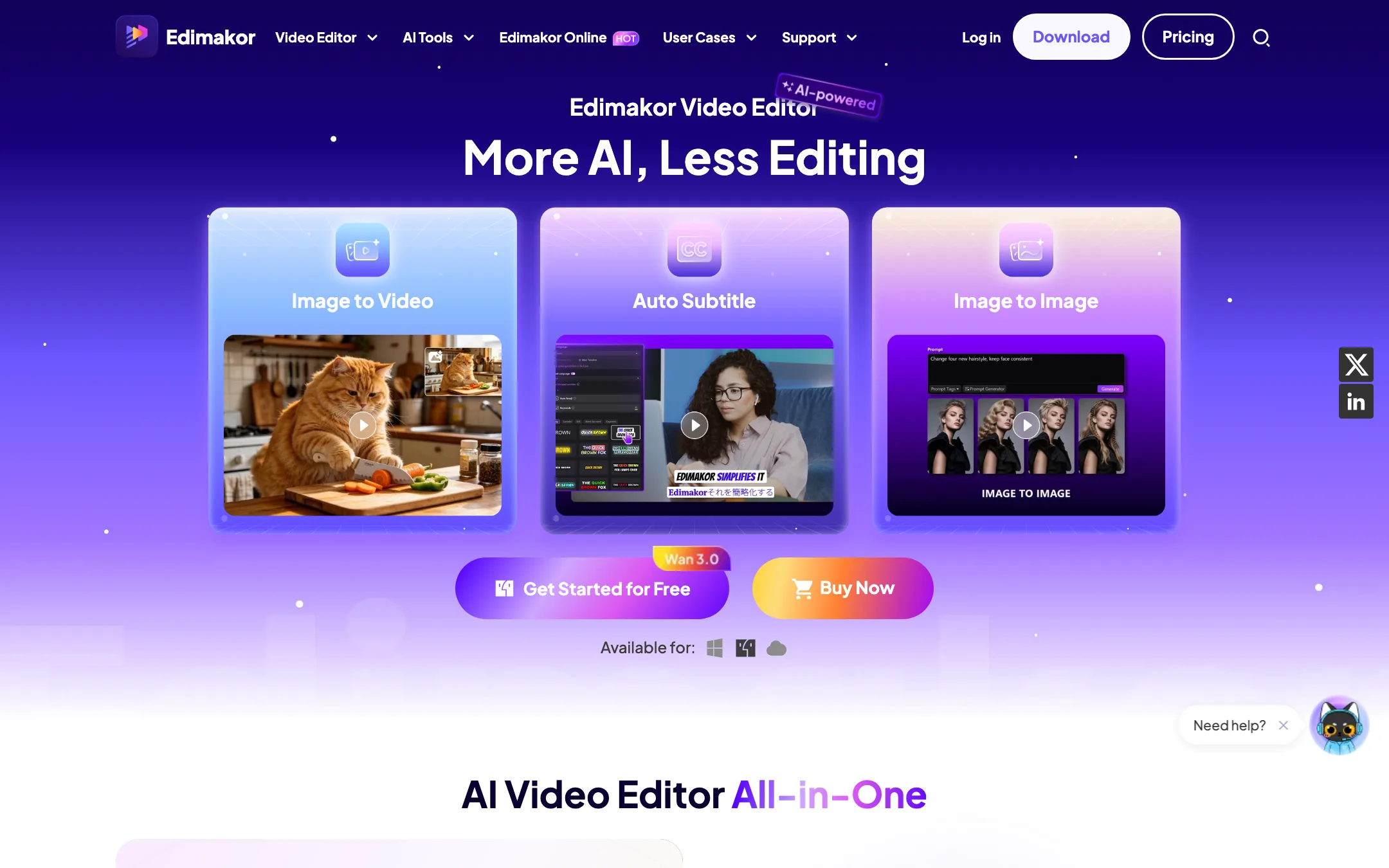
A desktop video editor for Windows and Mac from HitPaw, with a long list of AI tools and third-party video models paid for in credits
Best for: Beginner and intermediate creators on Windows or Mac who want a normal timeline editor with AI subtitles, voiceover, translation and AI video generation in the same app.

#6 of 73 in Video editors
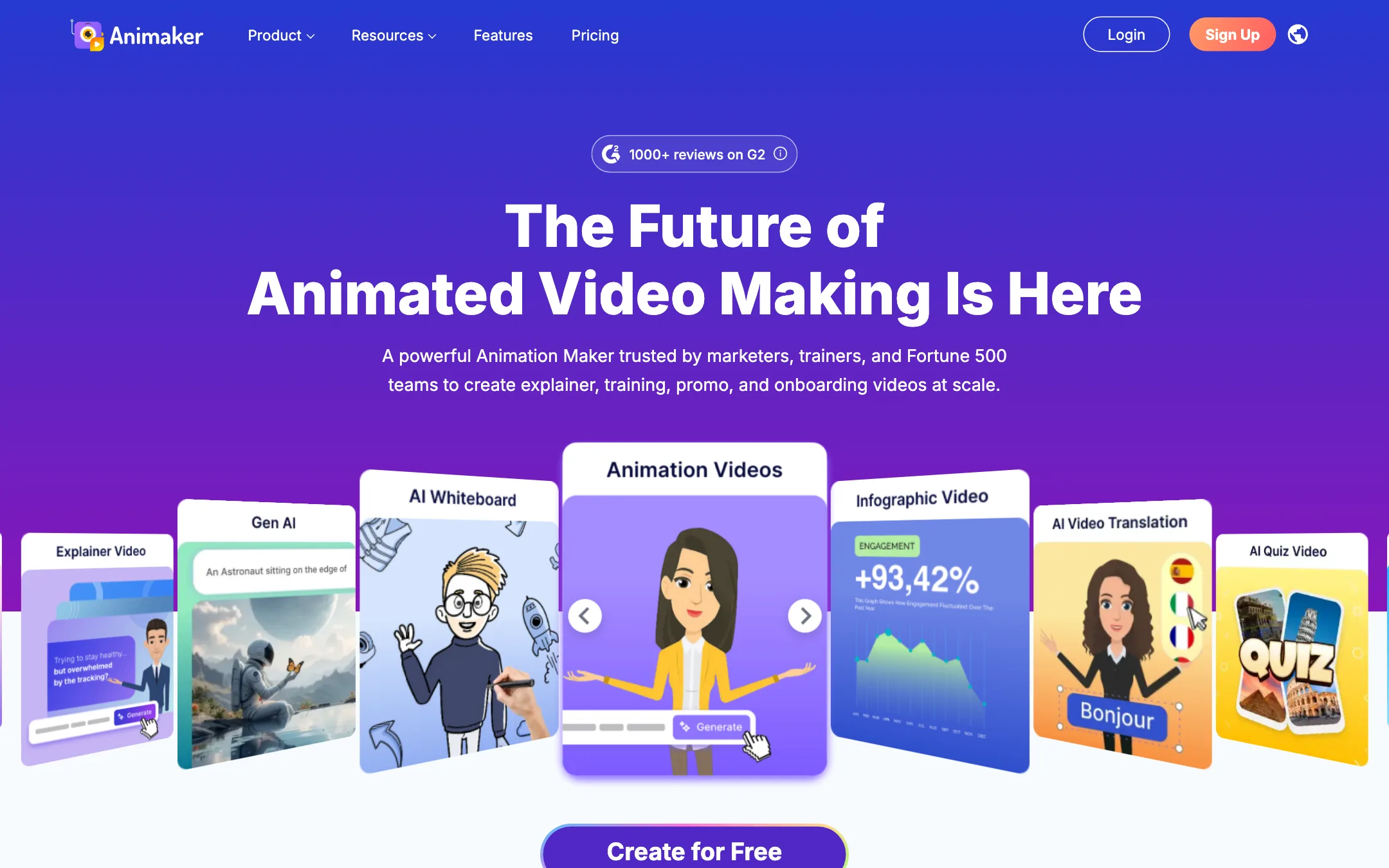
A browser-based animation studio for explainer, training and promo videos, with a character builder, whiteboard mode, AI voices and prompt-to-animation
Best for: Trainers, HR teams, teachers and marketers who need clear animated explainers and training videos without hiring an animator.
The short answer
More creators choose HitPaw Edimakor than Animaker, and it ranks higher in our video editors list. Pick HitPaw Edimakor if you want beginner and intermediate creators on windows or mac who want a normal timeline editor with ai subtitles, voiceover, translation and ai video generation in the same app. Pick Animaker if you want trainers, hr teams, teachers and marketers who need clear animated explainers and training videos without hiring an animator.
HitPaw Edimakor: A capable, easy-going desktop editor with a huge AI menu bolted on. The editing side is cheap, especially the perpetual license. The AI side is where the costs hide, because the bundled credits run out fast on premium video models like Veo 3.
Animaker: Animaker is a mature, template-rich animation maker that does explainers, whiteboard videos and custom cartoon characters well. It is not a cinematic AI video generator. Watch the plan limits closely, since commercial rights only start on Pro and generative video seconds are tiny on every plan.
Specs side by side
| HitPaw Edimakor | Animaker | |
|---|---|---|
| Starting price | From $4.16/mo | From $15/mo |
| Free tier | ||
| Pricing | Free version exports with a watermark and includes 30 AI credits. Paid from $19.95/mo, $49.95/yr or $69.95 one-time, one computer per license. | Free plan with watermarked exports. Paid plans from $15/mo billed yearly ($27 monthly). |
| Platforms | Windows, macOS, Web | Web, iOS, Android |
| Best for | Beginner and intermediate creators on Windows or Mac who want a normal timeline editor with AI subtitles, voiceover, translation and AI video generation in the same app. | Trainers, HR teams, teachers and marketers who need clear animated explainers and training videos without hiring an animator. |
| Last checked | 2026-10-20 | 2026-10-19 |
Pricing
HitPaw Edimakor
Free version exports with a watermark and includes 30 AI credits. Paid from $19.95/mo, $49.95/yr or $69.95 one-time, one computer per license.
- FreeFree
- 1 Month$19.95/mo
- 1 Year$49.95/yr
- Perpetual$69.95 one-time
- Edimakor Online3-day trial, then $29.99/mo
Animaker
Free plan with watermarked exports. Paid plans from $15/mo billed yearly ($27 monthly).
- Free$0
- Basic$15/mo yearly ($180/yr) · $27 monthly
- Starter$25/mo yearly ($300/yr) · $45 monthly
- Pro$43/mo yearly ($516/yr) · $79 monthly
- EnterpriseCustom
Key features
HitPaw Edimakor
- Timeline editor for Windows and Mac with keyframes, masking, chroma key, speed ramping, motion tracking and stabilization
- AI text-to-video and image-to-video with third-party models including Veo 3 and 3.1, Seedance, Kling 3.0, Vidu Q3, Hailuo and Wan
- Auto subtitles and speech-to-text
- Text to speech in 50+ languages and voice cloning in 35+ languages, per HitPaw
- AI video translation with optional voice-over
- AI avatars, talking photos and lip sync
- AI Clip Maker that cuts long videos into short vertical clips
- Background remover, watermark remover, object remover and video enhancer
- Built-in screen recorder
- Assets library HitPaw puts at 1,000+ effects, 50k+ stock photos and videos and 50k+ templates
- Separate Edimakor Online web app for AI image and video generation
Animaker
- Drag-and-drop animation editor with thousands of templates
- Character builder for custom cartoon characters, with actions and expressions
- Prompt-to-animation generator that drafts a video from a text idea
- Whiteboard and infographic animation modes
- AI voiceovers with auto lip sync, using voices from providers such as ElevenLabs, Microsoft and Google
- AI subtitles with translation into 100+ languages
- One-click video translation (Enterprise)
- Generative AI clips and AI image, background and prop generators
- Stock library of 100M+ assets and 30K+ music tracks and effects
- Avatar-based presentation maker with PowerPoint import
- Real-time collaboration and brand kit (Enterprise)
Strengths and weaknesses
HitPaw Edimakor
- Free version includes every non-AI editing feature
- Perpetual license at $69.95 if you dislike subscriptions
- One app covers editing, subtitles, voiceover, translation and AI video
- Access to big-name video models without separate subscriptions
- Exports up to 4K with ProRes on Mac and many other formats
- 30-day money-back guarantee, with conditions
- Bundled AI credits do not stretch far on premium models
- A license covers one computer and one operating system only
- No mobile app yet, by HitPaw's own FAQ
- Pages contradict each other on credits, transitions and user numbers
- Edimakor Online is a second subscription with its own pricing
- Struck-through "regular" prices make every plan look like a permanent sale
Animaker
- Free plan lets you build and export real videos
- Very large template and asset library for business and training topics
- Character builder is a genuine differentiator for branded cartoons
- Whiteboard mode included on every paid plan
- Paid plans remove the watermark from Basic up
- Web, iOS and Android apps
- Commercial rights are listed only from Pro ($43/mo yearly) upward
- Generative AI video is capped at 90 or 180 seconds a month on Starter and Pro, and none on Basic
- Premium downloads are counted, as low as 5 a month on Basic
- Collaboration, brand kit and video translation sit behind custom Enterprise pricing
- Monthly billing costs up to 45% more than yearly
- Output style is template animation, not realistic AI footage
Try HitPaw Edimakor
Free version exports with a watermark and includes 30 AI credits. Paid from $19.95/mo, $49.95/yr or $69.95 one-time, one computer per license.
Try Animaker
Free plan with watermarked exports. Paid plans from $15/mo billed yearly ($27 monthly).