HeyGen vs invideo AI
Two AI video tools side by side: pricing, free plans, features and who each one suits.
#10 in AI avatars
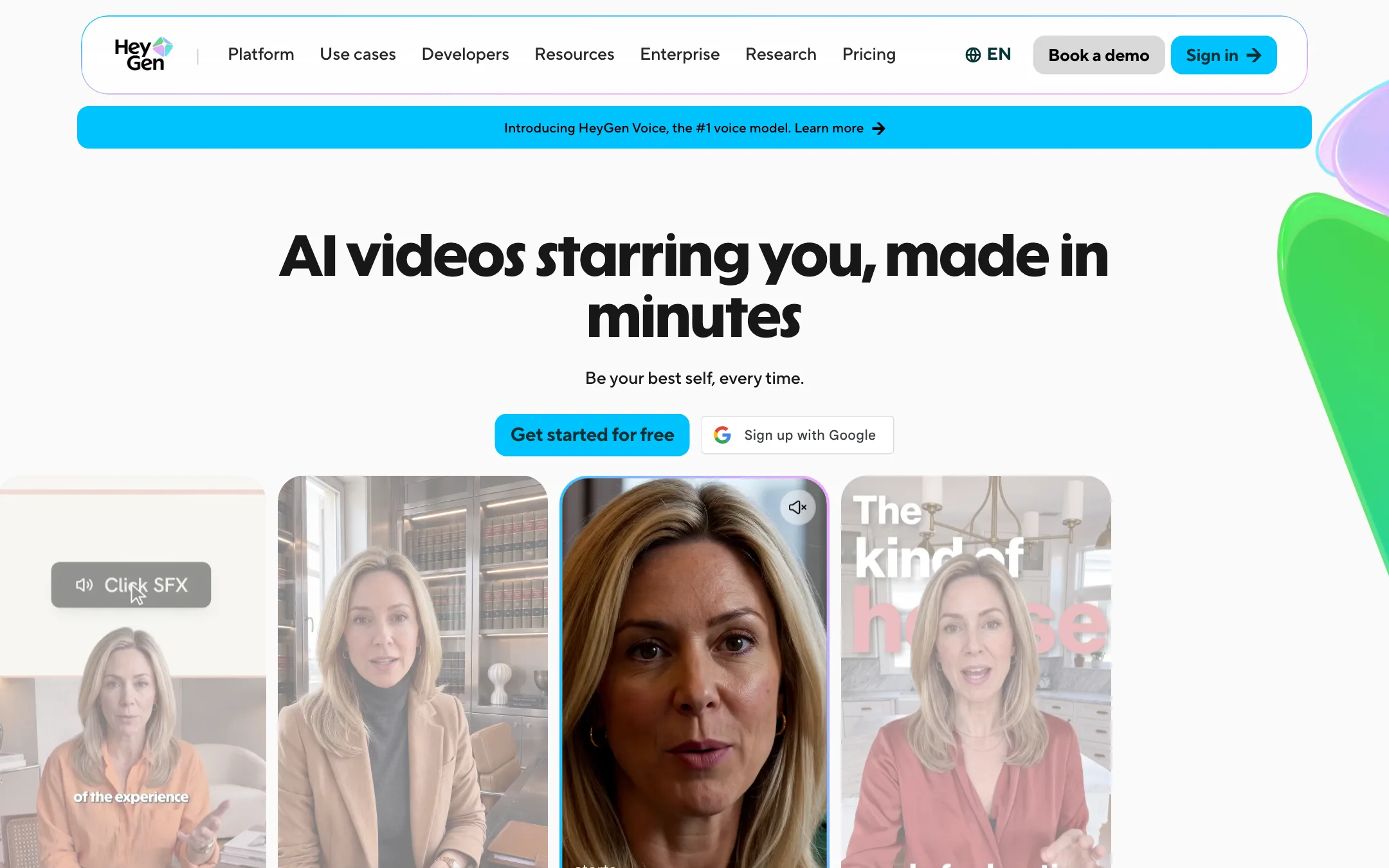
The best-known AI avatar platform, with stock presenters, a digital twin of you, Video Agent and lip-synced translation into 175+ languages
Best for: Creators, coaches, course makers and marketing teams who want a realistic presenter, often a clone of themselves, and need the same video in many languages.
#7 in Video editors
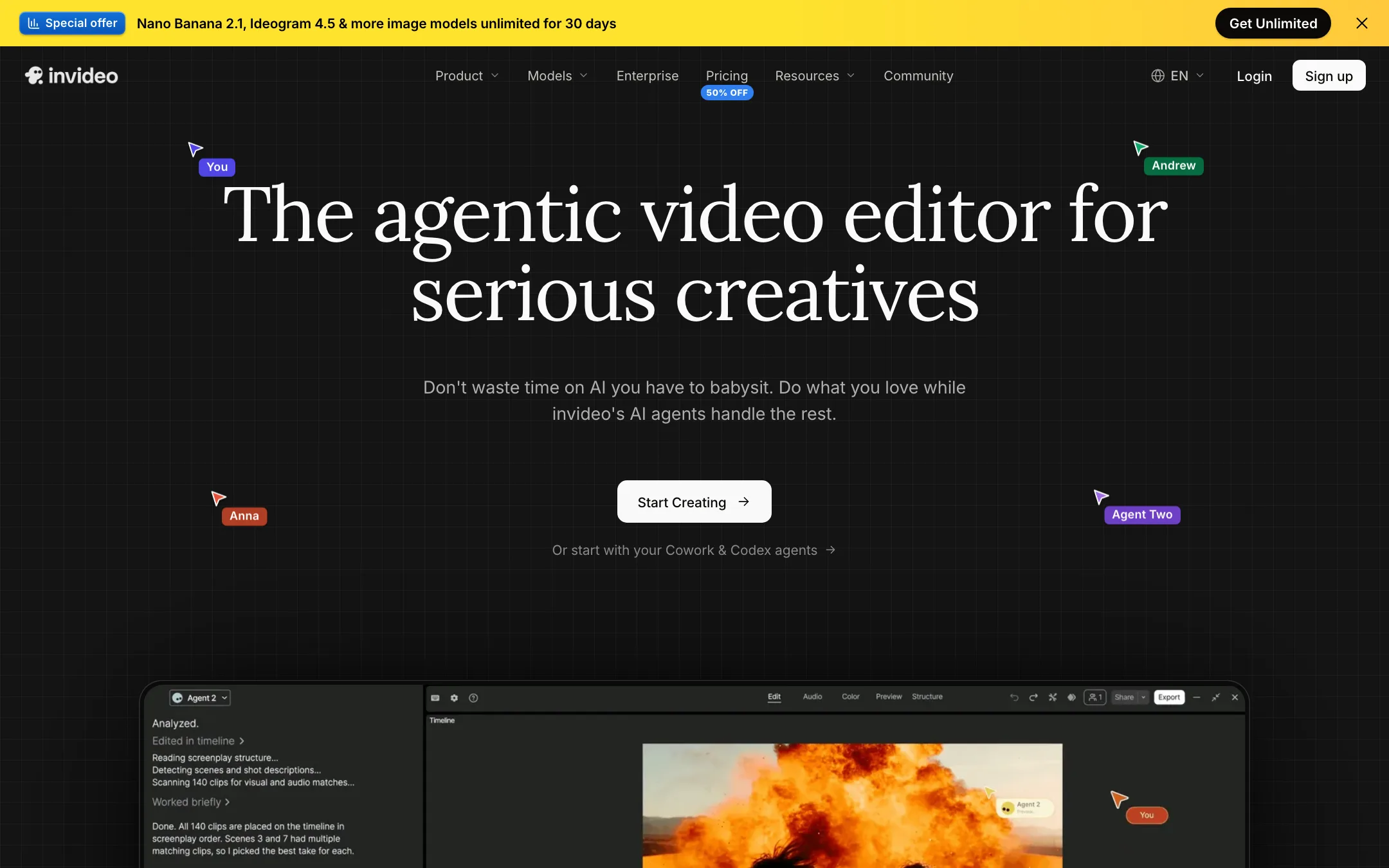
An agent-driven video editor with a real multitrack timeline, built-in access to Seedance, Veo, Kling and other models, and plain-language editing
Best for: Marketers, YouTubers and small teams who want an AI agent to do the rough cut, b-roll and captions while keeping a real timeline to finish by hand.
HeyGen or invideo AI?
HeyGen and invideo AI solve different problems. HeyGen puts a presenter on screen, often a clone of you, and translates it. invideo AI edits videos for you on a real multitrack timeline and generates footage with models like Seedance and Veo. If the video needs a talking face, pick HeyGen. If it needs cutting, B-roll and captions, pick invideo.
What each one is built for
HeyGen is a presenter studio. You build a digital twin, script it, then translate the result into other languages with your voice and lip sync intact. Video Agent can draft a full video from a prompt, but the avatar is the point.
invideo is an editor first. You tell its agent what to change in plain words and then take over the timeline by hand. You can export the project to Premiere Pro, Final Cut Pro or DaVinci Resolve, and it has iOS and Android apps. Our invideo review does not cover avatars, so do not buy it for presenter videos without testing first.
What it costs at typical use
Assume a YouTuber making 8 videos a month.
- invideo Starter: $10 a month yearly or $20 monthly. Timeline editing uses no credits, so the 400 credits go only to generation, which invideo puts at about 15 Seedance 2 Fast clips. Plus, at $30 yearly or $60 monthly, unlocks every agent and model.
- HeyGen Creator: $24 a month yearly or $29 monthly for 600 credits, about 12 to 37 minutes of avatar video depending on the model. Generation models like Seedance and Veo need Pro, from $49.
For a team of three, invideo Plus is 3 seats at $30, so $90 a month yearly. HeyGen’s team plan is Business at $149 plus $20 for each extra seat, so $189 a month.
Credits behave differently. HeyGen rolls unused credits over, for a month on monthly plans and all year on annual. invideo resets them every month, even on annual billing.
Which to pick
- Pick HeyGen if you need a presenter, especially a clone of yourself, or want to translate videos with lip sync. See the HeyGen review.
- Pick invideo if you want an agent to do the rough cut while you keep a real timeline, or want many video models under one plan. See the invideo AI review.
Specs side by side
| HeyGen | invideo AI | |
|---|---|---|
| Starting price | From $24/mo | From $10/mo |
| Free tier | ||
| Pricing | Free plan with 3 watermarked videos a month up to 1 minute. Creator from $24/mo billed yearly ($29 monthly), Pro from $49/mo. | Free plan with weekly limits. Paid plans from $10 per seat a month billed yearly ($20 monthly). |
| Platforms | Web, API | Web, iOS, Android, MCP |
| Best for | Creators, coaches, course makers and marketing teams who want a realistic presenter, often a clone of themselves, and need the same video in many languages. | Marketers, YouTubers and small teams who want an AI agent to do the rough cut, b-roll and captions while keeping a real timeline to finish by hand. |
| Last checked | 2026-10-21 | 2026-10-19 |
Pricing
HeyGen
Free plan with 3 watermarked videos a month up to 1 minute. Creator from $24/mo billed yearly ($29 monthly), Pro from $49/mo.
- FreeFree
- Creator$24/mo yearly · $29 monthly
- ProFrom $49/mo
- Business$149/mo + $20 per extra seat
- EnterpriseContact sales
- APIPay as you go from $5
invideo AI
Free plan with weekly limits. Paid plans from $10 per seat a month billed yearly ($20 monthly).
- Free$0
- Starter$10/seat/mo yearly · $20 monthly
- Plus$30/seat/mo yearly · $60 monthly
- Max$75/seat/mo yearly · $150 monthly
- Extra creditsFrom $5
- Team, Scale, EnterpriseContact sales
Key features
HeyGen
- Personal Avatar (digital twin) from a short recorded clip plus a consent statement, on HeyGen's Avatar V model
- Photo Avatar that turns one front-facing photo into a talking presenter, on Avatar IV
- Stock library of ready-made presenters, cleared for commercial use on paid plans
- Video Agent that turns a one-line prompt into a scripted video with avatar, B-roll and motion graphics
- AI Studio, a text-based editor where you control script, voice, gestures and emotion
- Video translation with voice cloning and lip sync, from an upload or a YouTube link, up to 10 languages at once
- Brand glossary for protected terms and forced translations
- PowerPoint and PDF to video, up to 50 slides, with speaker notes as script
- Seedance 2.0, Veo 3.1 and Nano Banana inside the app on Pro
- API, MCP server and a ChatGPT app
invideo AI
- Agent Two, an editing agent that cuts, captions, grades and mixes from plain-language instructions
- Multitrack timeline editor with color, audio and 3D tools on every plan
- Footage memory, so you can find a moment by describing it
- Prompt-to-video workflow that writes the script and adds visuals, voiceover, music and subtitles
- Built-in access to video models such as Seedance, Google Veo 3.1, Sora 2, Kling, Wan, PixVerse and Hailuo
- Image models (Nano Banana Pro, Ideogram, Seedream, Flux Kontext) and audio models (ElevenLabs, MiniMax)
- Real-time multiplayer editing with live cursors and comments
- Remote agents through an MCP server, so Claude, ChatGPT, Codex or Cursor can edit your timeline
- Export to Premiere Pro, Final Cut Pro and DaVinci Resolve project formats
- Stock media library with premium clips on paid plans
Strengths and weaknesses
HeyGen
- Free plan with no card, enough to test a custom avatar and Video Agent
- Translation keeps your cloned voice and re-syncs the lips, not just subtitles
- Custom avatars require on-camera consent from the person shown
- Credits roll over one month on monthly plans and all year on annual plans
- One app covers avatars, translation, slides to video and B-roll generation
- Public API from $5 pay as you go
- Free videos are watermarked and capped at 1 minute
- Credit cost per minute depends on the avatar model, so budgeting takes work
- Stock avatar count, language count and free plan resolution differ between HeyGen's own pages
- 4K, Seedance and Veo need Pro at $49 a month or more
- Only Business users can buy one-off credit packs
- Business seats add $20 each on top of $149
invideo AI
- Real timeline you can take over at any frame, not a black-box generator
- Many leading video, image and voice models under one subscription
- Timeline editing itself does not cost credits
- Generous storage and guest seats on Plus and Max
- Works with outside AI agents through MCP
- Project export to the big desktop editors
- Credits do not roll over, and top-up balances die if you cancel
- Starter locks out Seedance 2.5 and the Pro and Ultra agents
- The free plan's limits are not spelled out on the pricing page
- Help center plan names (Basic, Pro, Ultra) do not match the pricing page (Starter, Plus, Max)
- Refunds are case by case, and cancelling never triggers one
- Credit costs per model can change without notice, per invideo's own help pages
Try HeyGen
Free plan with 3 watermarked videos a month up to 1 minute. Creator from $24/mo billed yearly ($29 monthly), Pro from $49/mo.
Try invideo AI
Free plan with weekly limits. Paid plans from $10 per seat a month billed yearly ($20 monthly).