Fliki vs invideo AI
Two AI video tools side by side: pricing, free plans, features and who each one suits.

#27 in Text to video
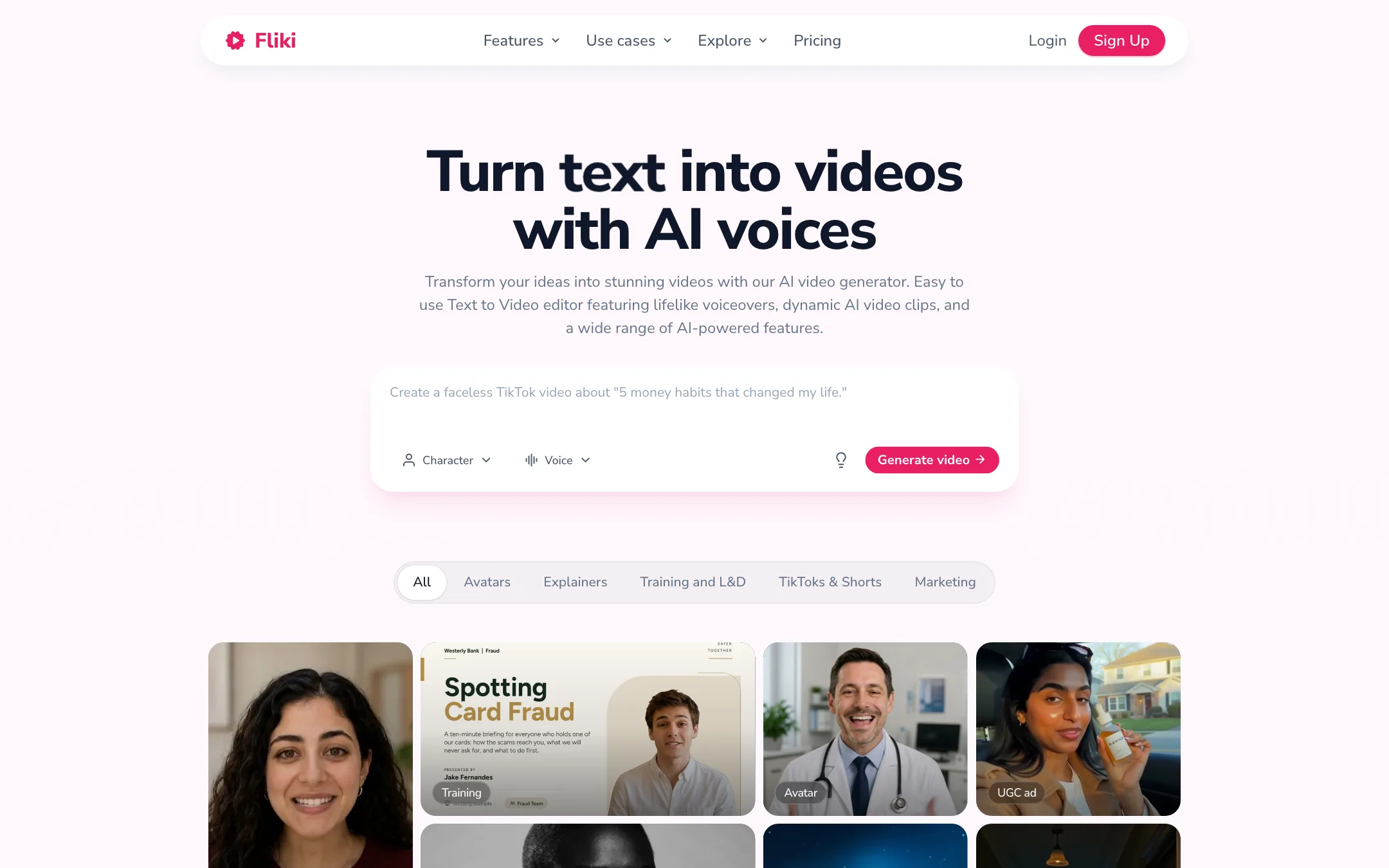
A voice-first text-to-video tool that turns ideas, scripts, blog posts and slides into narrated videos with 2,000+ AI voices in 80+ languages
Best for: Faceless creators, educators and marketers who start from words, not footage, and want a narrated video with stock or AI visuals, subtitles and music in minutes.
#7 in Video editors
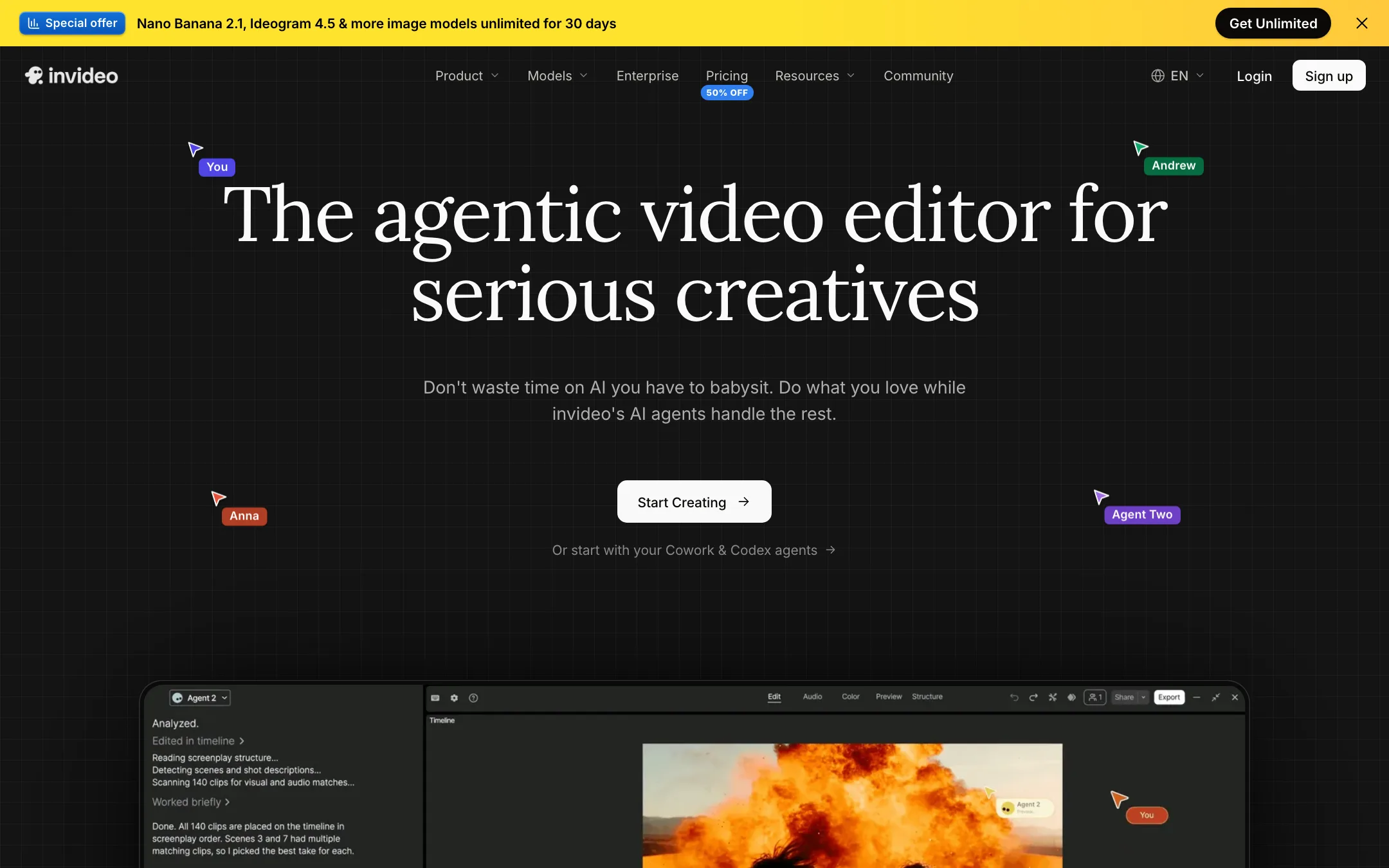
An agent-driven video editor with a real multitrack timeline, built-in access to Seedance, Veo, Kling and other models, and plain-language editing
Best for: Marketers, YouTubers and small teams who want an AI agent to do the rough cut, b-roll and captions while keeping a real timeline to finish by hand.
Fliki or invideo AI?
Fliki makes narrated videos from text and stops there. invideo AI does that too, but its center is now an editing agent working on a multitrack timeline, with a menu of big-lab video models attached. If you mostly publish voiceover-led explainers, Fliki is simpler and cheaper. If you edit real footage or want generated clips in every video, invideo gives you more for the money.
What each one is built for
Fliki’s strength is the voice: a deep library across 80+ languages, cloning on its cheapest paid plan, and translation of finished videos. invideo’s strength is the edit. You upload footage, tell the agent what to cut, caption or color, then take over on the timeline. It can also hand a project to Premiere, Final Cut or Resolve. Fliki has no traditional timeline and no mobile app. invideo runs on iOS and Android as well as the web.
What it costs at typical use
Take a creator who wants AI-generated clips in their videos each month.
- Fliki puts AI video clips on Premium only: $88 a month, or about $66 a month with the 25% yearly discount. That is about $792 a year.
- invideo Plus unlocks every model and agent for $60 a month, or $30 a month billed yearly during its 50% off promotion. That is $360 a year. invideo’s own math puts its 2,000 credits at about 52 Seedance 2 videos a month.
For stock footage and voiceover only, the picture flips. Fliki Standard at $21/mo yearly includes a voice clone and 1080p. invideo Starter is $10/mo yearly on promotion, but it locks you to the Lite agent and a cut-down model list.
One more difference: in invideo, timeline edits are free and only generations cost credits. In Fliki, changing a line of text regenerates audio and spends credits again.
Which to pick
- Pick Fliki if your videos start as a script, you need many languages or your own cloned voice, and you rarely touch footage. See the Fliki review.
- Pick invideo if you edit every week, want several AI video models under one bill, or want a timeline you can finish by hand. See the invideo AI review.
Specs side by side
| Fliki | invideo AI | |
|---|---|---|
| Starting price | From $21/mo | From $10/mo |
| Free tier | ||
| Pricing | Free plan with 3 credits a month, 720p and a watermark. Standard from $21/mo billed yearly ($28 monthly), Premium $88 monthly. | Free plan with weekly limits. Paid plans from $10 per seat a month billed yearly ($20 monthly). |
| Platforms | Web | Web, iOS, Android, MCP |
| Best for | Faceless creators, educators and marketers who start from words, not footage, and want a narrated video with stock or AI visuals, subtitles and music in minutes. | Marketers, YouTubers and small teams who want an AI agent to do the rough cut, b-roll and captions while keeping a real timeline to finish by hand. |
| Last checked | 2026-10-21 | 2026-10-19 |
Pricing
Fliki
Free plan with 3 credits a month, 720p and a watermark. Standard from $21/mo billed yearly ($28 monthly), Premium $88 monthly.
- FreeFree
- Standard$21/mo yearly · $28 monthly
- Premium$88 monthly · 25% off yearly
- EnterpriseCustom
- Top-up creditsVaries
invideo AI
Free plan with weekly limits. Paid plans from $10 per seat a month billed yearly ($20 monthly).
- Free$0
- Starter$10/seat/mo yearly · $20 monthly
- Plus$30/seat/mo yearly · $60 monthly
- Max$75/seat/mo yearly · $150 monthly
- Extra creditsFrom $5
- Team, Scale, EnterpriseContact sales
Key features
Fliki
- Idea, script, blog post and PPT to video, with AI script writing, visuals, voiceover, music and subtitles
- 2,000+ AI voices in 80+ languages and 100+ accents, per Fliki
- Voice cloning from a short recorded sample
- AI video translator and dubbing with lip-synced mouth movement and translated captions, per Fliki
- AI avatars, photo avatars and a Digital Twin of yourself
- Series planner that writes and schedules recurring videos for TikTok, YouTube and Shorts
- Model gallery with third-party video and image models such as Veo 3.1, Kling 3 Pro, Seedance and GPT Image
- Stock library of images, video clips and music, plus licensed AI music generation
- Scene-based editor, brand kits, custom fonts and a pronunciation map
- Direct publishing to TikTok, Instagram and YouTube
- Bulk create, Make and Zapier integrations and an API on Premium
invideo AI
- Agent Two, an editing agent that cuts, captions, grades and mixes from plain-language instructions
- Multitrack timeline editor with color, audio and 3D tools on every plan
- Footage memory, so you can find a moment by describing it
- Prompt-to-video workflow that writes the script and adds visuals, voiceover, music and subtitles
- Built-in access to video models such as Seedance, Google Veo 3.1, Sora 2, Kling, Wan, PixVerse and Hailuo
- Image models (Nano Banana Pro, Ideogram, Seedream, Flux Kontext) and audio models (ElevenLabs, MiniMax)
- Real-time multiplayer editing with live cursors and comments
- Remote agents through an MCP server, so Claude, ChatGPT, Codex or Cursor can edit your timeline
- Export to Premiere Pro, Final Cut Pro and DaVinci Resolve project formats
- Stock media library with premium clips on paid plans
Strengths and weaknesses
Fliki
- Free plan with no credit card, enough to test the workflow
- Huge voice library across 80+ languages, with cloning on the cheapest paid plan
- Turns blog posts and slide decks into videos, not just prompts
- Standard is cheap at $21 a month billed yearly
- Commercial rights on paid plans continue after you cancel, per Fliki's FAQ
- Strong affiliate program and long track record, with 14M+ users claimed
- Free videos are 720p, watermarked and capped at 5 minutes
- AI video clips and the full avatar library need Premium at $88 a month
- Pages contradict each other: Premium length is 40 minutes on the pricing table and 30 in the FAQ
- Credits are charged again when you edit text and regenerate audio, so revisions eat your quota
- Monthly credits do not roll over, and top-ups need an active subscription
- No mobile app
- Pricing cards render in local currency for some visitors; USD is only in the FAQ text
invideo AI
- Real timeline you can take over at any frame, not a black-box generator
- Many leading video, image and voice models under one subscription
- Timeline editing itself does not cost credits
- Generous storage and guest seats on Plus and Max
- Works with outside AI agents through MCP
- Project export to the big desktop editors
- Credits do not roll over, and top-up balances die if you cancel
- Starter locks out Seedance 2.5 and the Pro and Ultra agents
- The free plan's limits are not spelled out on the pricing page
- Help center plan names (Basic, Pro, Ultra) do not match the pricing page (Starter, Plus, Max)
- Refunds are case by case, and cancelling never triggers one
- Credit costs per model can change without notice, per invideo's own help pages
Try Fliki
Free plan with 3 credits a month, 720p and a watermark. Standard from $21/mo billed yearly ($28 monthly), Premium $88 monthly.
Try invideo AI
Free plan with weekly limits. Paid plans from $10 per seat a month billed yearly ($20 monthly).