CapCut vs VEED
Two video editors tools side by side: pricing, free plans, features and who each one suits.
#4 in Video editors
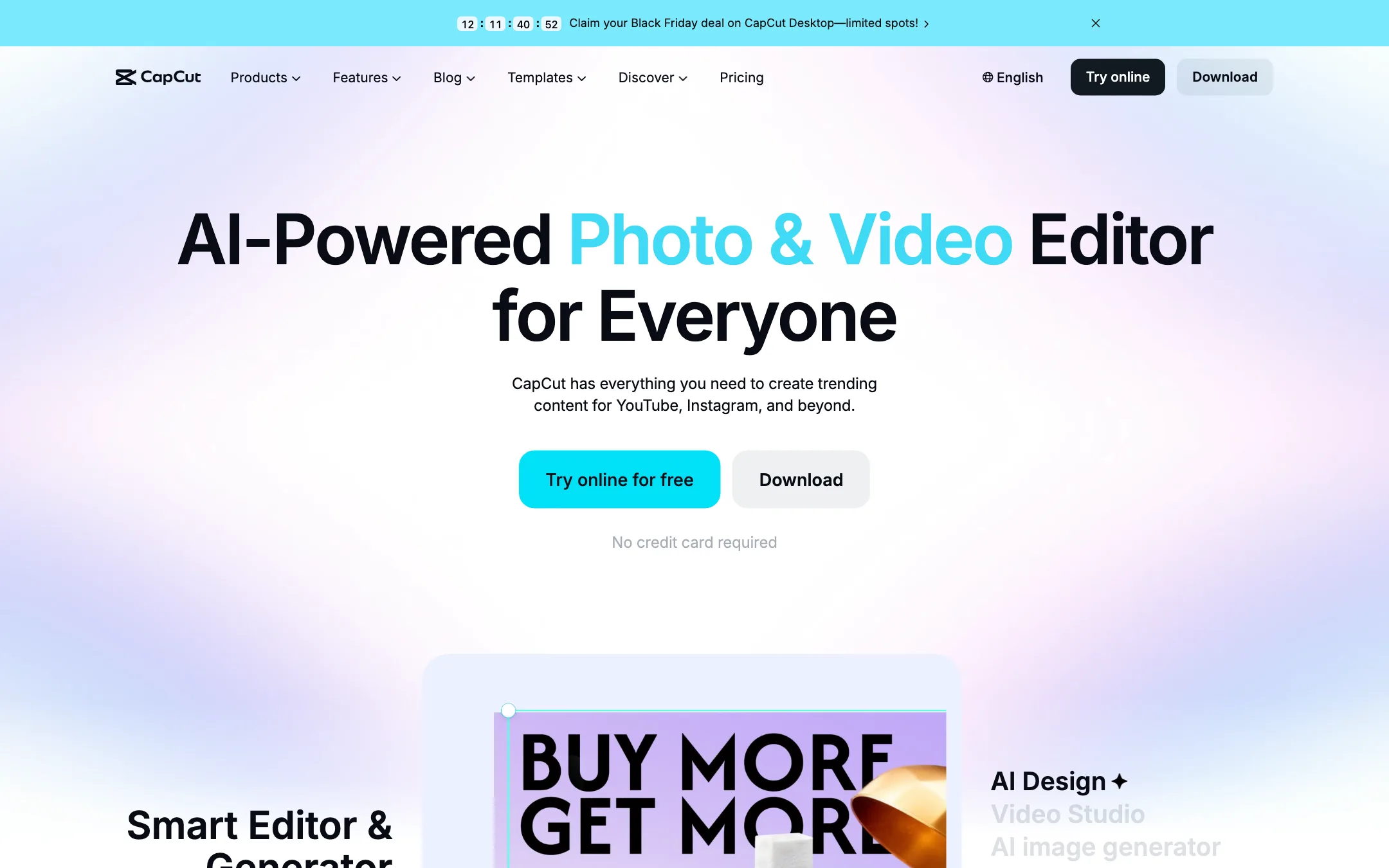
ByteDance's free all-round video editor with auto captions, huge template library and built-in Seedance video generation
Best for: Social creators who want one free editor on phone, browser and desktop, with auto captions and trend templates built in.
#11 in Video editors
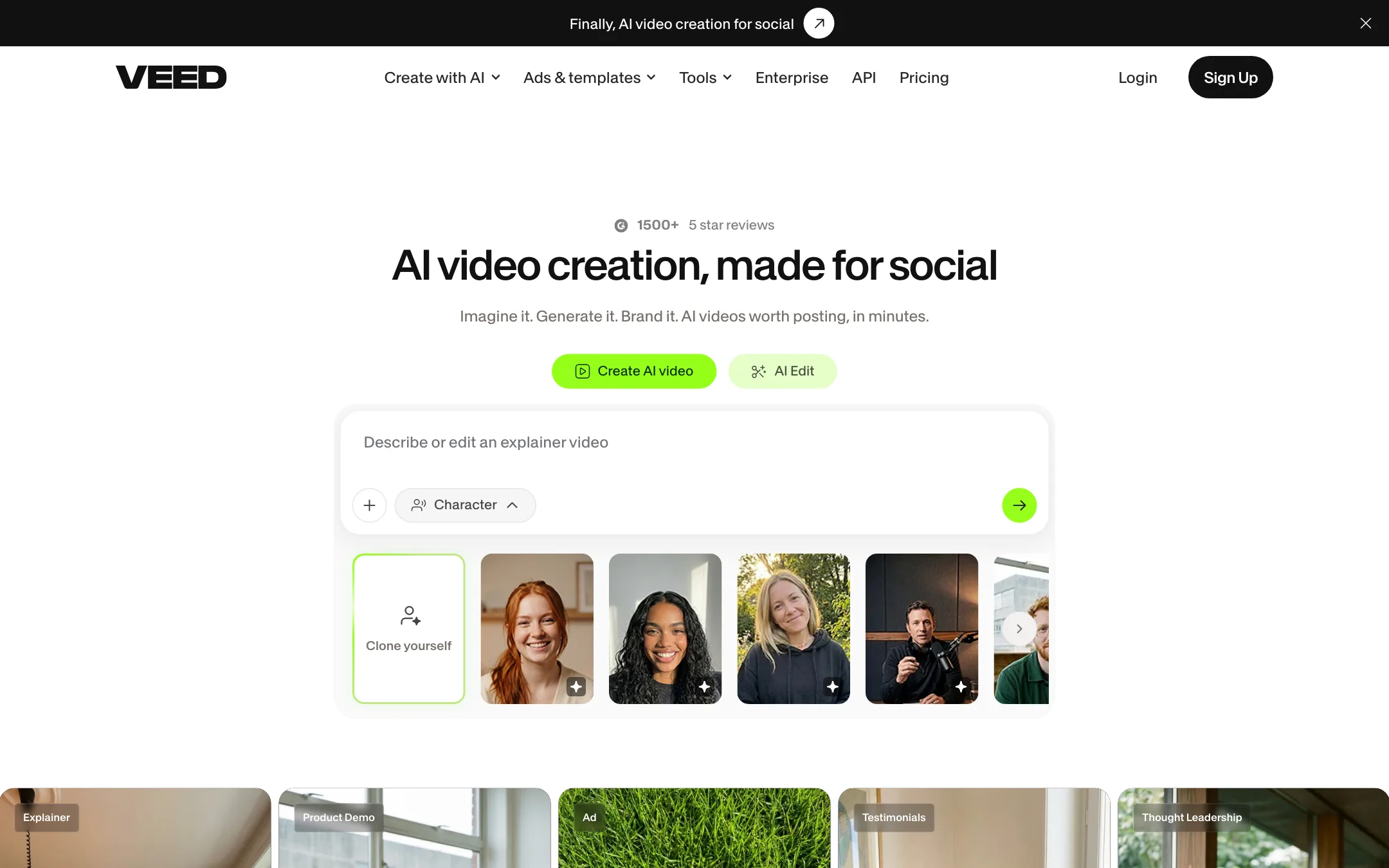
A browser video editor with auto subtitles, AI avatars, dubbing, eye contact correction and a model playground for Veo, Kling, Sora and VEED's own Fabric 1.0
Best for: Marketers, solopreneurs and social creators who want one browser app for editing, subtitles, talking-head fixes, avatars and AI clips.
CapCut or VEED?
CapCut is the better deal if you make short social videos and want to pay nothing. VEED earns its subscription when your videos are people talking to camera and you need polished subtitles, translation or eye contact fixes. If you are unsure, start on CapCut’s free plan and move to VEED only when you hit a wall.
What each one is built for
CapCut is built around templates and trends. It runs on phones, tablets, desktop and the web with one account, so you can shoot, cut and post from wherever you are.
VEED lives in the browser, with an iOS app on the side. Its strengths are the tools a marketer or webinar host reaches for: subtitles in 125+ languages per VEED, subtitle file export, noise removal and eye contact correction. It also resells a long list of outside video models (Veo, Kling, Sora and others) next to its own Fabric 1.0 talking-character model. CapCut’s generation sticks to ByteDance’s Seedance models.
What it costs at typical use
Assume 8 talking-head videos a month, each with burned-in captions.
- CapCut: the free plan includes auto captions, and CapCut promotes watermark-free exports for its core tools. Cost: likely $0. Check the export screen if you use Pro templates.
- VEED: free exports carry a moving watermark, so you need at least Creator. At $10 a month billed yearly, that is about $120 a year (VEED showed us $116 and $125 on different loads). VEED’s own subtitle page suggests monthly billing starts at $20.
Add translation and the gap grows. VEED keeps it on Pro, $20 to $21 a month billed yearly, or roughly $240 to $252 a year per user. CapCut lists caption translation among its caption tools.
For a team of three, VEED charges per seat, so Creator alone runs about $360 a year. CapCut’s Teams plan started at MYR 22.5 per seat when we checked.
Which to pick
- Pick CapCut if you make trend-driven shorts, edit on your phone, and want captions without a bill. Skip it if your employer blocks ByteDance apps.
- Pick VEED if you record webinars, UGC ads or LinkedIn videos and want subtitle files, translation, eye contact correction and several AI models in one browser tab.
Specs side by side
| CapCut | VEED | |
|---|---|---|
| Starting price | Pricing not published | From $10/mo |
| Free tier | ||
| Pricing | Free plan with basic editing and free templates. Pro, Ultra and Teams plans are priced per region; we saw Pro at MYR 48.9/mo. | Free plan with a VEED watermark. Creator from $10/user/mo billed yearly, Pro from $20/user/mo billed yearly; Enterprise custom. |
| Platforms | Web, Windows, macOS, iOS, Android, iPad | Web, iOS, API |
| Best for | Social creators who want one free editor on phone, browser and desktop, with auto captions and trend templates built in. | Marketers, solopreneurs and social creators who want one browser app for editing, subtitles, talking-head fixes, avatars and AI clips. |
| Last checked | 2026-10-19 | 2026-10-21 |
Pricing
CapCut
Free plan with basic editing and free templates. Pro, Ultra and Teams plans are priced per region; we saw Pro at MYR 48.9/mo.
- FreeFree
- ProMYR 48.9/mo · MYR 314.9/yr
- UltraMYR 324.9/mo · MYR 3,699/yr
- TeamsFrom MYR 22.5/seat/mo (2 seats)
VEED
Free plan with a VEED watermark. Creator from $10/user/mo billed yearly, Pro from $20/user/mo billed yearly; Enterprise custom.
- FreeFree
- Creator$10/user/mo billed yearly
- Pro$20 to $21/user/mo billed yearly
- Studio$35/user/mo billed yearly
- EnterpriseContact sales
Key features
CapCut
- Timeline editor on web, Windows, macOS, iPhone, iPad and Android
- Auto captions with language detection and caption translation
- Caption templates with styled, animated text
- Large library of templates for Reels, TikTok and Shorts
- Text to speech, custom voices, voice enhance and noise reduction
- Background removal for video and images
- AI video generation with ByteDance's Seedance models inside the editor
- AI image generation and image tools (enhancer, upscaler, inpainting, text remover)
- Teams plan with shared space and brand kit
VEED
- Browser video editor with trimming, text, music, stock media, brand kits and templates
- Auto subtitles in 125+ languages, animated and dynamic caption styles, SRT, VTT and TXT export
- Video translation and AI dubbing to 50+ languages on Pro
- Eye contact correction, background noise removal and video background removal
- AI avatars, plus Fabric 1.0, VEED's own model that makes any character image talk for up to 60 seconds
- AI Playground with third-party models including Veo 3.1, Kling, Sora 2, Seedance, Hailuo, PixVerse and LTX
- Text, script, image and video-to-video generation inside the same project
- Voice cloning, AI text to speech and an online teleprompter
- Screen recorder and an iOS app
- APIs for Fabric 1.0, lip sync, subtitles, background removal and green screen
Strengths and weaknesses
CapCut
- Free plan covers real editing on every platform
- Auto captions and caption styles are built into the timeline
- Template library is huge and tracks current trends
- Same account across phone, browser and desktop
- Seedance video generation lives inside the editor, so you can generate and cut in one place
- Pro includes 1 TB of cloud storage
- Prices vary by country and the final price only shows after sign-in
- Many effects, templates and AI tools sit behind Pro
- AI features run on credits, and generation pricing is quoted per second of video
- Owned by ByteDance, which some companies and schools block
- The sheer number of tools and menus can feel cluttered
- The affiliate program only pays for referrals from four countries
VEED
- Subtitle tools are among the best in any browser editor, with styling, animation and file export
- Talking-head fixes like eye contact correction and noise removal save real time on UGC and webinars
- One subscription covers editing, captions, dubbing, avatars and several AI video models
- Generated clips drop straight into a real editor, so you can fix one scene instead of regenerating everything
- Cheap entry on yearly billing
- Clear commercial-use statement on AI-generated videos
- Free exports carry a VEED watermark that moves around the frame
- The pricing page showed two different plan sets on the same day, with different credits and prices
- Monthly prices were hidden from our crawler, and VEED's own pages quote $10 and $20 for Creator
- Third-party models each cost a different amount of credits, so budgeting AI generation is hard
- Translation and 4K are Pro features, not on Creator
- Charges per user, so teams pay more as they add editors
Try CapCut
Free plan with basic editing and free templates. Pro, Ultra and Teams plans are priced per region; we saw Pro at MYR 48.9/mo.
Try VEED
Free plan with a VEED watermark. Creator from $10/user/mo billed yearly, Pro from $20/user/mo billed yearly; Enterprise custom.