CapCut vs Kapwing
Two video editors tools side by side: pricing, free plans, features and who each one suits.
#4 in Video editors

ByteDance's free all-round video editor with auto captions, huge template library and built-in Seedance video generation
Best for: Social creators who want one free editor on phone, browser and desktop, with auto captions and trend templates built in.

#15 in Video editors
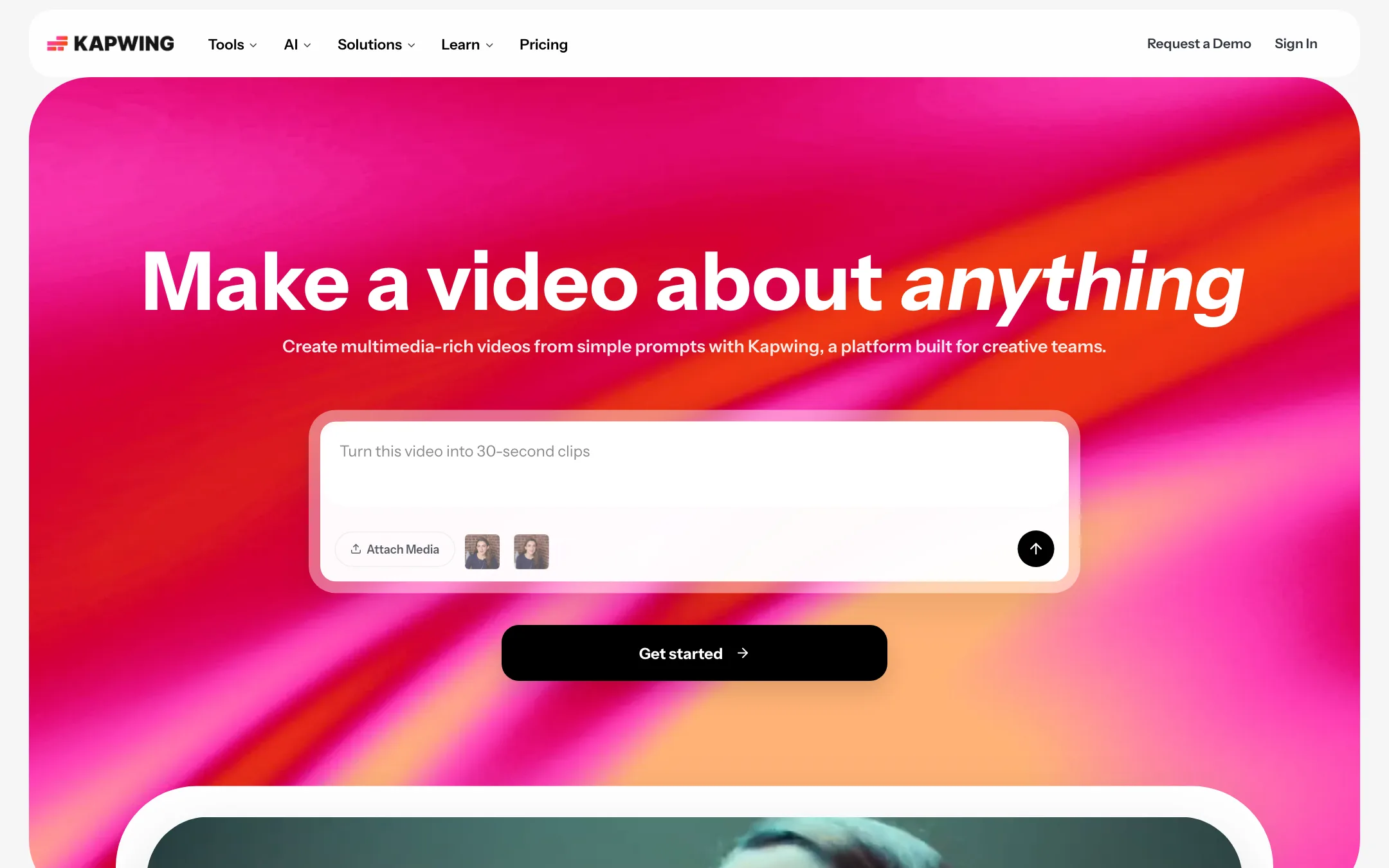
A collaborative browser video editor with AI subtitles, Smart Cut, clip making, dubbing and a prompt-to-video assistant that runs Seedance, Veo, Kling and other outside models
Best for: Social teams, marketers and educators who want subtitles, resizing, clip-cutting and quick edits in a browser, with team review built in.
CapCut or Kapwing?
If you work alone and post short videos, CapCut gives you more for nothing. Kapwing makes sense when you cut long recordings into clips and other people need to comment before anything goes out. Solo creators should pick CapCut. Small social or comms teams should look hard at Kapwing.
What each one is built for
CapCut is a creator’s editor. Trend templates, styled captions and effects are its core, and it runs on your phone, browser and desktop.
Kapwing is browser-only and leans toward repurposing and teamwork. You get transcript-based trimming, silence cutting, speaker-aware reframing and a clip maker that pulls shorts out of a long video. Shared workspaces, comments and version history come with Pro. CapCut has a Teams plan with a shared space and brand kit, but its files say nothing about comment threads or review.
Both have AI generation. CapCut uses ByteDance’s Seedance models. Kapwing routes prompts through outside models, including Seedance, Veo and Kling, via its Kai assistant.
What it costs at typical use
Assume one creator repurposing a weekly 40-minute podcast into 8 vertical clips a month, with subtitles.
- CapCut: cutting and captioning by hand works on the free plan. Cost: $0, plus your time.
- Kapwing: the free plan caps exports at 720p and 4 minutes, adds a watermark and deletes files after 3 days. That is a test, not a workflow. Pro is $16 a month billed yearly ($192 a year) or $24 monthly ($288 a year). Your usage of about 160 subtitle minutes sits well inside Pro’s 1,000-minute cap.
For two people, CapCut Teams started at MYR 22.5 per seat, so MYR 45 a month. Keep in mind Kapwing gives no refunds, so test on Free before paying for a year.
Which to pick
- Pick CapCut if you are a solo creator, edit on your phone at least some of the time, and want templates and captions for free.
- Pick Kapwing if your week is spent turning long recordings into clips, you want silence and transcript trimming in a browser tab, and teammates need to leave notes on a cut.
Specs side by side
| CapCut | Kapwing | |
|---|---|---|
| Starting price | Pricing not published | From $16/mo |
| Free tier | ||
| Pricing | Free plan with basic editing and free templates. Pro, Ultra and Teams plans are priced per region; we saw Pro at MYR 48.9/mo. | Free plan with 10 credits, 720p and a watermark. Pro from $16/mo billed yearly ($24 monthly). |
| Platforms | Web, Windows, macOS, iOS, Android, iPad | Web |
| Best for | Social creators who want one free editor on phone, browser and desktop, with auto captions and trend templates built in. | Social teams, marketers and educators who want subtitles, resizing, clip-cutting and quick edits in a browser, with team review built in. |
| Last checked | 2026-10-19 | 2026-10-21 |
Pricing
CapCut
Free plan with basic editing and free templates. Pro, Ultra and Teams plans are priced per region; we saw Pro at MYR 48.9/mo.
- FreeFree
- ProMYR 48.9/mo · MYR 314.9/yr
- UltraMYR 324.9/mo · MYR 3,699/yr
- TeamsFrom MYR 22.5/seat/mo (2 seats)
Kapwing
Free plan with 10 credits, 720p and a watermark. Pro from $16/mo billed yearly ($24 monthly).
- FreeFree
- Pro$16/mo yearly · $24 monthly
- Business$50/mo yearly · $64 monthly
- EnterpriseContact sales
Key features
CapCut
- Timeline editor on web, Windows, macOS, iPhone, iPad and Android
- Auto captions with language detection and caption translation
- Caption templates with styled, animated text
- Large library of templates for Reels, TikTok and Shorts
- Text to speech, custom voices, voice enhance and noise reduction
- Background removal for video and images
- AI video generation with ByteDance's Seedance models inside the editor
- AI image generation and image tools (enhancer, upscaler, inpainting, text remover)
- Teams plan with shared space and brand kit
Kapwing
- Drag-and-drop multi-track timeline in the browser, with transitions, effects and stock assets
- Subtitler with auto-subtitles, translation and SRT or VTT downloads
- Trim with Transcript, which cuts video when you delete words
- Smart Cut silence removal and Clean Audio noise removal
- Repurpose Studio and Clip Maker for turning long videos into short clips
- Speaker Focus and Resize Video for reframing to 9:16, 1:1 and other sizes
- Dubbing into 40+ languages, text to speech, voice clones and lip sync
- Kai assistant for prompt-to-video, storyboards and chat-based edits
- Model picker with Seedance, Veo, Kling, MiniMax, Grok Imagine and Happy Horse for generated scenes
- Character Consistency for reusing an AI character across scenes
- Real-time collaboration, comments, link sharing, Brand Kit and custom fonts
- Screen, camera and audio recorder
Strengths and weaknesses
CapCut
- Free plan covers real editing on every platform
- Auto captions and caption styles are built into the timeline
- Template library is huge and tracks current trends
- Same account across phone, browser and desktop
- Seedance video generation lives inside the editor, so you can generate and cut in one place
- Pro includes 1 TB of cloud storage
- Prices vary by country and the final price only shows after sign-in
- Many effects, templates and AI tools sit behind Pro
- AI features run on credits, and generation pricing is quoted per second of video
- Owned by ByteDance, which some companies and schools block
- The sheer number of tools and menus can feel cluttered
- The affiliate program only pays for referrals from four countries
Kapwing
- Runs in any browser with nothing to install
- Subtitles, resizing and silence cutting cover most daily social editing
- Real timeline, so AI output can be fixed by hand
- Team commenting and shared workspaces on Pro
- 4K and two-hour exports from the first paid plan
- Several outside video models in one subscription, no separate accounts
- Free plan caps exports at 720p and 4 minutes, adds a watermark and keeps files 3 days
- Monthly billing costs 50% more than the yearly price on Pro
- No refunds on any subscription, per the refund policy
- Voice clones and lip sync are Business-only
- Kapwing does not train its video models; it says it integrates third-party ones
- Model and user counts disagree across its own pages (10+ vs 18 models, 30M vs 35M creators)
Try CapCut
Free plan with basic editing and free templates. Pro, Ultra and Teams plans are priced per region; we saw Pro at MYR 48.9/mo.
Try Kapwing
Free plan with 10 credits, 720p and a watermark. Pro from $16/mo billed yearly ($24 monthly).