CapCut vs InShot
Two video editors tools side by side: pricing, free plans, features and who each one suits.
#4 in Video editors
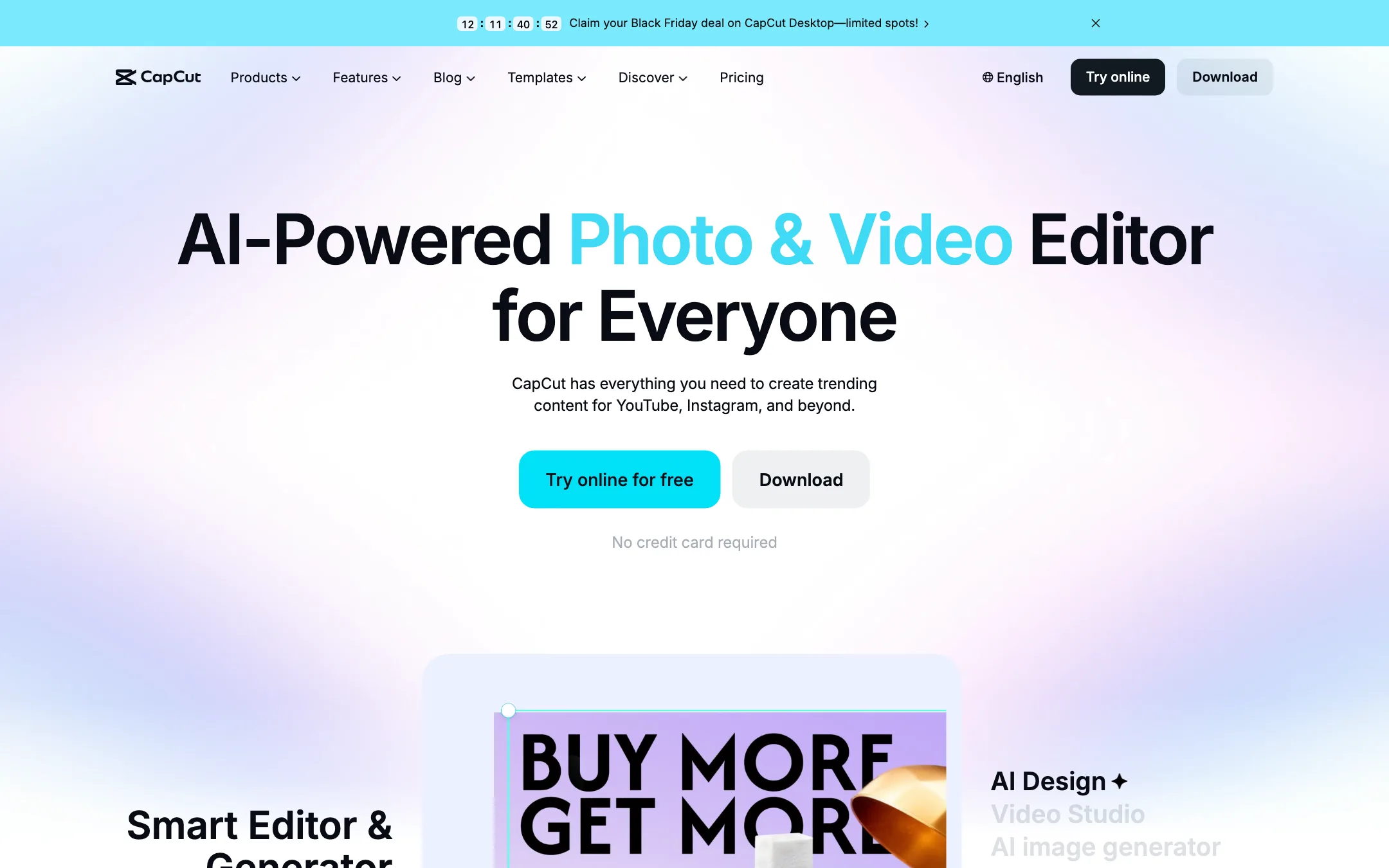
ByteDance's free all-round video editor with auto captions, huge template library and built-in Seedance video generation
Best for: Social creators who want one free editor on phone, browser and desktop, with auto captions and trend templates built in.

#14 in Video editors
A long-running mobile video and photo editor with AI captions, AI Cut silence removal and text to speech, sold as a cheap Pro upgrade
Best for: Phone-first creators making Reels, TikToks and vlogs who want a simple, cheap editor with auto captions and quick AI cleanup.
CapCut or InShot?
CapCut does more, on more devices, and its free plan goes further. InShot is simpler and its paid plan costs very little. Most short-form creators should start with CapCut. Choose InShot if you only edit on your phone, want a calmer interface, or cannot use ByteDance apps.
What each one is built for
CapCut is an all-round editor that syncs one account across phone, browser and desktop. Its strengths are the trend template library, captions inside the timeline, and Seedance video generation for clips you cannot film. The cost of all that is a busy interface and a credit system for AI tools.
InShot is a phone editor first and last, with no web or Windows version. It covers the repeat jobs well: auto captions, AI Cut for silences and fillers, voice cleanup, keyframes and chroma key, plus photo editing and collages in the same app.
What it costs at typical use
Free first. CapCut’s core editor and subtitle tools are promoted as exporting without a watermark, though some templates and Pro assets are restricted. InShot’s free exports carry a watermark, and the Android app shows ads. If you plan never to pay, CapCut is the stronger free option.
If you do pay, InShot is cheap and easy to price. On the US App Store, Pro is $19.99 a year or $49.99 once. Over three years, yearly costs $59.97, so lifetime saves about $10 and keeps saving after that.
CapCut Pro is priced by region and only shown in full after sign-in. We saw MYR 48.9 a month. Third-party guides put the US price near $19.99 a month, which we could not confirm. At that figure, one month of CapCut Pro costs about the same as a full year of InShot Pro. CapCut’s paid tier adds AI credits and 1 TB of storage, which InShot does not offer.
Which to pick
- Pick CapCut if you follow trends and want templates, edit on both phone and laptop, want a capable free plan, or want to generate AI clips inside your editor.
- Pick InShot if you edit only on your phone, prefer a simple layout, want to pay once instead of monthly, or your workplace blocks ByteDance apps.
Specs side by side
| CapCut | InShot | |
|---|---|---|
| Starting price | Pricing not published | From $1.67/mo |
| Free tier | ||
| Pricing | Free plan with basic editing and free templates. Pro, Ultra and Teams plans are priced per region; we saw Pro at MYR 48.9/mo. | Free app with ads and a watermark. InShot Pro is $4.99/mo, $19.99/yr or $49.99 once on the US App Store. |
| Platforms | Web, Windows, macOS, iOS, Android, iPad | iOS, iPadOS, Android |
| Best for | Social creators who want one free editor on phone, browser and desktop, with auto captions and trend templates built in. | Phone-first creators making Reels, TikToks and vlogs who want a simple, cheap editor with auto captions and quick AI cleanup. |
| Last checked | 2026-10-19 | 2026-10-21 |
Pricing
CapCut
Free plan with basic editing and free templates. Pro, Ultra and Teams plans are priced per region; we saw Pro at MYR 48.9/mo.
- FreeFree
- ProMYR 48.9/mo · MYR 314.9/yr
- UltraMYR 324.9/mo · MYR 3,699/yr
- TeamsFrom MYR 22.5/seat/mo (2 seats)
InShot
Free app with ads and a watermark. InShot Pro is $4.99/mo, $19.99/yr or $49.99 once on the US App Store.
- FreeFree
- InShot Pro Monthly$4.99/mo
- InShot Pro Yearly$19.99/yr
- InShot Pro Lifetime$49.99 once
- Add-ons$1.99 to $3.99
Key features
CapCut
- Timeline editor on web, Windows, macOS, iPhone, iPad and Android
- Auto captions with language detection and caption translation
- Caption templates with styled, animated text
- Large library of templates for Reels, TikTok and Shorts
- Text to speech, custom voices, voice enhance and noise reduction
- Background removal for video and images
- AI video generation with ByteDance's Seedance models inside the editor
- AI image generation and image tools (enhancer, upscaler, inpainting, text remover)
- Teams plan with shared space and brand kit
InShot
- Timeline editing with trim, split, merge, reverse and speed curves from 0.1x to 100x
- Auto Captions with speech-to-text, plus bilingual subtitles
- AI Speech text to speech with several voices and accents
- AI Cut that removes silences, filler words and breath sounds
- Voice Enhance to reduce background noise
- Auto background removal for video and photos
- Keyframes, chroma key, picture-in-picture and blend modes
- Smart tracking that pins text or stickers to a moving object
- Filters, effects, transitions and a built-in music library
- Photo editor and collage maker in the same app
- Export up to 4K at 60fps
Strengths and weaknesses
CapCut
- Free plan covers real editing on every platform
- Auto captions and caption styles are built into the timeline
- Template library is huge and tracks current trends
- Same account across phone, browser and desktop
- Seedance video generation lives inside the editor, so you can generate and cut in one place
- Pro includes 1 TB of cloud storage
- Prices vary by country and the final price only shows after sign-in
- Many effects, templates and AI tools sit behind Pro
- AI features run on credits, and generation pricing is quoted per second of video
- Owned by ByteDance, which some companies and schools block
- The sheer number of tools and menus can feel cluttered
- The affiliate program only pays for referrals from four countries
InShot
- Very cheap Pro, with a $49.99 lifetime option on iOS
- Simple interface that suits beginners
- Auto captions and AI Cut cover the two jobs short-form creators repeat most
- Huge user base, 4.8 stars from 2.5 million App Store ratings
- Photo, collage and video editing in one app
- 4K 60fps export
- Mobile only, no desktop or web editor
- Free exports carry a watermark and the Android app shows ads
- Prices are hidden on InShot's own site; you only see them in the store or app
- Advanced timeline work feels cramped on a phone screen
- No public list of which AI tools need Pro and which are free
- No affiliate program
Try CapCut
Free plan with basic editing and free templates. Pro, Ultra and Teams plans are priced per region; we saw Pro at MYR 48.9/mo.
Try InShot
Free app with ads and a watermark. InShot Pro is $4.99/mo, $19.99/yr or $49.99 once on the US App Store.