CapCut vs Microsoft Clipchamp
Two video editors tools side by side: pricing, free plans, features and who each one suits.
#4 in Video editors
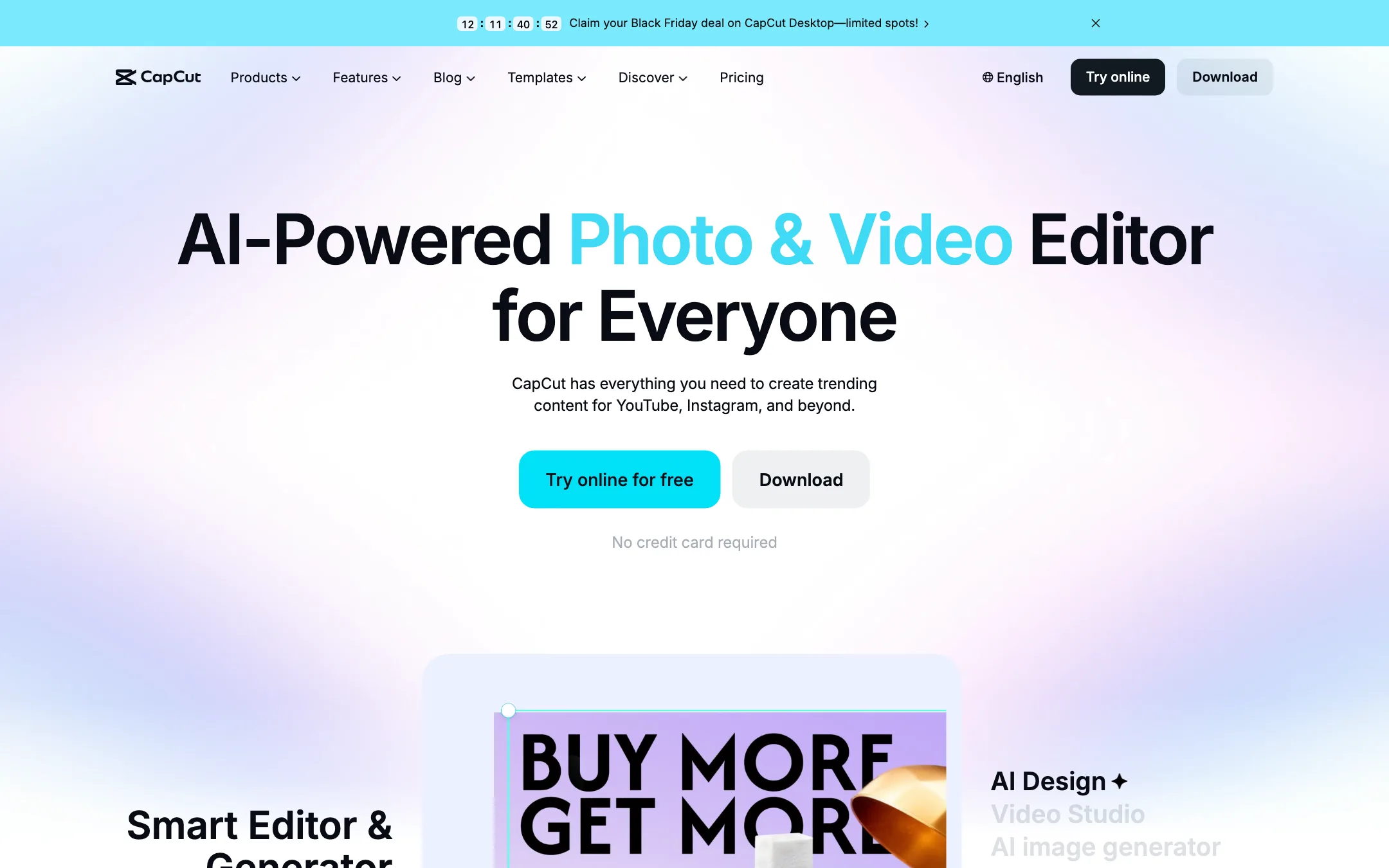
ByteDance's free all-round video editor with auto captions, huge template library and built-in Seedance video generation
Best for: Social creators who want one free editor on phone, browser and desktop, with auto captions and trend templates built in.
#17 in Video editors
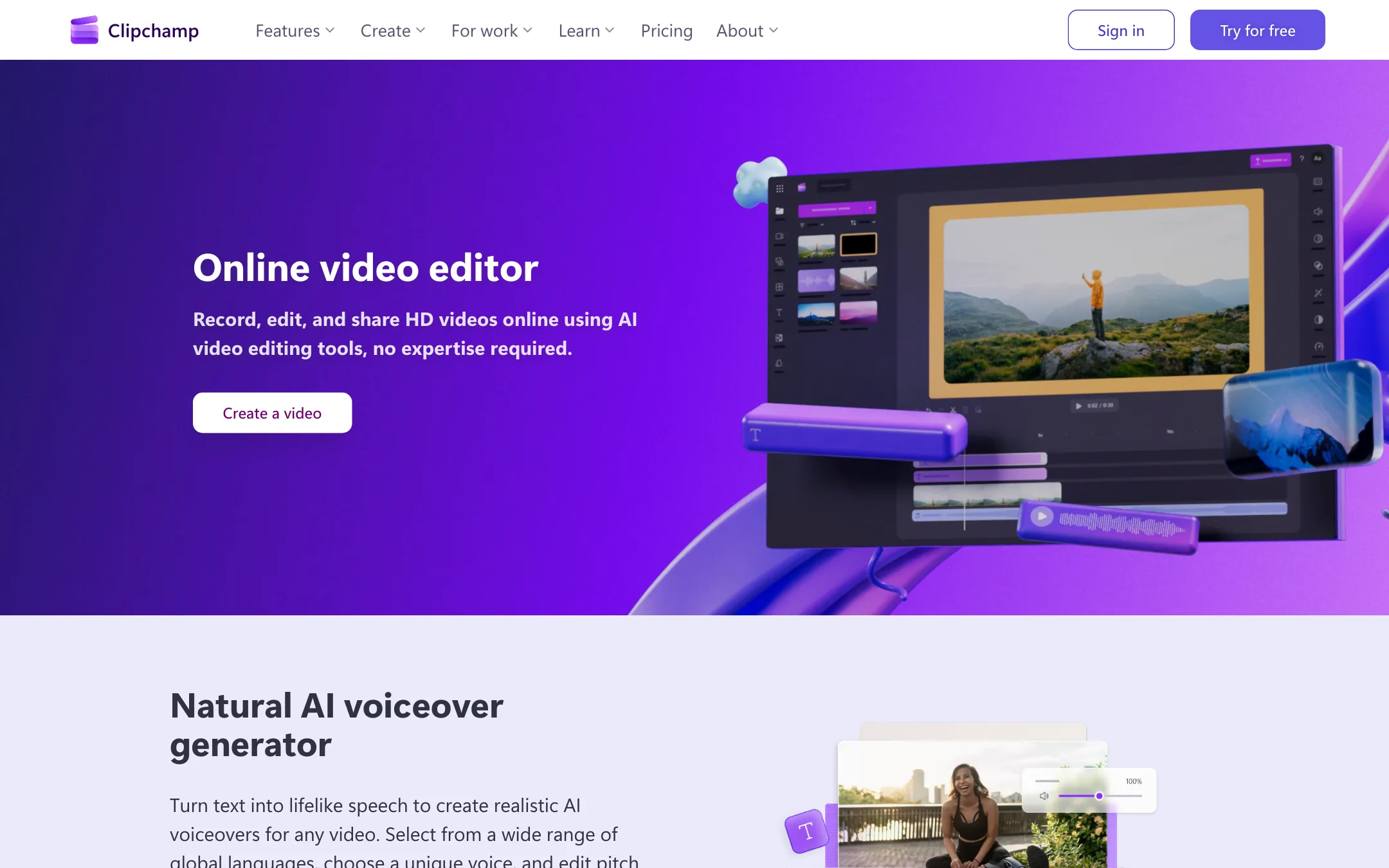
Microsoft's free browser and Windows video editor with AI captions in 80+ languages, text to speech, silence removal and watermark-free 1080p exports
Best for: Beginners, students, small businesses and Windows users who want a free, no-watermark editor for simple social, tutorial and screen-recording videos.
CapCut or Microsoft Clipchamp?
Both editors are free and both let you export without a watermark, so the choice comes down to where you edit and what you make. CapCut is the stronger pick for TikTok-style shorts and anyone who edits on a phone. Clipchamp is the calmer choice for tutorials, school projects and Windows users who want something already installed.
What each one is built for
CapCut chases trends. Its template library, animated caption styles and effects are tuned for vertical social video, and it runs on iPhone, Android, iPad, desktop and the web.
Clipchamp keeps things simple. It is a plain timeline in the browser and on Windows, with a screen and webcam recorder built in, text to speech with hundreds of voices, and audio cleanup. There is no mobile app, and Mac users work in the browser. Its caption styling is basic, so if you want word-by-word animated captions, CapCut does that out of the box.
The ownership question cuts both ways. CapCut is ByteDance, which some workplaces and schools block. Clipchamp is Microsoft, which many offices already approve.
What it costs at typical use
Assume 8 short videos a month at 1080p with captions.
- CapCut: free, as long as you avoid Pro templates and effects. AI generation needs Pro, which we saw at MYR 314.9 a year.
- Clipchamp: free, with 1080p exports, captions, voiceover and silence removal all included.
Both come out at $0. The difference shows up when you want more. Clipchamp’s upgrade only exists inside Microsoft 365 Personal at $99.99 a year, about $8.33 a month. It adds 4K, premium stock and a brand kit, plus Office apps. If you already pay for Microsoft 365, that upgrade costs you nothing extra. CapCut’s upgrade is about premium templates and AI credits, and its price depends on your country.
Which to pick
Specs side by side
| CapCut | Microsoft Clipchamp | |
|---|---|---|
| Starting price | Pricing not published | From $8.33/mo |
| Free tier | ||
| Pricing | Free plan with basic editing and free templates. Pro, Ultra and Teams plans are priced per region; we saw Pro at MYR 48.9/mo. | Free with a personal Microsoft account, no watermark, exports up to 1080p. Premium (4K, premium stock, brand kit) comes with Microsoft 365 Personal from $99.99/yr. |
| Platforms | Web, Windows, macOS, iOS, Android, iPad | Web, Windows |
| Best for | Social creators who want one free editor on phone, browser and desktop, with auto captions and trend templates built in. | Beginners, students, small businesses and Windows users who want a free, no-watermark editor for simple social, tutorial and screen-recording videos. |
| Last checked | 2026-10-19 | 2026-10-21 |
Pricing
CapCut
Free plan with basic editing and free templates. Pro, Ultra and Teams plans are priced per region; we saw Pro at MYR 48.9/mo.
- FreeFree
- ProMYR 48.9/mo · MYR 314.9/yr
- UltraMYR 324.9/mo · MYR 3,699/yr
- TeamsFrom MYR 22.5/seat/mo (2 seats)
Microsoft Clipchamp
Free with a personal Microsoft account, no watermark, exports up to 1080p. Premium (4K, premium stock, brand kit) comes with Microsoft 365 Personal from $99.99/yr.
- FreeFree
- Microsoft 365 Personal$99.99/yr · $9.99 monthly
- Microsoft 365 Family$129.99/yr · $12.99 monthly
- Microsoft 365 Premium$199.99/yr · $19.99 monthly
- Work and schoolVaries
Key features
CapCut
- Timeline editor on web, Windows, macOS, iPhone, iPad and Android
- Auto captions with language detection and caption translation
- Caption templates with styled, animated text
- Large library of templates for Reels, TikTok and Shorts
- Text to speech, custom voices, voice enhance and noise reduction
- Background removal for video and images
- AI video generation with ByteDance's Seedance models inside the editor
- AI image generation and image tools (enhancer, upscaler, inpainting, text remover)
- Teams plan with shared space and brand kit
Microsoft Clipchamp
- Browser-based timeline editor, plus a Windows app built into Windows 11
- AI autocaptions in 80+ languages with an editable transcript and SRT download
- AI text to speech with 400 voices in 80 languages, pitch and pace control
- AI audio cleanup, including noise removal, silence removal and filler-word removal
- Auto compose, which turns your photos and clips into a first-draft video
- Screen, webcam and voice recorder in the browser
- Royalty-free stock video, images, music, stickers, GIFs and sound effects
- Templates for YouTube, TikTok, Instagram Reels, slideshows and promos
- Exports at 480p, 720p, 1080p, 4K (premium), GIF or audio only
- Direct sharing to OneDrive, Google Drive, YouTube, TikTok, Dropbox and LinkedIn
Strengths and weaknesses
CapCut
- Free plan covers real editing on every platform
- Auto captions and caption styles are built into the timeline
- Template library is huge and tracks current trends
- Same account across phone, browser and desktop
- Seedance video generation lives inside the editor, so you can generate and cut in one place
- Pro includes 1 TB of cloud storage
- Prices vary by country and the final price only shows after sign-in
- Many effects, templates and AI tools sit behind Pro
- AI features run on credits, and generation pricing is quoted per second of video
- Owned by ByteDance, which some companies and schools block
- The sheer number of tools and menus can feel cluttered
- The affiliate program only pays for referrals from four countries
Microsoft Clipchamp
- Free exports have no watermark and go up to 1080p
- AI captions, AI voiceover and auto compose are free on the free plan
- Nothing to install if you have a modern browser, and it ships with Windows 11
- Clean, simple timeline that suits people who have never edited before
- Built-in screen and webcam recorder for tutorials and demos
- Premium is cheap if you already pay for Microsoft 365
- Premium is only sold inside Microsoft 365, so you pay for Office apps you may not need
- 4K export, premium stock and the brand kit are locked behind Microsoft 365
- No AI clipping of long videos into shorts, unlike dedicated clip makers
- No native Mac or mobile app; Mac users work in the browser
- Prompt-to-video creation with Copilot is for work accounts only
- Microsoft says it can limit transcription and translation to curb heavy use
- No affiliate program and no public pricing page of its own
Try CapCut
Free plan with basic editing and free templates. Pro, Ultra and Teams plans are priced per region; we saw Pro at MYR 48.9/mo.
Try Microsoft Clipchamp
Free with a personal Microsoft account, no watermark, exports up to 1080p. Premium (4K, premium stock, brand kit) comes with Microsoft 365 Personal from $99.99/yr.