Animaker vs Powtoon
Two video editors tools side by side: pricing, free plans, features and who each one suits.

#6 in Video editors
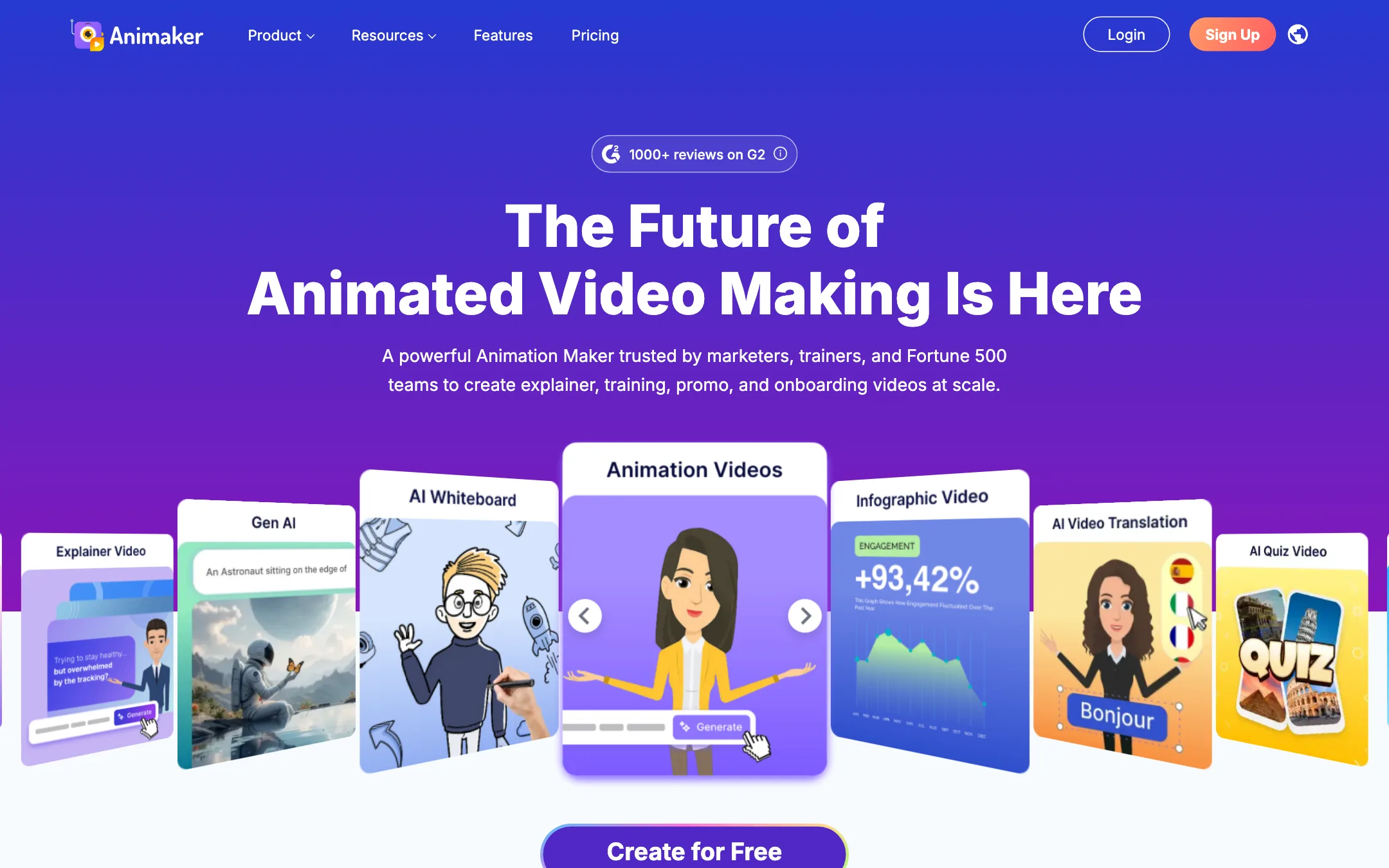
A browser-based animation studio for explainer, training and promo videos, with a character builder, whiteboard mode, AI voices and prompt-to-animation
Best for: Trainers, HR teams, teachers and marketers who need clear animated explainers and training videos without hiring an animator.

#19 in Video editors

A long-running browser studio for animated explainers, whiteboard videos and presentations, now with an Imagine AI layer for doc to video, Veo clips, ElevenLabs voices and HeyGen avatars
Best for: Trainers, marketers and small businesses who want animated explainers and branded presentations without learning motion graphics.
Animaker or Powtoon?
These two are the closest match on the site: browser animation studios with templates, a character builder and whiteboard styles. The real difference is in the plan rules, not the editor. If your videos go into ads or client work, Powtoon is the cheaper legal route. If they stay internal and you want to work from a phone too, Animaker is easier on the budget.
What each one is built for
Both aim at trainers, HR and marketers. Animaker leans on its character builder and a huge asset library, and it is the only one of the two with iOS and Android apps. Powtoon leans on presentations: you can export to PPT or PDF and present live, and its Anything to Video feature turns a document into an editable draft. Powtoon’s AI layer runs on Veo clips, ElevenLabs voices and HeyGen avatars from one credit pool. Animaker’s AI is a prompt-to-animation drafter plus a small monthly allowance of generated video seconds.
What it costs at typical use
Say you make 6 explainer videos a month, some for paid ads.
- Animaker lists commercial rights only on Pro: $43/mo billed yearly, or $516 a year. That also gets you 2K export and 30-minute videos.
- Powtoon lists commercial rights on every paid plan, but Lite removes the watermark on only 5 exports a month. Six videos means Professional at $40/mo billed yearly, or $480 a year. That $40 is a sale price against a struck-through $70, so check renewal.
If the videos are internal only, Animaker Starter at $25/mo yearly gives Full HD and 15-minute videos with no watermark on any export. Powtoon Lite at $15 would cap you at 5 clean exports.
On AI credits, be careful with Powtoon’s yearly plans. Lite’s 300 credits last the whole year, and Powtoon does not say what each AI feature costs.
Which to pick
- Pick Animaker if your videos are internal, you want custom cartoon characters, or you want mobile apps. See the Animaker review.
- Pick Powtoon if you need commercial rights below $500 a year, present slides live, or want Veo and HeyGen inside the editor. See the Powtoon review.
Specs side by side
| Animaker | Powtoon | |
|---|---|---|
| Starting price | From $15/mo | From $15/mo |
| Free tier | ||
| Pricing | Free plan with watermarked exports. Paid plans from $15/mo billed yearly ($27 monthly). | Free plan with 720p, 3-minute videos and a watermark. Paid plans from $15/mo billed yearly. |
| Platforms | Web, iOS, Android | Web |
| Best for | Trainers, HR teams, teachers and marketers who need clear animated explainers and training videos without hiring an animator. | Trainers, marketers and small businesses who want animated explainers and branded presentations without learning motion graphics. |
| Last checked | 2026-10-19 | 2026-10-21 |
Pricing
Animaker
Free plan with watermarked exports. Paid plans from $15/mo billed yearly ($27 monthly).
- Free$0
- Basic$15/mo yearly ($180/yr) · $27 monthly
- Starter$25/mo yearly ($300/yr) · $45 monthly
- Pro$43/mo yearly ($516/yr) · $79 monthly
- EnterpriseCustom
Powtoon
Free plan with 720p, 3-minute videos and a watermark. Paid plans from $15/mo billed yearly.
- FreeFree
- Lite$15/mo billed yearly
- Professional$40/mo billed yearly
- Advanced$125/mo billed yearly
- Teams and EnterpriseContact sales
- Credit packs$49 to $149
Key features
Animaker
- Drag-and-drop animation editor with thousands of templates
- Character builder for custom cartoon characters, with actions and expressions
- Prompt-to-animation generator that drafts a video from a text idea
- Whiteboard and infographic animation modes
- AI voiceovers with auto lip sync, using voices from providers such as ElevenLabs, Microsoft and Google
- AI subtitles with translation into 100+ languages
- One-click video translation (Enterprise)
- Generative AI clips and AI image, background and prop generators
- Stock library of 100M+ assets and 30K+ music tracks and effects
- Avatar-based presentation maker with PowerPoint import
- Real-time collaboration and brand kit (Enterprise)
Powtoon
- Drag-and-drop studio for animated presentations, explainers, whiteboard and infographic videos
- Hundreds of templates and a 4M+ stock media library, per Powtoon
- Character builder with cartoon and realistic styles
- Screen and webcam recording
- AI Anything to Video: turns a PDF, Word doc, deck, URL or prompt into an editable draft
- AI scriptwriter, AI captions and AI text-to-image (Nano Banana)
- AI clip generation with Google Veo
- AI text-to-speech with ElevenLabs voices
- AI avatars powered by HeyGen, with lip sync and a choice of 95+ presenters
- AI translation and dubbing into 120+ languages, per Powtoon
- Brand kits, shared folders, reviews and approvals for teams
- Export to MP4, PPT and PDF, and publish to YouTube, Vimeo, Wistia, HubSpot and Slack
Strengths and weaknesses
Animaker
- Free plan lets you build and export real videos
- Very large template and asset library for business and training topics
- Character builder is a genuine differentiator for branded cartoons
- Whiteboard mode included on every paid plan
- Paid plans remove the watermark from Basic up
- Web, iOS and Android apps
- Commercial rights are listed only from Pro ($43/mo yearly) upward
- Generative AI video is capped at 90 or 180 seconds a month on Starter and Pro, and none on Basic
- Premium downloads are counted, as low as 5 a month on Basic
- Collaboration, brand kit and video translation sit behind custom Enterprise pricing
- Monthly billing costs up to 45% more than yearly
- Output style is template animation, not realistic AI footage
Powtoon
- Free plan with no time limit for learning the editor
- Animated and whiteboard styles that pure AI generators do not offer
- Doc to video gives you an editable draft, not a locked output
- One credit balance covers Veo, ElevenLabs and HeyGen features
- Strong brand and team controls on higher plans
- Commercial rights on every paid plan
- Lite removes the watermark on only 5 exports a month
- Yearly plans grant AI credits per year, so Lite gets 300 credits for twelve months
- Credit packs are expensive at $49 for 125 credits, and non-refundable
- Monthly prices did not display on the pricing page when we checked
- Professional's $40 is a 43% sale price against a struck-through $70, with no end date shown
- Credit cost per AI feature is not published
- Pitch and templates lean toward corporate training more than creator content
Try Animaker
Free plan with watermarked exports. Paid plans from $15/mo billed yearly ($27 monthly).
Try Powtoon
Free plan with 720p, 3-minute videos and a watermark. Paid plans from $15/mo billed yearly.